It’s nine in the morning, you have just opened your laptop, and the first question in your head has nothing to do with revenue or with Friday’s delivery: you simply want to know who’s working. Who has already started, who is running late, who is on vacation, and who is at a client’s place today.
It sounds like a small thing, and in theory it is. In practice, that answer arrives after three WhatsApp messages, a call to the site supervisor, and a quick look at a spreadsheet somebody updated last week. Ten minutes a day for a piece of information that should be available in two seconds.
It gets complicated as soon as your company no longer sits in one place. With remote work, technicians in the field, sales reps on the road, and crews that change job sites every week, the old time clock by the door tells only part of the story: the part about the people who come through the office.
And it isn’t only about your own planning. When nobody can say who is available today, that information is missing on the phone, in the conversation with a client, and when the next urgent job needs an owner.
The good news is that you don’t need to control more. You need to see better, and with less effort. Those are two different things: the first creates distrust, the second gives you room to plan the day, redistribute work, and answer a client without asking anyone first.
In this article we look at why knowing who’s working has become harder, what information a team lead really needs, and how you get to a calm view that respects the people on your team. No complicated software, and no turning the morning into an interrogation.
Who’s Working Today? The Question That Opens Every Morning
Every morning, in thousands of small and midsize companies, the day starts with an informal roll call. A round of phone calls, a message in the team chat, a question shouted down the hallway: who’s in today? A ritual that looks harmless, because it costs a few minutes and nobody questions it.
The real price isn’t the time. It’s that the day’s decisions get made on incomplete information. You assign a job to a technician who actually took the day off, you promise a client a delivery nobody can follow up on, you call a meeting while half the people involved are out.
There is also a less visible effect: when the team’s availability isn’t clear, whoever coordinates compensates with their own presence. You spend the morning working as a switchboard, you answer everything yourself, and the tasks that need concentration slide into the afternoon or into the evening.
Knowing who’s working, in real time and without having to ask, changes the way you set priorities. Not because it gives you more power over people, but because it gives you back the ability to plan with current data instead of impressions. That is the difference between improvising a day and running it calmly, and it shows immediately in the quality of the answers you give your clients.
Why the Traditional Time Clock Doesn’t Fit Hybrid and Field Teams
Time tracking systems designed last century start from a simple assumption: everyone works in the same building and comes in through the same door. The badge, the turnstile, and the fingerprint reader at the entrance work well as long as that assumption holds.
Today it holds for a smaller and smaller share of companies. A construction firm has crews that change job sites every week. An engineering office alternates desk days with days at home. A distribution company has people who start the day at the first client, without stopping by the office.
The result is a system that records a minority well and leaves the majority out. People who work outside end up reporting their hours informally, and that information reaches management days later, when it was needed the same morning.

There is also a fairness issue that weighs on the internal climate. If the person at the office clocks in and the person in the field sends a message, two different rules apply to the same work. Sooner or later somebody says something.
Payroll and client invoicing depend on those same hours, which is why this matters beyond the morning. The way out isn’t to tighten the old system, but to move the clock-in to where the people are: onto the device they already hold, with one procedure for everyone.
Information Scattered Across WhatsApp, Email, and Spreadsheets
When there is no shared tool, information doesn’t disappear: it spreads out. A vacation request arrives by email, two hours of personal time by message, a late start by phone, and the monthly summary lives in a spreadsheet that only one person knows how to update.
Each channel works on its own. The problem appears in the sum: none of the four holds the whole picture, so the answer to who’s working today exists only in the head of the person who has read everything. If that person is in a meeting or on vacation, the company has no answer.
That is where the most common misunderstandings come from: the vacation approved verbally that nobody wrote down, the day off reported to the wrong colleague, the hours from a job site that show up twice in the final count. These are not errors of bad faith, but consequences of information that lives in too many places.
The admin side pays for it as well. Closing the month turns into reconstruction work: digging up messages, cross-checking emails, asking for confirmations. Work that takes entire days and always arrives after the moment when the data would have been useful. Centralizing doesn’t mean more paperwork: it means one place to look, kept current by the people doing the work and open to whoever organizes the day.
What Information You Actually Need to Know Who’s Working
Before choosing a tool, it’s worth clarifying what you really need, because the temptation to measure everything only produces data nobody looks at. Day to day, a team lead needs four answers, and all four are simple, even if today they cost you half a morning and several phone calls.
The first is who is active right now: who has started the workday and is working at this moment. The second is who is absent and why, separating planned vacation, personal time, sick leave, and field assignments, because the organizational response is different in each case.
The third answer is who hasn’t started yet, meaning the people who are expected and don’t show up as present. The fourth is the where: which office, job site, or workstation each person opened the day from, a valuable detail when you need to send someone to a client and want to pick whoever is closest.
That’s four pieces of information, not forty. Everything else (reports, statistics, history) helps whoever analyzes the month, not whoever has to organize the morning. Separating those two levels is the fastest way to tell whether a tool makes your work lighter or adds to it. The test is practical: if it gives you those four answers on one screen, you’re on the right track, even if it looks too simple.
Late Starts and Unexpected Absences: The Value of Automatic Notifications
A late start reported at nine thirty is information. The same late start discovered at noon, when the client calls to ask where the technician is, is a problem. The difference isn’t in the event, which is normal and happens to everyone, but in the moment you find out about it, because that is what decides how much room you still have.
That’s why the most useful function isn’t control, it’s the alert. If an unexpected absence reaches you early, you have time to reorganize: you move a job, you call a colleague, you tell the client before the client calls you. If it reaches you late, all that’s left is managing the consequences.
To get that kind of signal reliably, you need time tracking software built for companies, such as Kinmu, a tool that lets everyone on the team record the start and the end of their workday quickly and intuitively, from the device they already use every day.
On that base we build the part that interests you most: notifications and automatic summaries. You get an alert as soon as someone who is expected hasn’t clocked in, plus an overview of the day’s coverage. That way you start the morning with the picture in front of you instead of a list of questions. It’s the principle of a good alarm clock: it doesn’t watch you, it tells you when there’s something to do.
Clock-Ins with Geolocation: Where the Workday Starts and Ends
The word geolocation, said without explanation, puts anyone on alert. So it’s worth setting out the boundaries right away, because that’s exactly where the line runs between two very different approaches, and it concerns trust inside the company as much as respect for people.
In our app, geolocation applies only to the moment of the clock-in: you see the place from which each person opened and closed their workday. We don’t follow movements, we don’t store routes, and we don’t know where anyone is between a clock-in and a clock-out.
That distinction changes everything. A single data point about where the day started and ended answers legitimate questions about how work is organized, such as which job site a crew set out from, without stepping into anyone’s private life.

That’s where the line sits between visibility and micromanagement. Micromanagement counts minutes and creates the feeling of being watched. Visibility makes the same coordination data available to everyone, including the person who recorded it.
In our experience, teams take this well as soon as the rules are clear and identical for everybody. People no longer have to back up their presence with messages and screenshots, and whoever coordinates no longer has to ask. Both sides gain.
One Way to Clock In, From Any Device and Across Multiple Locations
The fastest way to complicate time tracking is a separate procedure for every situation: the badge at the office, the message for people working from home, the call to the site supervisor for crews in the field. Three systems means three data sources to reconcile at the end of the month.
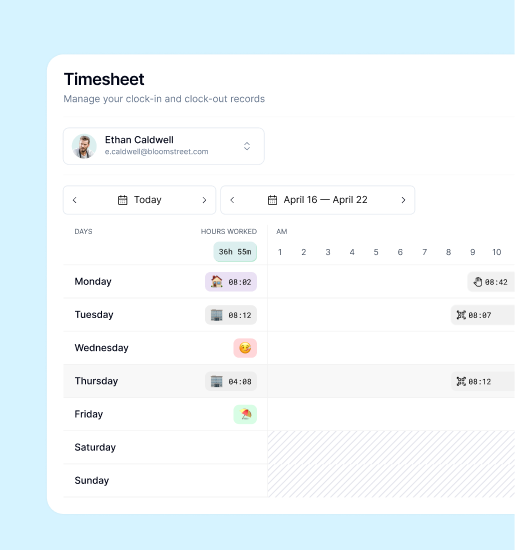
That’s why we built Kinmu around a simple idea: one procedure, several ways to carry it out. Each person clocks in from the browser, from their phone, or with a QR code at the entrance of a location, and the result always lands in the same record.
When there is more than one location, or when locations change from week to week, this matters even more. You can organize the team by place of work, see the open entries at each job site, and see at a glance how your people are spread out.

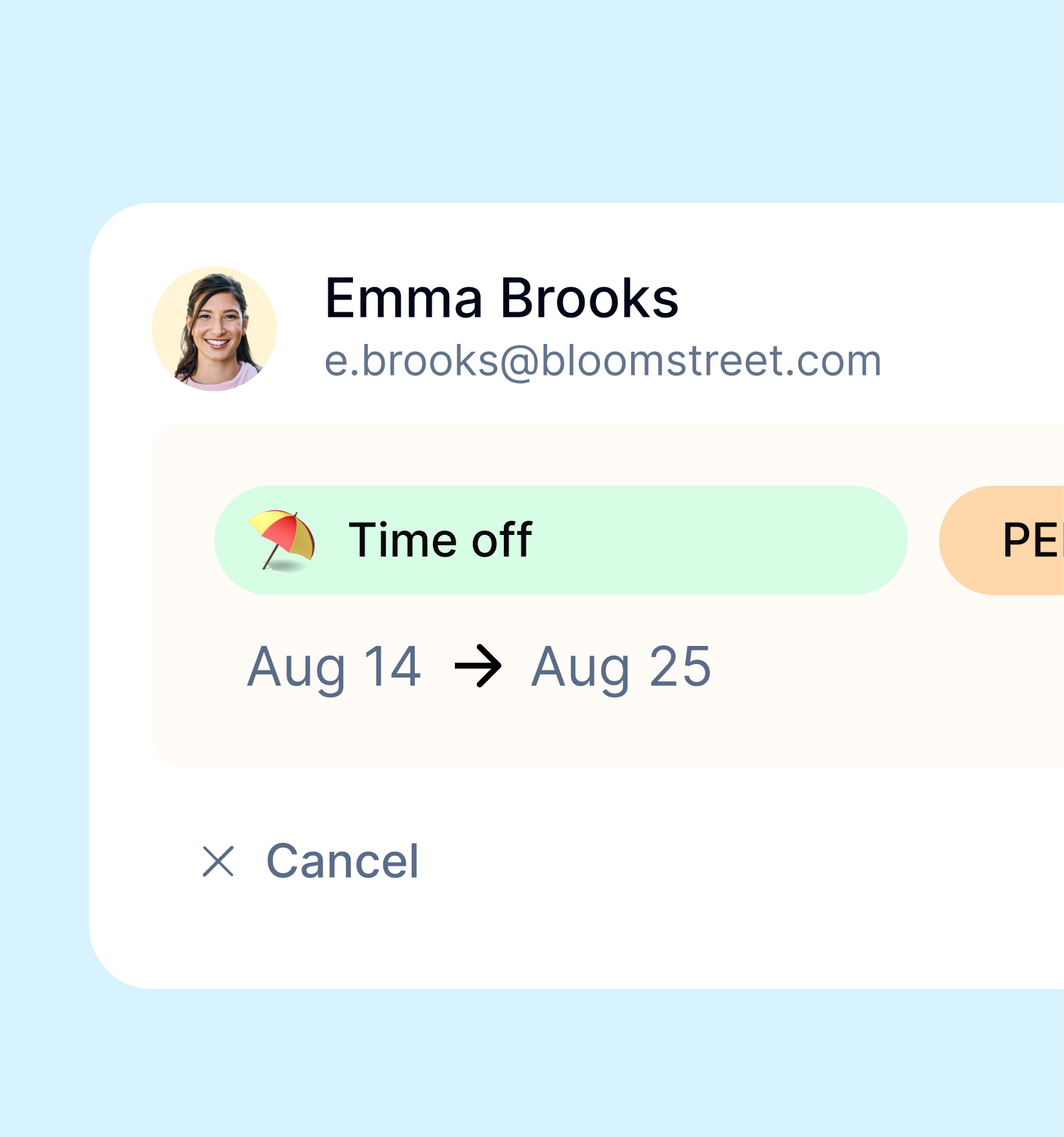
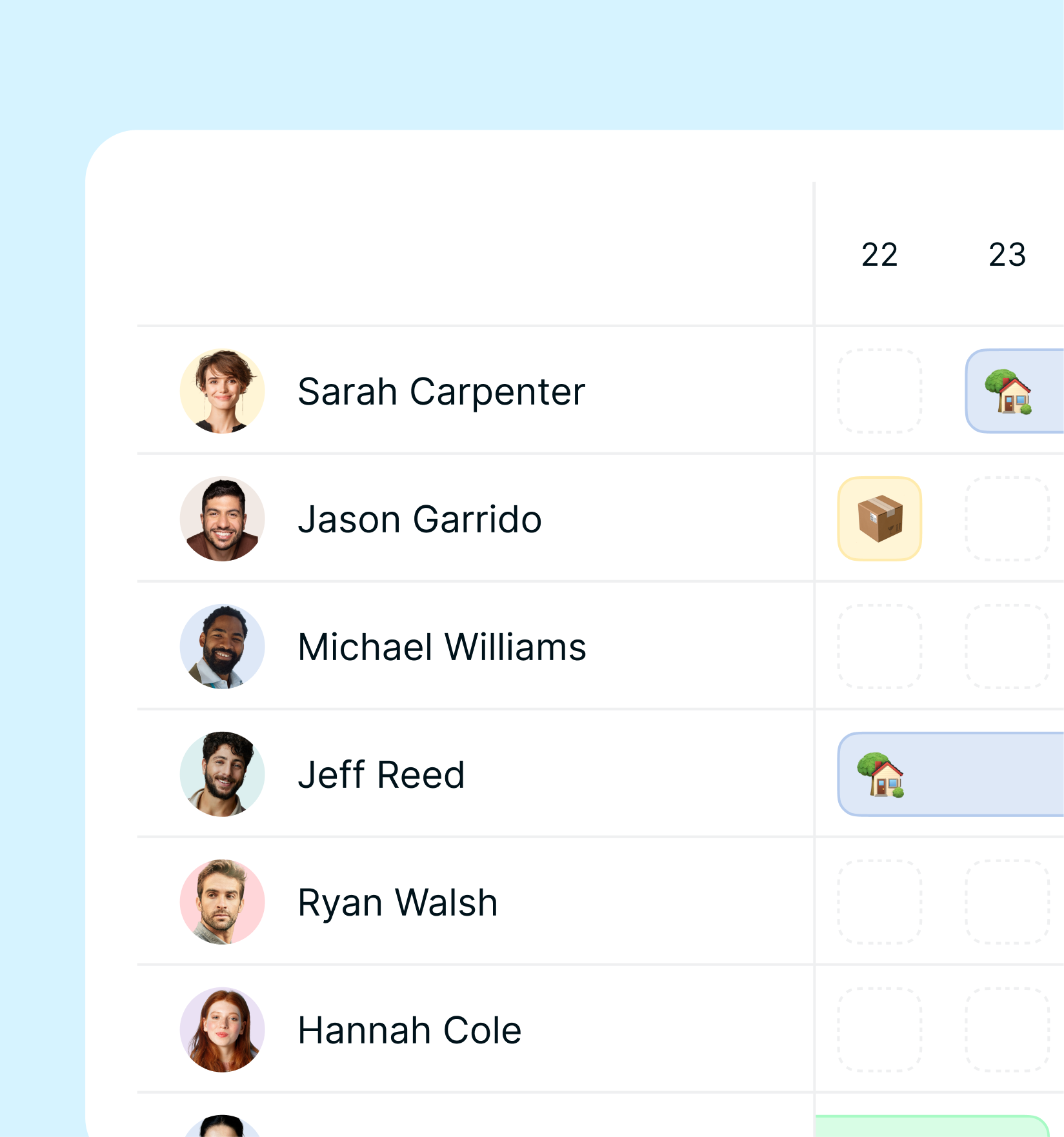
The team calendar is the summary of all of this: one screen where you see who is present, who is on vacation, who has time off, and who is working elsewhere. Requests arrive in one centralized space, where you approve them and look them up later.
The rest is designed for small and midsize companies rather than large corporations: you activate the app from the website in a short time, pick the modules you need, generate reports on request, and use the AI features for everyday questions. The subscription is monthly.
Conclusions: Knowing Who’s Working Without Chasing Anyone
Knowing who’s working isn’t a matter of distrust: it’s the basis for organizing a workday well. When that information is clear, decisions get faster, commitments to clients get more reliable, and fewer meetings are necessary. It’s a gain measured in time, and time is the most concrete resource a company of five to fifty people has.
The issue isn’t people’s good will: work has spread across offices, homes, and job sites while the tools stayed by the front door. That’s where the information scattered across WhatsApp, email, and spreadsheets comes from, along with the feeling of chasing everyone to learn something simple.
The path we propose is simpler than it sounds: one clock-in procedure for everyone, geolocation limited to the start and the end of the day, notifications that tell you when something doesn’t add up, and a team calendar that answers in two seconds, without depending on anyone’s memory.
With Kinmu you get exactly that: more visibility with less effort, for you and for the people who work with you. You can try it with your own team, your own schedules, and your own locations, and see for yourself how much time comes back to you in the first week. You start with one department or one crew, and expand once you see that it works.