Every business needs to be able to show how many hours its people actually work. Payroll depends on it, overtime and time off depend on it, and more and more employees expect to see their own numbers without having to ask twice. None of that is controversial.
The doubt starts when you go shopping for a system. Request a quote for time tracking and the first proposal you get is almost always a fingerprint reader for the entrance, or a small terminal with facial recognition. It looks like the most modern option and the hardest one to game: nobody can clock in for a coworker who is running late.
Then the questions start. Someone on your team wants to know where those fingerprints end up and who is responsible for them. Your accountant mentions data protection. You come across stories of companies fined by regulators over exactly this kind of device. And suddenly you are managing a compliance project when all you wanted was to know what time the warehouse lead walked in this morning.
The good news is that the simplest route exists, and it happens to be the sturdiest one too. You can record hours precisely, verifiably, and with your team on board, without collecting a single piece of biometric data. In this article we look at what these systems really do, what alternatives you have, what each of them costs in time and money, and how to pick the right setup for a company of five, twenty, or fifty people.
What Biometric Time Clocks Actually Are
A biometric system is a device that recognizes a person by a feature of their body. In attendance tracking, the two most common technologies are the fingerprint reader, which analyzes the ridges on a fingertip, and facial recognition, which measures the geometry of a face. Variants that read the palm, the iris, or the voice also exist, though they are rare in smaller companies.
How they work is less mysterious than it sounds. The terminal does not store a photograph of the finger or the face. It pulls a set of distinctive points out of the image and converts them into a mathematical model, called a template, which gets compared at every scan. The result feels effortless, since nobody has to remember anything, and it looks airtight, since that model belongs to one person only.
That uniqueness is exactly what makes biometric data different from everything else you hold. A password takes thirty seconds to change, and a lost badge gets deactivated and reprinted the same morning. A fingerprint stays with a person for life: if the database holding it is ever exposed, there is no way to issue a replacement. The responsibility sits with the employer long after the person has moved on.
For that reason, privacy frameworks around the world put biometrics in a higher risk category, alongside health information and other deeply personal details. The default position is restriction, with a short list of narrow exceptions. It is not one more box to check on a form: it is a category that starts from no and turns into yes only when you can genuinely justify it.
Why Workplace Privacy Matters to Employees and Employers Alike
People who work for you feel the difference between recording a time and handing over a piece of themselves. Badging in means confirming that you arrived at ten past eight. Placing a finger on a reader means trusting your employer with an identifier that also unlocks a bank account and a phone. The pushback you meet when you propose biometrics almost always starts there.
Regulators have taken much the same view. The recurring test is necessity: a biometric system is defensible only when the same goal could not be reached in a less intrusive way. Since knowing who arrived and when can be handled by an account and a code, that argument is hard to win, and companies have been fined for trying.
Plenty of owners assume a consent form settles the matter, but the shortcut rarely holds. Consent is meant to be freely given, and the balance of power between an employer and an employee makes free consent hard to claim. A signature does not make a collection necessary if it was not necessary the moment before it was signed.

There is also the paperwork nobody mentions in the sales meeting. Choosing biometrics typically pulls in an impact assessment, a written attestation from the vendor about how templates are stored, strict retention schedules, and a single purpose rule that stops you reusing the same data to open a door. All of it lands on someone’s desk, and in a small company that someone is you.
For teams that work across borders, one more factor tips the scales. The rules on biometrics differ sharply from one market to the next, so a rollout that was cleared in one country has to be argued from scratch in the next. A system built on personal accounts, QR codes, and PINs simply travels, which matters when you hire your first person in a new market.
Alternatives to Biometrics for Recording Working Hours
With the context clear, the question becomes practical: how do you capture attendance reliably once you set fingerprints and faces aside. The options are more numerous than most people expect, and they cover very different realities, from an office with ten desks to a job site that moves every month. The principle stays the same: you identify a personal account, not a body.
Clocking in from a mobile app is now the most widely used method. Each person signs in with their own credentials on the phone already in their pocket and records the start, the break, and the end of the day with one tap. It works for sales reps, for technicians visiting customers, and for anyone splitting time between the office and home.
The QR code solves the opposite problem, the one facing an owner who wants clock-ins tied to a place. You post a code by the entrance, in the break room, or next to the register, and whoever arrives scans it with their phone. The code prints in a couple of minutes, gets replaced whenever you want, and ties every clock-in to that location. Pair it with the optional location capture if you need real proof the phone was there, since a QR code can also be scanned from a photo.
A digital kiosk is the natural choice as soon as not everyone carries a phone during the shift. A tablet or an old computer by the door becomes the shared station: each person picks their name and types a personal PIN to open and close the day. Warehouses, workshops, and restaurants recognize the ease of the old punch clock in it.
That leaves clocking in from the browser, convenient for anyone already at a computer, and contactless badges for businesses that prefer something physical. Nothing forces you into a single method: running two or three side by side covers different locations, roles, and habits inside one company.
The Upside of Skipping Biometric Data: Less Admin and Lower Cost
The first advantage is administrative, and you feel it immediately. Without biometrics you are handling ordinary information: a name, a timestamp, a location. The notice you hand your team becomes short and readable, your records stay simple to describe, and the heavy justification a biometric rollout demands never has to be written. Less paper, and no gray area to defend if anyone asks.
The second advantage is financial, and it shows up in the very first quote. A biometric install means buying terminals, running cable, mounting hardware, maintaining it, and replacing readers as they wear out, multiplied by every location you operate. A software based system uses the phones and computers you already own, so the upfront spend lands near zero and turns into a predictable monthly line item.

Then there is a human advantage that counts for more than people expect. A system that feels respectful gets adopted willingly, and a system adopted willingly produces clean data from the very first week. Questions get answered quickly, nobody feels singled out, and you get to spend your attention on scheduling instead of on managing suspicion.
To get all of that you need time tracking software built for businesses, like Kinmu, a tool that lets everyone on your team record their working day quickly and intuitively, from a phone or a computer, and that automatically gathers every entry into one history you can pull up whenever you need it. We built it around exactly that idea: enough data to run the company, and nothing beyond it.
How to Choose a Time Tracking System That Fits a Small Business
The principle that guides good data practice is proportionality, and it happens to line up with the instincts of anyone running a business. Collect what you need to get payroll right, protect rest periods, and answer an inspection, and not one field more. Starting from that question saves you from buying features designed for organizations with three thousand employees.
The next step is to look honestly at how your team works. If everyone comes through the same door at half past seven, a kiosk in reception settles it. If you have crews moving between job sites, the mobile app becomes essential. If offices, storefronts, and field staff all coexist, look for a tool that runs several methods at once.
The third factor is what the thing really costs over time. Plenty of management suites bundle a time module inside packages designed for large organizations, with the pricing and rollout timelines to match. A small company ends up paying for complexity it will never touch. At Kinmu we went the other way: a per user price built for small teams, with no minimum headcount to sign up for.
Weigh how easily you can get started, because that is where most projects stall. A system that needs a technician on site, a network configuration, and a week of training begins at a disadvantage. One that switches on in the browser, imports your staff list, and sends an email invitation is running by the same afternoon you decided to try it.
Finally, check that data comes out as easily as it goes in. Exportable reports, monthly summaries per person, and a tidy history are what you need for payroll, for calculating overtime, and for answering a question about a specific week without rebuilding it from memory.
How Kinmu Works Without Biometric Data
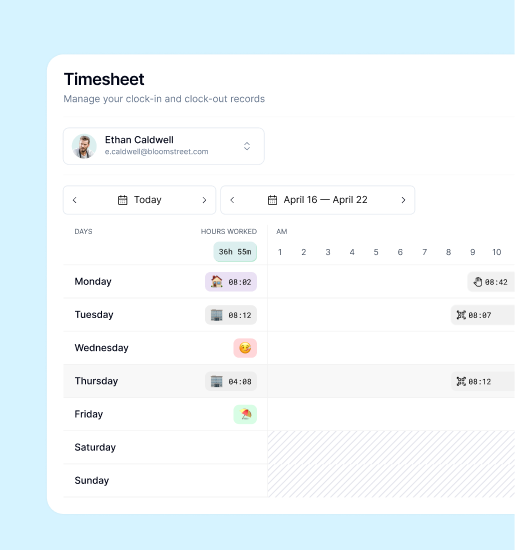
In our app, clocking in happens three ways, and you can run them together. Anyone out on the road opens the app and records the start of the day with one tap. Anyone on site scans the QR code posted on the wall. Anyone at a desk clicks the button in the browser. Recognition always runs through the personal account, never through a physical feature.
For teams that need to know not only when but also where, we offer location capture at the moment of clock-in, which you switch on only if your organization genuinely needs it. It records the position when someone opens or closes their day, without following anyone through the shift, and it should always be explained to the team openly.
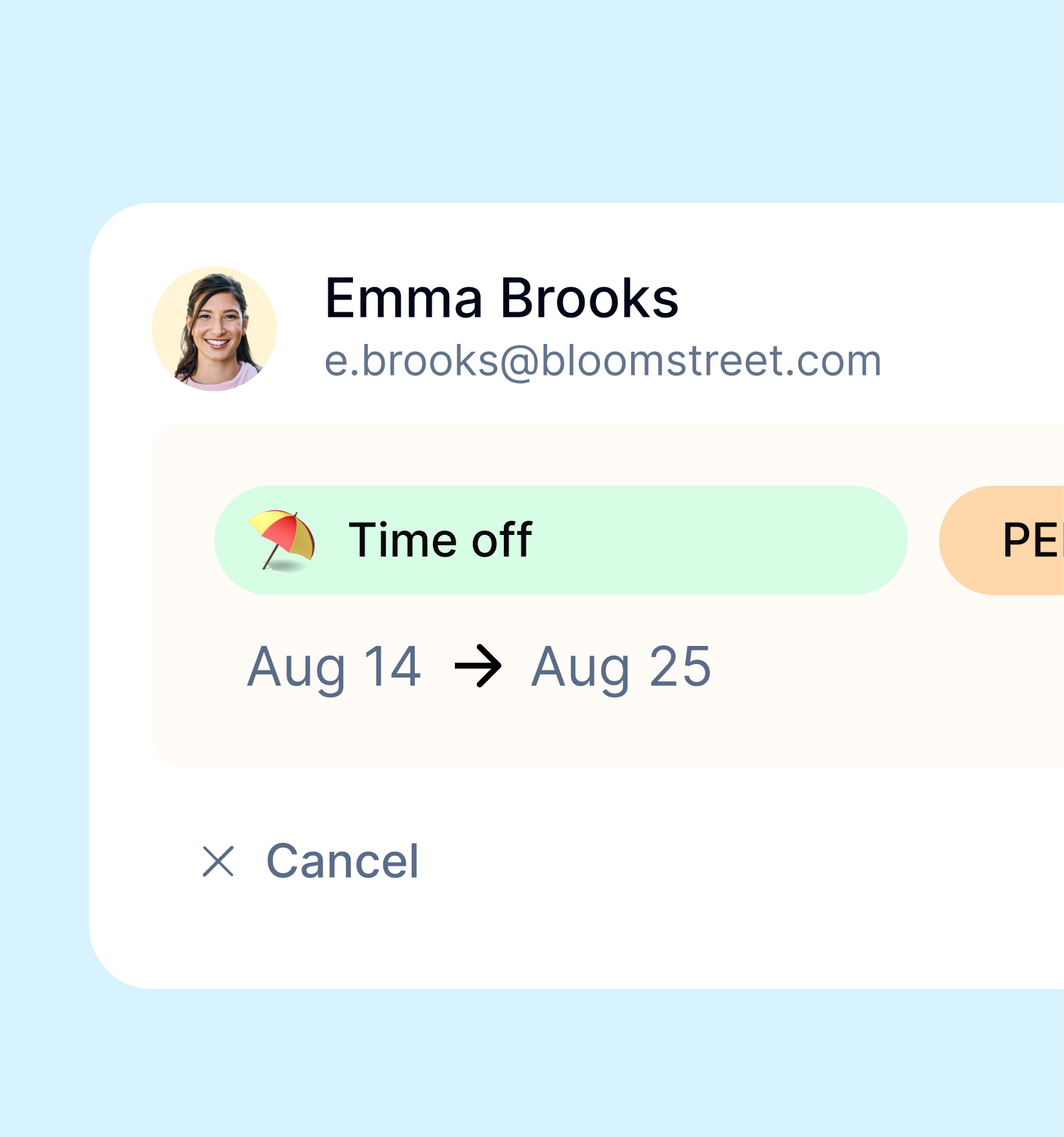
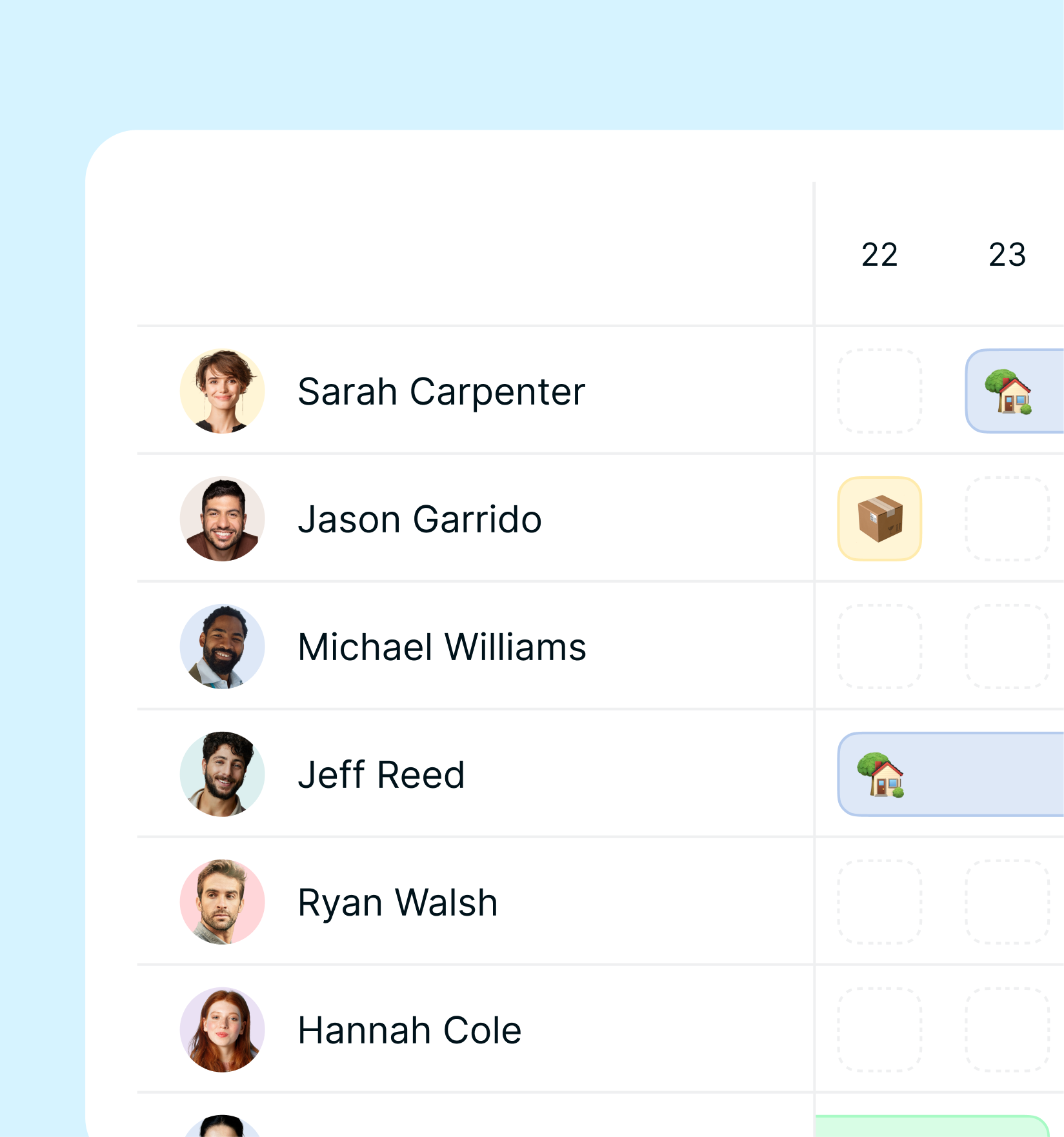
Around the clock-in we built the parts that make a manager’s day workable. Requests for vacation, leave, and absences arrive in one central space where they get approved and stay searchable, so nobody digs up a message from three months ago. The team calendar shows at a glance who is on site, who is out, and who is off.

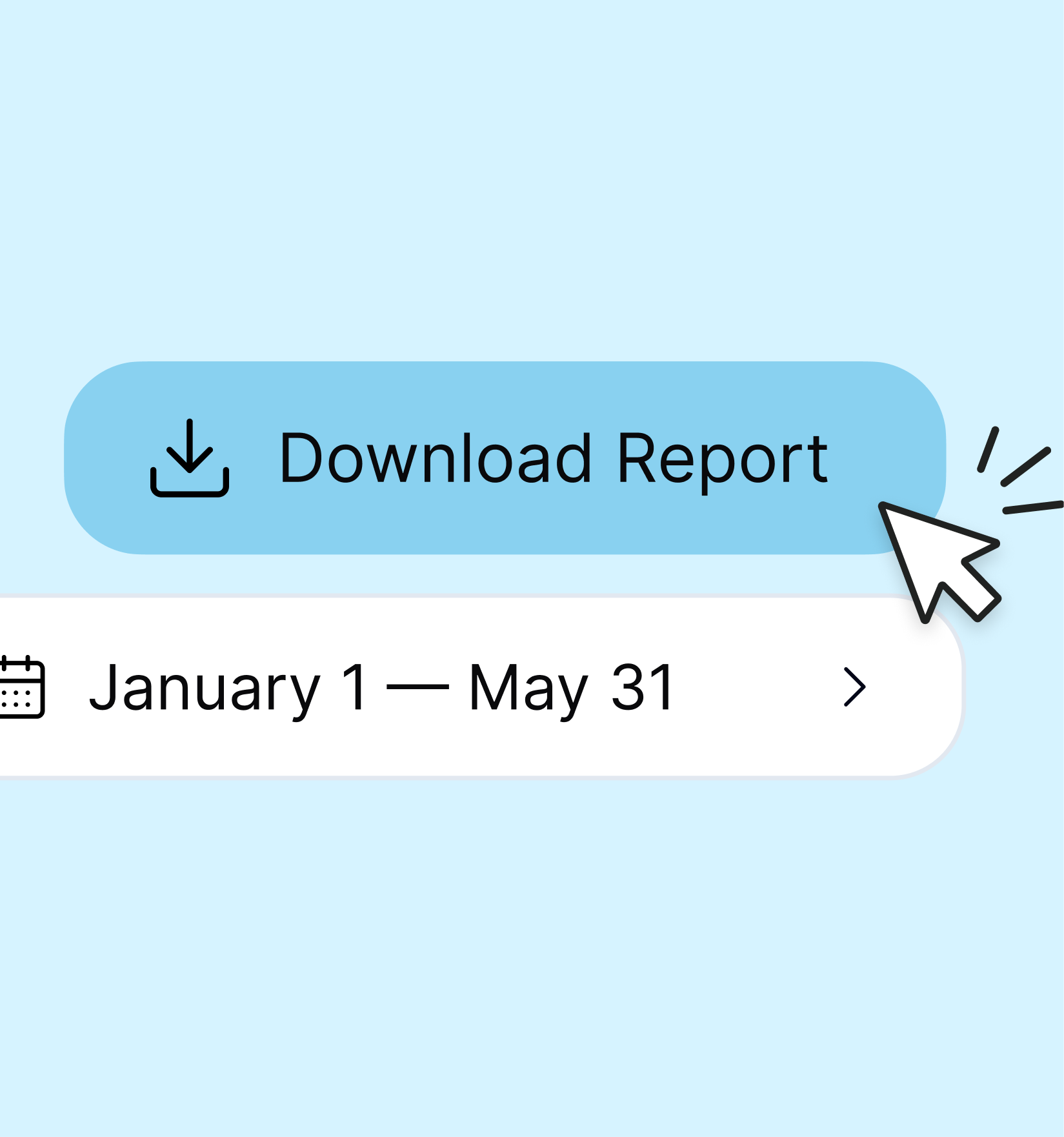
From the data you collect you generate exportable reports for whoever runs payroll, receive notifications and monthly summaries, and ask the AI assistant a question when you want a quick answer without building complicated filters. Modules switch on and off as your needs change, because the app is meant to adapt to the company rather than the other way around.
In practice, getting started is as light as it should be for a small business. You set everything up from the website in a few minutes, try the platform free for fifteen days, with no minimum number of people and an admin account that stays free. Billing is monthly and you cancel whenever you want.
Conclusion: Attendance Under Control and Privacy Protected
Tracking attendance and respecting privacy are not competing goals. They are two sides of the same job done properly. Wherever you operate, the direction of travel is the same: biometrics are held to a standard of strict necessity, and knowing what time someone started their shift almost never clears that bar when a simpler method is sitting right there in front of you.
The practical conclusion is an encouraging one. The available alternatives, from the mobile app to the QR code and the tablet kiosk, deliver the same accuracy as biometric hardware with less administration, less equipment, and a noticeably smaller bill. Recording hours without biometric data is not a watered down compromise: it is the most proportionate answer for a company of fifty people or fewer, and the one that keeps working without renegotiation as you grow into new markets and new locations.
If you are weighing up how to bring order to your team’s hours, we would like you to try it with us. Kinmu gives you complete, configurable time tracking that treats people with care, with a fifteen day free trial and the freedom to change your mind at any point. The time you save every month on spreadsheets is time you can finally put into growing your business and your team.