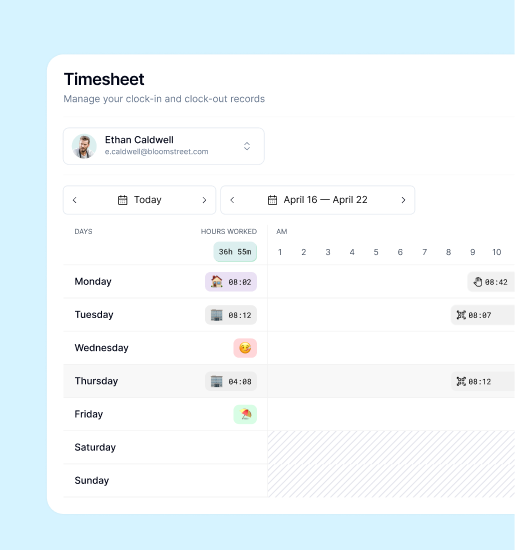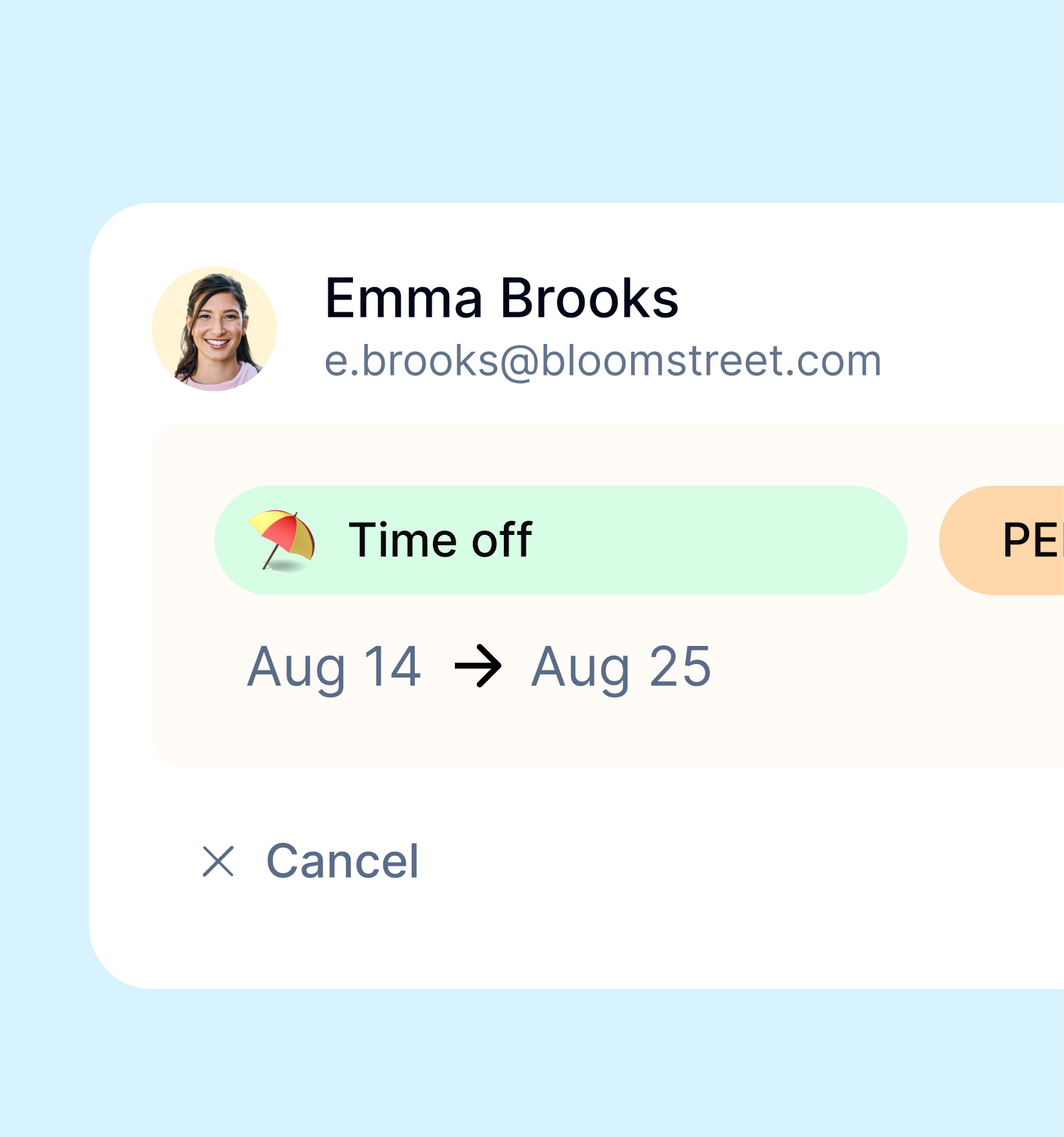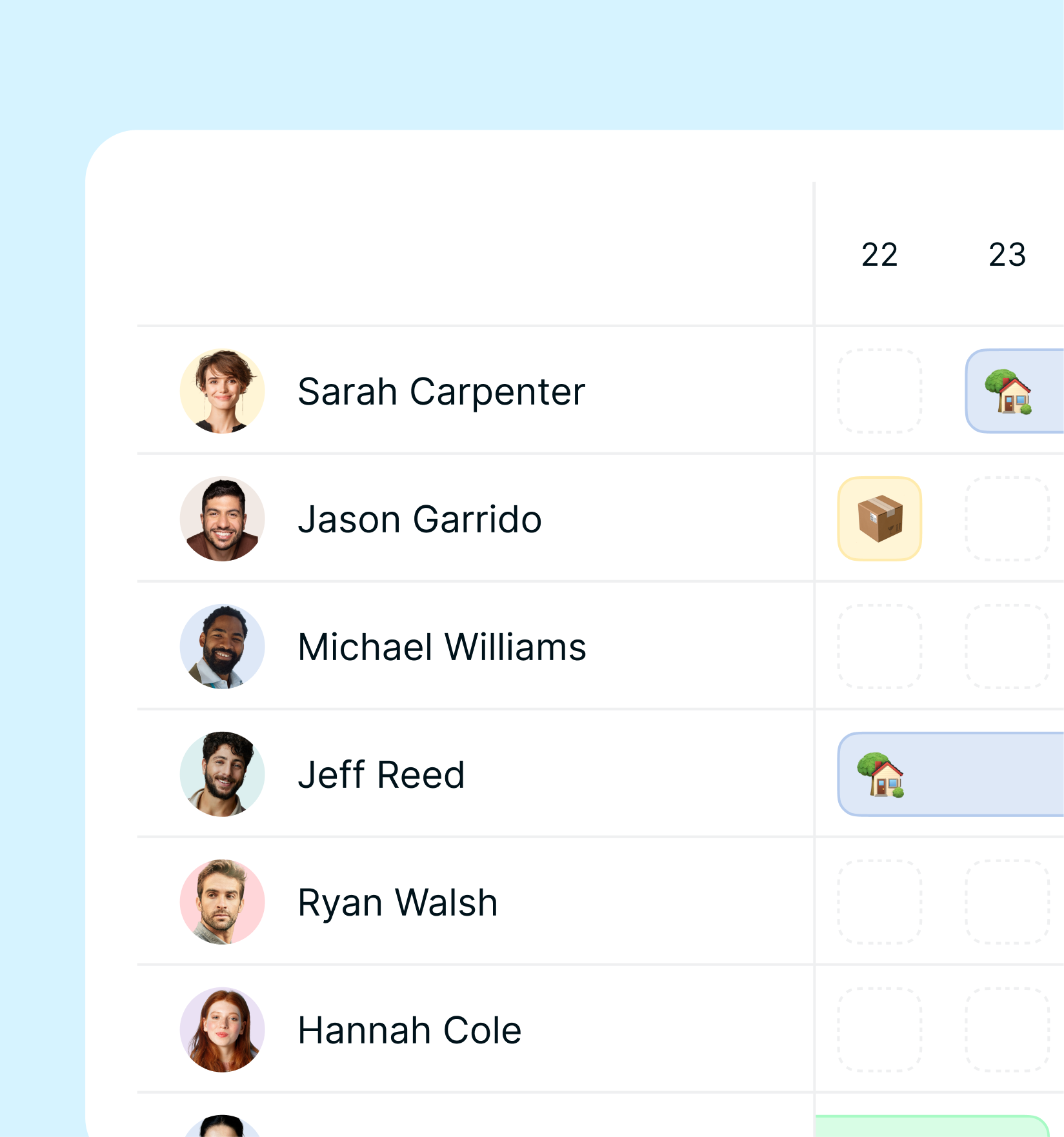
Attendance management has long been one of the more tedious corners of HR operations — paper timesheets, manual corrections, and spreadsheet reconciliations that consume hours each week. Artificial intelligence is changing that. AI-powered time tracking goes beyond simply recording when employees clock in and out; it learns from patterns, flags anomalies, and surfaces insights that help managers make better decisions before problems occur. For organisations managing distributed teams across the EU, UK, and US, this shift represents one of the most practical applications of AI in modern HR software.
The market reflects the momentum. The global AI in HR technology sector was valued at approximately $3.8 billion in 2023 and is projected to exceed $17 billion by 2030, driven largely by demand for automation in scheduling, attendance, and workforce analytics. Time tracking sits at the core of that growth.
What AI Actually Adds to Traditional Time Tracking
Traditional time tracking systems do one thing: record data. They tell you when someone clocked in, when they clocked out, and how many hours that adds up to. Useful — but essentially passive.
AI-augmented systems do something fundamentally different: they analyse that data continuously, identify patterns, and generate actionable information. Here is where the practical value lies.
Anomaly Detection
AI models trained on historical attendance data can identify patterns that deviate from an employee’s normal behaviour — arriving significantly earlier or later than usual, clocking out mid-shift without prior notification, or accumulating overtime in ways that suggest scheduling problems rather than genuine business need.
These anomalies do not always indicate a problem. But surfacing them automatically means a manager can investigate quickly rather than discovering the issue weeks later during payroll reconciliation.
AI also reduces buddy punching — the practice of one employee clocking in on behalf of a colleague — by cross-referencing clock events with other signals such as GPS location, device identity, or geofencing rules, depending on the system configuration.
Automated Schedule Suggestions
Scheduling is among the most time-consuming tasks for operations managers in shift-based environments. AI systems can analyse historical demand patterns, employee availability, contractual constraints, and absence history to generate draft schedules that are substantially better optimised than those produced manually.
Rather than replacing the manager’s judgement, the AI produces a starting point — one that already accounts for variables a human might miss or find too time-consuming to manually balance.
Predictive Absence Management
One of the most commercially significant applications of AI in attendance management is absence prediction. By analysing patterns — day-of-week trends, seasonality, team-level absence clustering, or individual attendance trajectories — AI models can identify employees or teams at elevated risk of upcoming absence.
This does not mean penalising employees for predicted behaviour. It means giving HR teams early visibility to plan cover, have supportive conversations, or address underlying scheduling or workload issues before they escalate into absence events.
Intelligent Reporting
Traditional attendance reports require someone to define what they want to see and then run the query manually. AI-powered reporting layers add automated anomaly summaries and trend detection — meaning managers can surface the information they need without knowing how to configure a complex report.
Key AI Features in Modern Time Tracking Tools
Beyond the analytical capabilities described above, current-generation workforce management platforms are incorporating AI at the feature level. The most common include:
- Smart geofencing and location verification — automatically confirming that remote or field-based employees are clocking in from expected locations without requiring manual review of every record
- Automated timesheet completion — using AI to suggest entries based on calendar data, project activity, or device signals, subject to employee review and confirmation
- Facial recognition clocking — using computer vision to authenticate employees at physical clock-in terminals, eliminating card or PIN sharing
- Predictive scheduling — generating optimised shift rotas based on historical data, demand forecasts, and employee preferences
- Pattern-based analytics — surfacing overtime trends, attendance correlations, and team-level insights that would take hours to identify manually
The adoption of these features varies by organisation size and sector. Larger enterprises and logistics-heavy businesses tend to be early adopters; SMEs are increasingly following as the technology becomes more accessible and less expensive to deploy.
GDPR and Ethical Considerations for AI Time Tracking
This is where the conversation gets more nuanced — and more important.
AI-driven attendance monitoring processes more employee data, in more detail, than traditional systems. Every clock event, location check, and anomaly flag involves personal data. In the EU and UK, that means GDPR applies — and the bar for AI-based processing of employee data is deliberately high.
Transparency and Explainability
Employees have the right to know that AI is being used to analyse their attendance data. They have the right to an explanation of any automated decision that significantly affects them. Under Article 22 of the GDPR, fully automated decision-making that produces legal or similarly significant effects on individuals is restricted — and generally requires explicit consent or a specific legal basis.
In practice, this means AI in time tracking should function as a decision-support tool for managers, not a system that makes consequential HR decisions without human review. The anomaly is flagged to a manager; the manager decides what to do with it.
Data Minimisation and Purpose Limitation
AI systems are often data-hungry by design. But GDPR requires that only data necessary for the stated purpose is collected, and that data is not repurposed without a fresh legal basis. An AI model that uses GPS coordinates collected for clocking verification cannot also be used to build a mobility profile of employees without separate justification and disclosure.
Employee Trust
Perhaps more important than the legal requirements is the cultural one. Employees who feel they are being surveilled rather than supported will disengage — and that damage can outweigh any efficiency gains from better scheduling.
The most effective implementations of AI in attendance management are those communicated clearly to employees, explained in terms of benefit (fairer scheduling, faster corrections, reduced manual administration), and positioned as a tool for the whole team rather than a mechanism for surveillance.
Real-World Use Cases
Retail
Multi-site retail operations deal with high staff turnover, variable demand by day and season, and complex shift patterns. AI-driven scheduling reduces the time managers spend constructing rotas and improves coverage during peak periods, while anomaly detection flags unexpected absences before they create understaffing problems on the shop floor.
Logistics and Field Operations
For businesses with mobile workforces — delivery drivers, field technicians, construction crews — verifying that employees are where their schedule says they should be is operationally critical. Geofencing combined with AI verification provides automated confirmation without requiring managers to manually review GPS logs for dozens or hundreds of employees.
Professional Services
In consulting, legal, and accounting environments, time tracking is tied directly to billing. AI tools that automatically suggest time entries based on calendar activity and project assignments improve billing accuracy and reduce the administrative burden on fee earners — one of the most commonly cited sources of friction in knowledge-work environments.
Remote-First Companies
Distributed teams present a particular challenge: how do you manage attendance and working time without physical presence? AI-powered tools that integrate with project management platforms, calendar systems, and communication tools provide visibility into working patterns without resorting to invasive screen monitoring — an approach that is both more legally sound and more culturally acceptable.
How Kinmu Approaches AI in Time Tracking
Kinmu’s AI is built around a conversational assistant — not a predictive engine or a surveillance tool. The goal is to reduce the time managers and employees spend on routine HR tasks, without adding complexity or compromising privacy.
For employees, the assistant handles the most common self-service requests: checking remaining holiday balance, submitting absence requests, reviewing their own time entries, and getting answers about their schedule — all through a natural language chat interface, in their own language.
For managers, the assistant surfaces team information on demand: who is in the office, who has clocked in, what absences are pending approval, and the time history for any team member. Requests can be resolved directly from the chat — approve, reject, or query — without navigating separate screens.
For admins, Kinmu includes a separate policy configuration chat. Instead of form-based settings, admins describe changes in plain language — working hours, remote work limits, holiday policy, public holidays — and the system generates a structured summary of each proposed change before applying it. Nothing is changed without explicit approval.
On privacy: before any employee can use the assistant for the first time, Kinmu requires explicit GDPR consent. The system logs the timestamp and version of the text accepted. Consent can be withdrawn at any time. Kinmu acts as a data processor — employee data is not shared with third parties or used to train external models.
The assistant operates in 9 languages: Spanish, English, German, French, Italian, Portuguese, Japanese, Dutch, and Swedish. It responds in the language each person uses.
What Kinmu does not do is use AI to monitor employees, flag behaviour patterns, or generate unsolicited reports. The assistant responds to queries — it does not observe.
What to Look for When Choosing an AI Time Tracking Tool
If you are evaluating time tracking software with AI capabilities, these questions should drive your assessment:
1. Where is data stored and processed? AI features require significant data processing infrastructure. Ensure your vendor stores data within the EU/EEA (for GDPR compliance) or has appropriate international transfer safeguards in place, and that AI processing occurs on compliant infrastructure.
2. Is the AI logic explainable? Can the vendor explain what data their AI models use, how they reach conclusions, and how those conclusions are communicated to managers? Opaque AI is a compliance liability and an employee relations risk.
3. Does the vendor provide a Data Processing Agreement? Required under Article 28 of the GDPR. Non-negotiable if you are operating in the EU or UK.
4. Are employees informed and can they access their own data? The system should support your transparency obligations and enable employees to view their own attendance records, understand how AI analyses their data, and request corrections.
Ready to See What Modern Time Tracking Looks Like?
AI is making attendance management faster, smarter, and more useful — but only when implemented thoughtfully, with data protection built in from the start. Kinmu is designed to give European and global businesses exactly that: a time tracking platform that reduces administrative burden, supports GDPR compliance, and gives managers the visibility they need without creating a culture of surveillance.