
QR time clock software for teams without hardware
Let your team clock in and out by scanning a QR code. No badge readers, no installation — up and running in minutes from any smartphone.
Benefits
- No hardware: a printed or displayed QR code is all you need
- Employees clock in within seconds from their phone
- Automatic, server-side timestamping — tamper-proof
- One QR per location, multi-site from day one
- Remote work supported: clock in from the app without a QR
- Designed to help you meet mandatory time tracking regulations
QR time clocking is an attendance tracking method where employees clock in and out by scanning a QR code with their smartphone. No badge reader to install, no cards to distribute, no hardware to maintain. You print the QR code for your location — or display it on a screen — and your team can start clocking in from day one.
How QR clocking works in Kinmu
The full process has three steps:
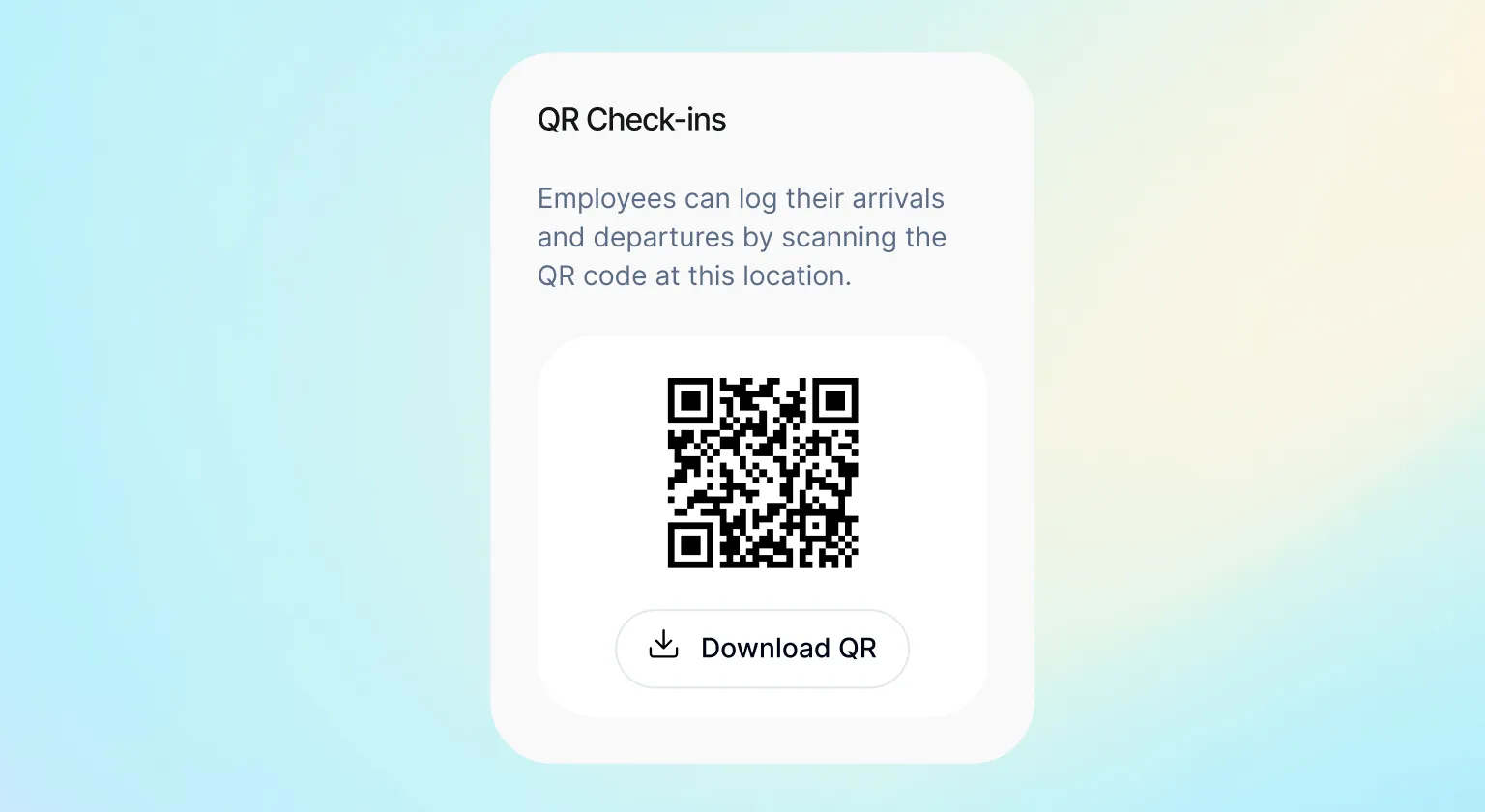
- Generate your location’s QR code — From the Kinmu admin panel, each location has its own unique QR code. Download it, print it, and place it at the entrance. That’s the entire “installation”.
-
Employees scan when they arrive and leave — The employee opens their phone camera, scans the QR, and confirms the clock-in in under 10 seconds. No additional app to download.
-
The record is logged automatically — The exact time of entry or exit is recorded server-side at the moment of the scan. The data is tamper-proof: neither the employee nor the manager can modify it after the fact without leaving an audit trail.
For remote work days, employees clock in directly from the Kinmu app without needing a physical QR code. The record works the same way: server-side timestamp, visible in the manager’s dashboard in real time.
Advantages over the alternatives
vs. Physical badge readers
Traditional badge readers require hardware at every entrance, electrical installation, and ongoing maintenance. Multiple locations mean multiplied costs. With Kinmu, a printed QR code costs nothing and works from day one.
vs. Paper sheets or spreadsheets
A sign-in sheet or Excel file doesn’t guarantee record integrity — anyone can fill them in after the fact. Kinmu’s QR records the exact scan time on the server: it’s non-editable and valid as evidence during a labor inspection.
vs. GPS-based apps
GPS drains battery, can give false positives indoors, and often generates employee pushback due to the perception of continuous monitoring. A physical QR code proves presence at the location without requiring permanent location tracking.
Designed to help you meet mandatory time tracking regulations
Many countries require employers to record employee working hours daily, with start and end times, and retain those records for several years. The system must be reliable and tamper-proof.
Kinmu’s QR clocking meets these requirements: the record is automatic, server-timestamped, securely stored, and exportable for any inspection. A manually-edited spreadsheet does not.
Start free with Kinmu and have your QR clocking active today →
Ideal use cases
Fixed offices and workspaces Stick the QR code at the entrance and you’re done. The whole team uses it from their phone. Nothing to install or maintain.
Companies with multiple locations Each location has its own QR code in Kinmu. The manager sees in real time who has clocked in at each site, all from a single dashboard.
Hybrid remote teams Office days: QR clocking. Remote days: app clocking. The record is equally valid in both cases and consolidated in the same attendance history.
Startups and SMEs that want compliance without complexity No budget for badge readers, no time to manage an installation. With Kinmu, setup takes minutes: generate the QR, print it, and your team is set up to meet the requirement.
FAQ
Do my employees need to download an app? No. QR clocking works from the phone’s browser when scanning the code. For remote work clocking, they do need the Kinmu app.
What if an employee doesn’t have a smartphone? You can combine QR clocking with manual entry from the admin panel. A manager can clock in on behalf of an employee if needed.
Does the QR code expire? No. Each location’s QR code is permanent unless you manually regenerate it from the panel.
Can an employee clock in for someone else by scanning the QR? The QR identifies the location, not the employee. The employee is identified by their Kinmu session when they scan. Individual accounts per employee are important for this reason.
Is the data handled in line with GDPR? Yes — Kinmu stores attendance data in encrypted form, with restricted access and for the duration required by applicable regulations.
See also: Time Tracking in Kinmu


