
Employee time tracking software for teams
Automatically log your team's work hours, breaks, and remote days — from any device. No hardware, no spreadsheets.
Benefits
- Automatic clock-in, clock-out and break tracking
- In-office and remote work tracked the same way
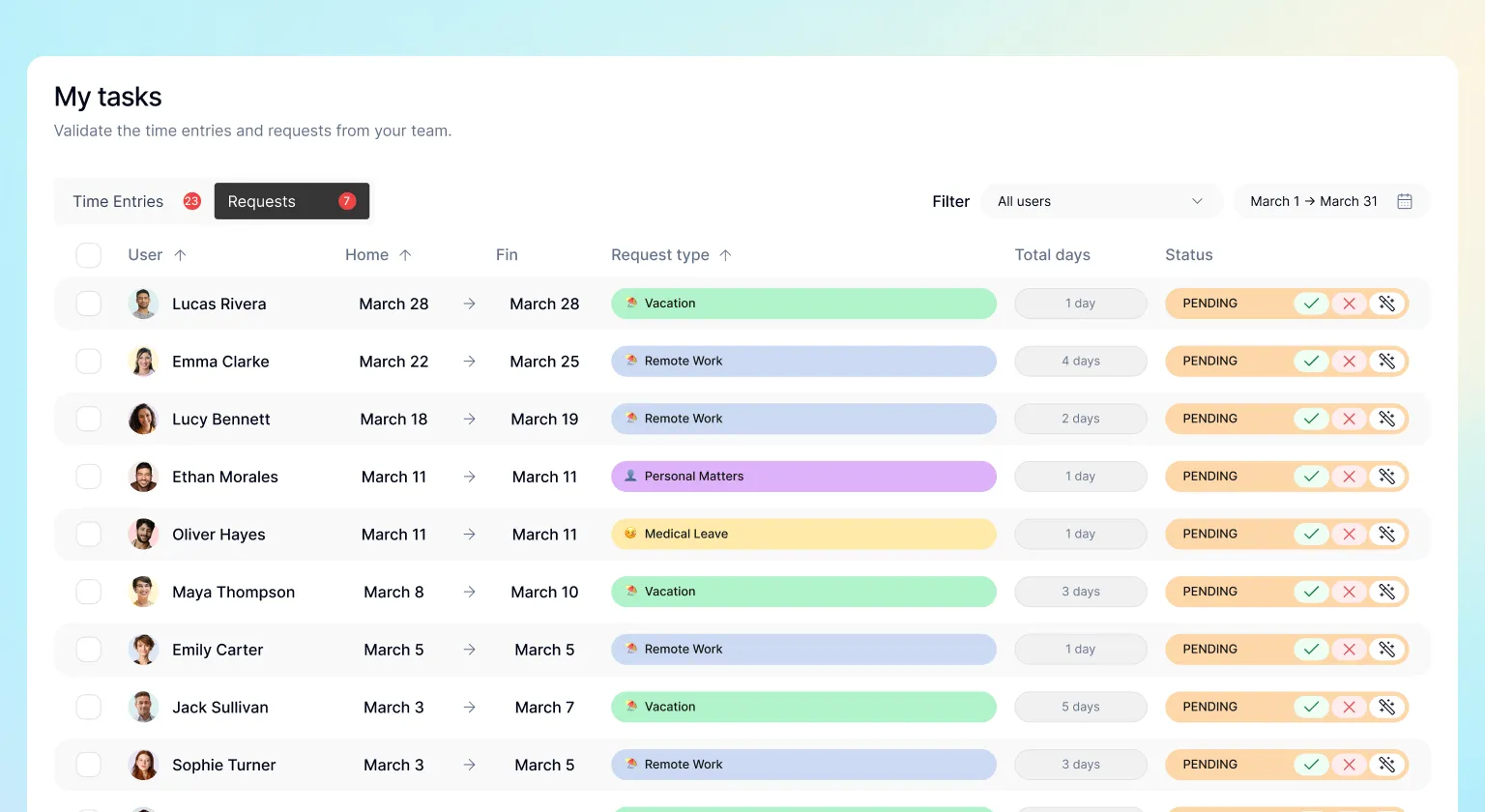
- Manager review and approval with one click
- Designed to help you meet Working Time Regulations and FLSA
- Full per-employee history, exportable for payroll and audits
- Real-time team overview from any device
How do you clock in and out in Kinmu?
Step by step
Read the transcript
How many hours did you work this week? If the answer lives on sticky notes and memory, keep watching. To start your day just hit Start the day. Kinmu records the exact time instantly. Heading out for lunch? Press Pause and the counter stops. When you're back, hit Resume and your day picks up right where you left it. Everything lives in Clockin/out. Your day, your week and your daily average, to the minute.
Need to check another week? Travel back in time and find any day. Forgot to clock? Edit your records, or export everything to Excel when you need it. And when you're done, hit Clock out. Day closed, hours counted. No paper, no mental math. Your time, clear for you and your team.
That simple. With Kinmu you clock your workday and your hours stay clear.
Employee time tracking is the automatic recording of your team’s clock-ins, clock-outs, and breaks using software. It replaces paper sign-in sheets and spreadsheets with a centralised system — reliable timestamps, accessible from any device. In Kinmu, employees clock in within seconds from their phone via QR code or the app, and managers see the team’s status in real time.
Why accurate time tracking matters
In the UK, the Working Time Regulations 1998 require employers to keep adequate records to show that working time limits are being met. In the US, the Fair Labor Standards Act (FLSA) mandates accurate recordkeeping of hours worked — especially critical for overtime calculations. In both markets, spreadsheets and manual timesheets carry real legal risk: if records are disputed, the burden of proof falls on the employer.
Kinmu logs every clock-in with a server-side timestamp at the exact moment it happens. Records are tamper-proof — no one can edit them after the fact without leaving an audit trail.
How time tracking works in Kinmu
Kinmu supports two clocking methods, covering every type of team:
- QR code at the office entrance — employees scan the code with their phone when they arrive and leave. No additional app download, no hardware to install.
- Mobile app for remote work — clock in from home with a tap. The record is just as valid as an in-office entry and lands in the same dashboard.
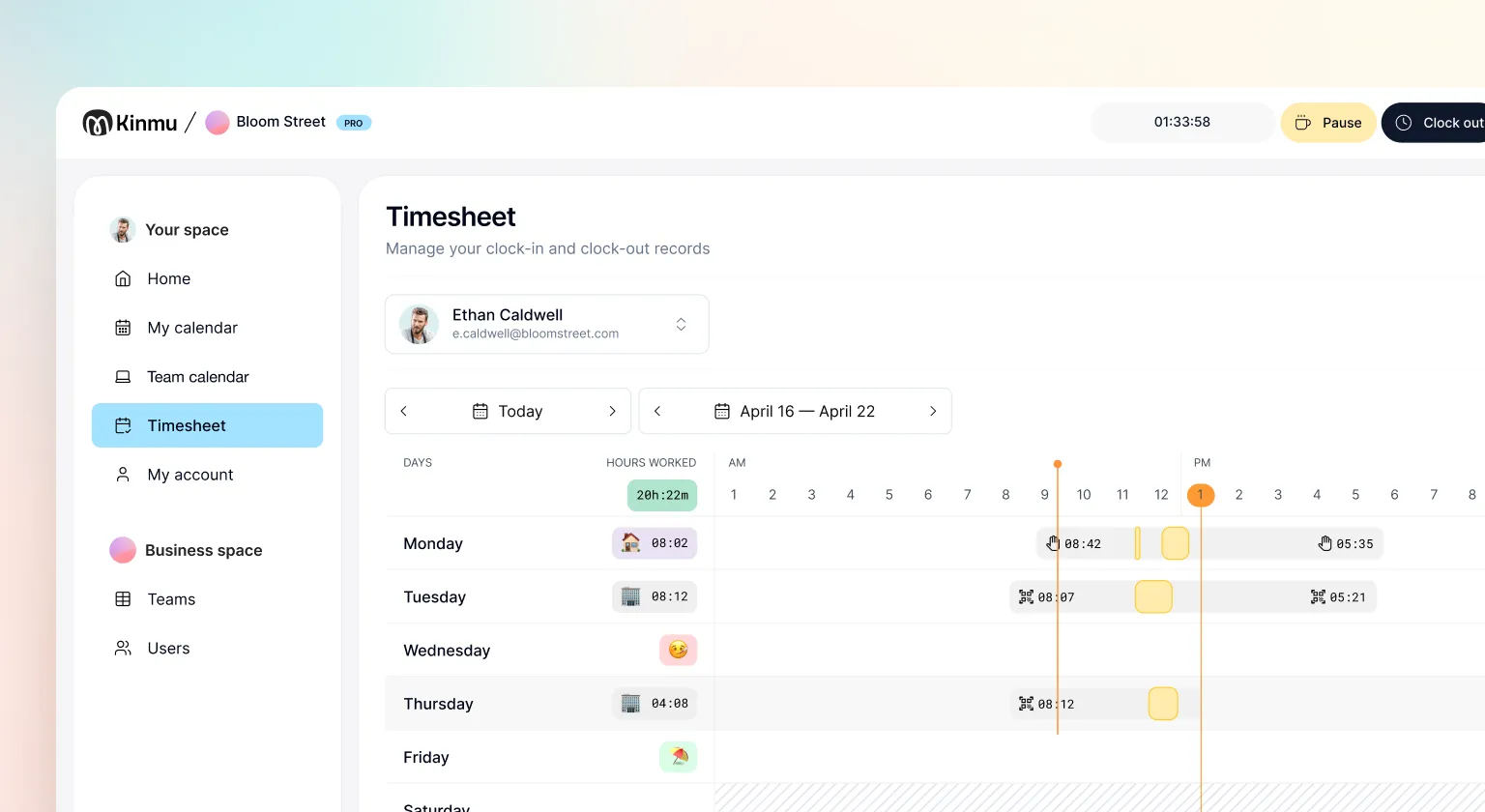
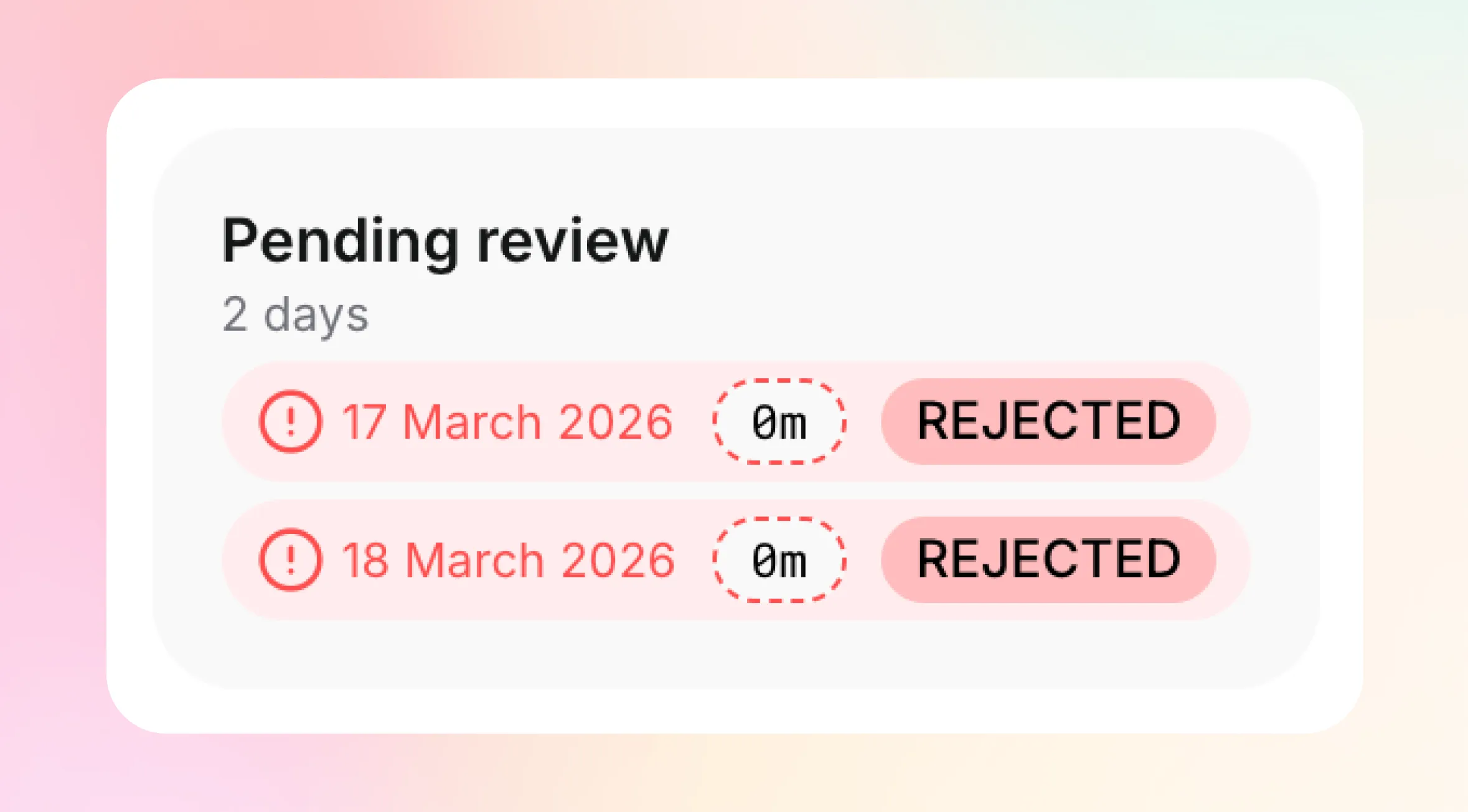
Work and breaks are tracked as separate blocks. Managers see a live weekly view of every employee’s hours — and can approve or reject records with a single click, with an optional comment on rejection.
Kinmu vs. spreadsheets and paper
| Spreadsheet / paper | Kinmu | |
|---|---|---|
| Data integrity | Editable after the fact | Server-side timestamp, tamper-proof |
| Real-time visibility | No | Yes — dashboard updates instantly |
| Work types | No differentiation | Office and remote tracked separately |
| Manager sign-off | Manual, by email | One click from the dashboard |
| Export for payroll / audit | Manual compilation | Instant CSV by employee and date range |
| Mobile access | No | Yes — QR and app |
| Regulatory compliance | Questionable | Designed to help you meet WTR and FLSA requirements |
Who it’s built for
SMEs with 5 to 200 employees No IT team, no budget for badge readers. Kinmu is live in minutes: generate your office QR, print it, and your team starts clocking in the same day. Zero technical setup.
Startups and scale-ups running hybrid teams Remote days and office days tracked the same way, in the same place. Managers get a full weekly picture at a glance — no chasing people for timesheets, no end-of-month reconciliation.
Payroll accuracy and overtime
Inaccurate time records cost businesses money — through unclaimed overtime, incorrect pay, or disputes with employees. Kinmu gives HR and finance teams clean, exportable data at the end of every week, ready to feed into payroll without manual corrections.
Integration with leave management
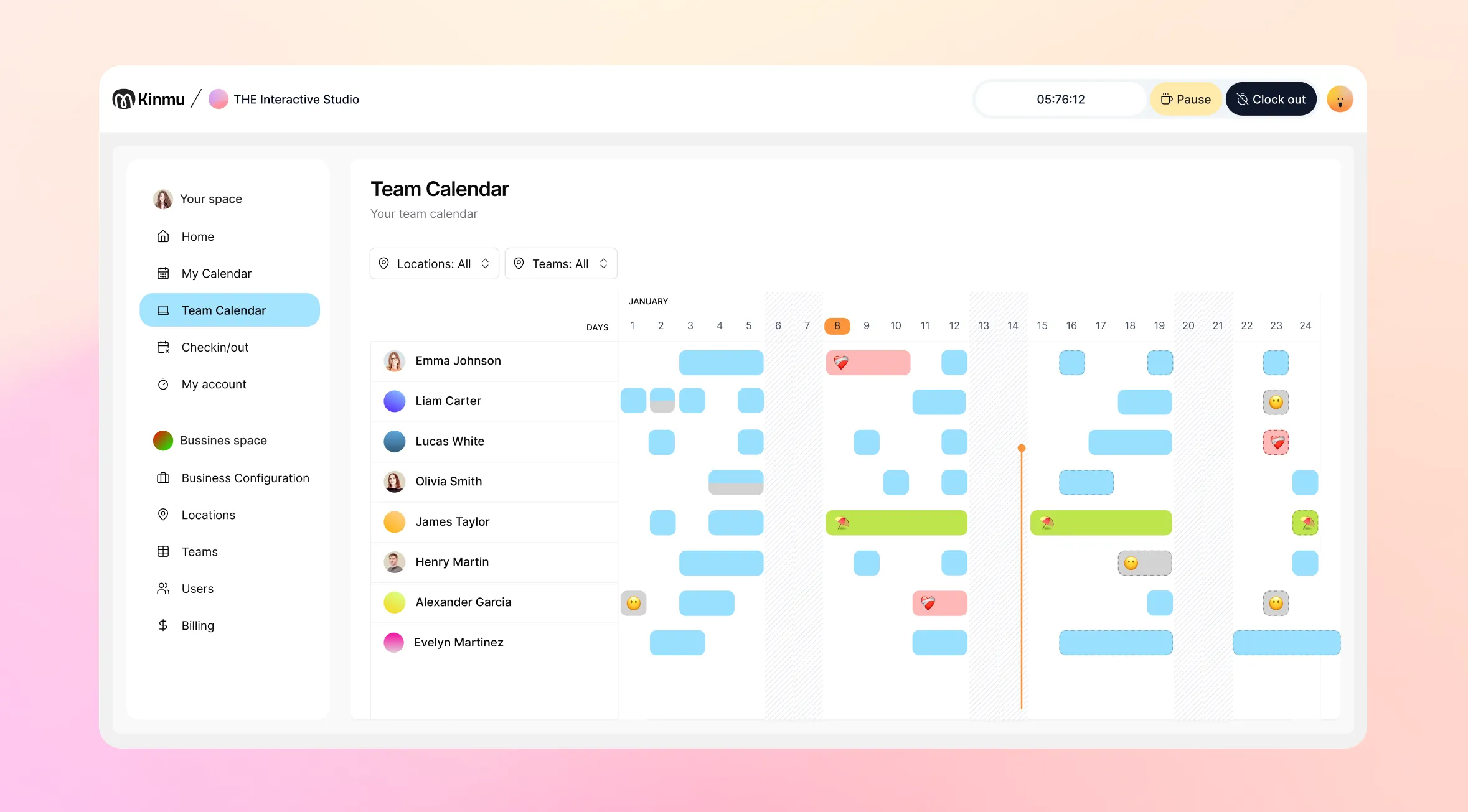
Time tracking is fully integrated with Kinmu’s absence management. When an employee is on annual leave, sick leave, or an approved permit, Kinmu reflects it automatically in their attendance record. No double entry.
FAQ
What if an employee forgets to clock in? A manager can add or adjust records manually from the admin panel.
Is the data handled in line with GDPR and UK GDPR? Yes — Kinmu stores attendance data in encrypted form, with restricted access and retention periods aligned to applicable regulations.
Does my team need to download an app? Not for QR clocking — it works from the phone browser. For remote clocking, employees use the Kinmu app.
Can I export records for a payroll run or employment tribunal? Yes. Export any employee’s full history by date range as a CSV, directly from the dashboard.
See also: Leave management works in Kinmu


