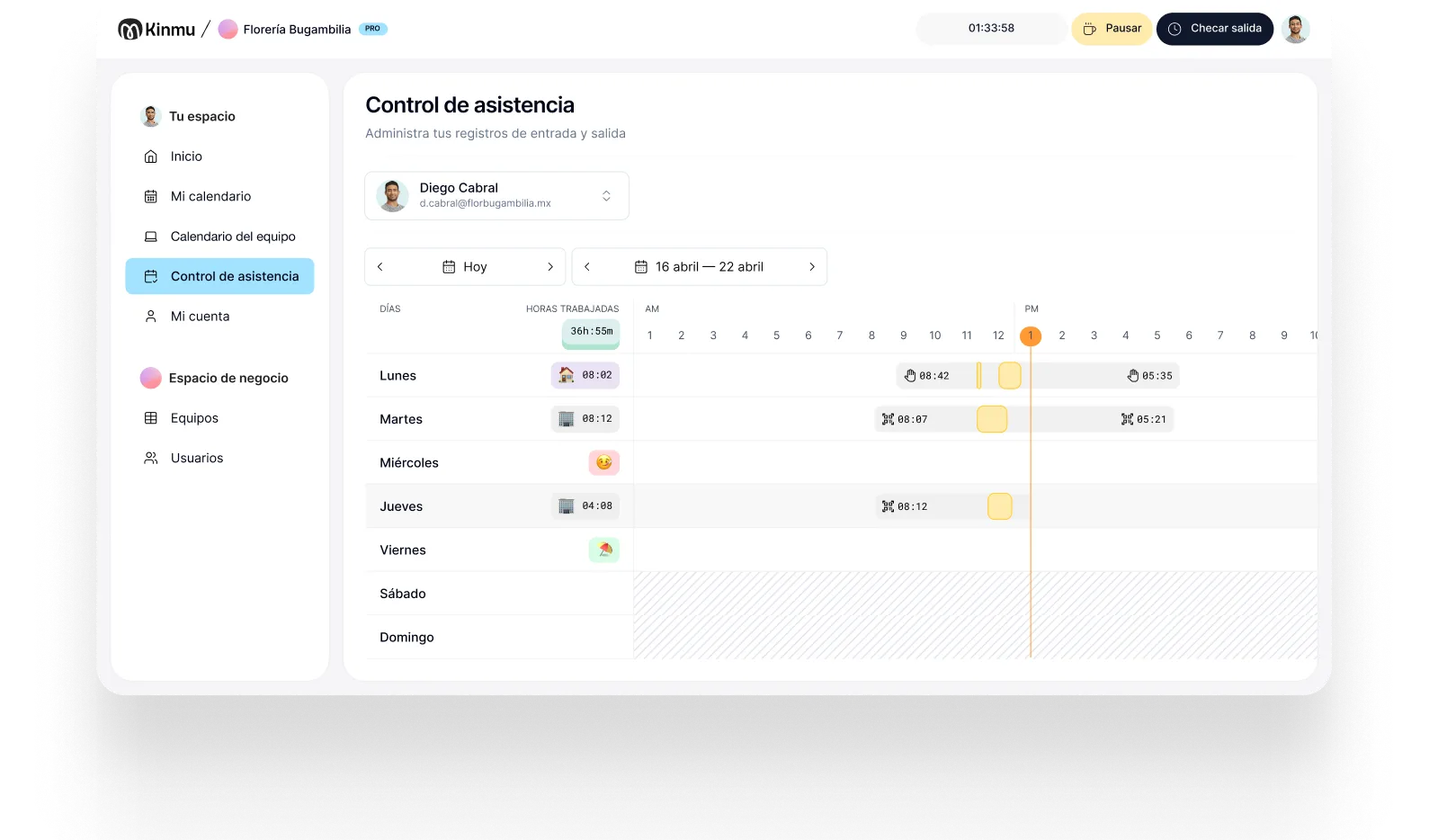

Kiosk at the front desk
A shared point for clocking in and out, with no personal computer needed.

Auto repair shops
In an auto shop your team works among vehicles, tools, and parts, not at a computer. Kinmu lets people clock in with a QR code or kiosk in seconds, flags missed entries, and lets you review hours without a notepad or loose sheets at the front desk.

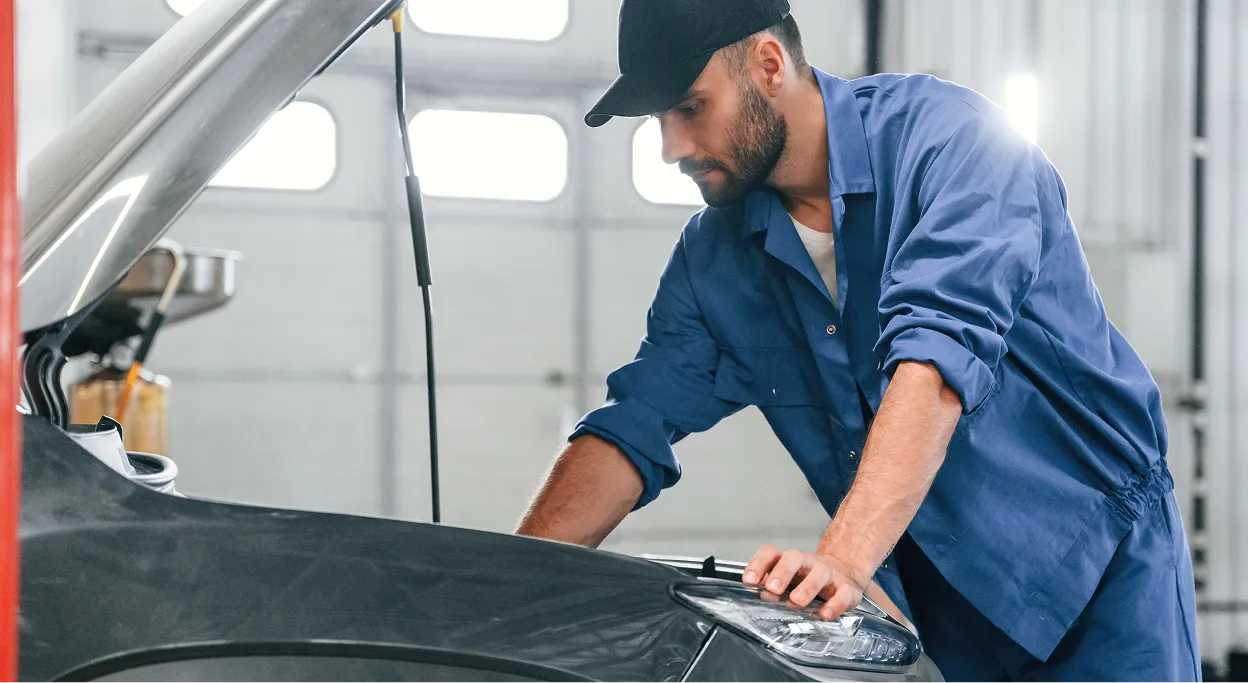
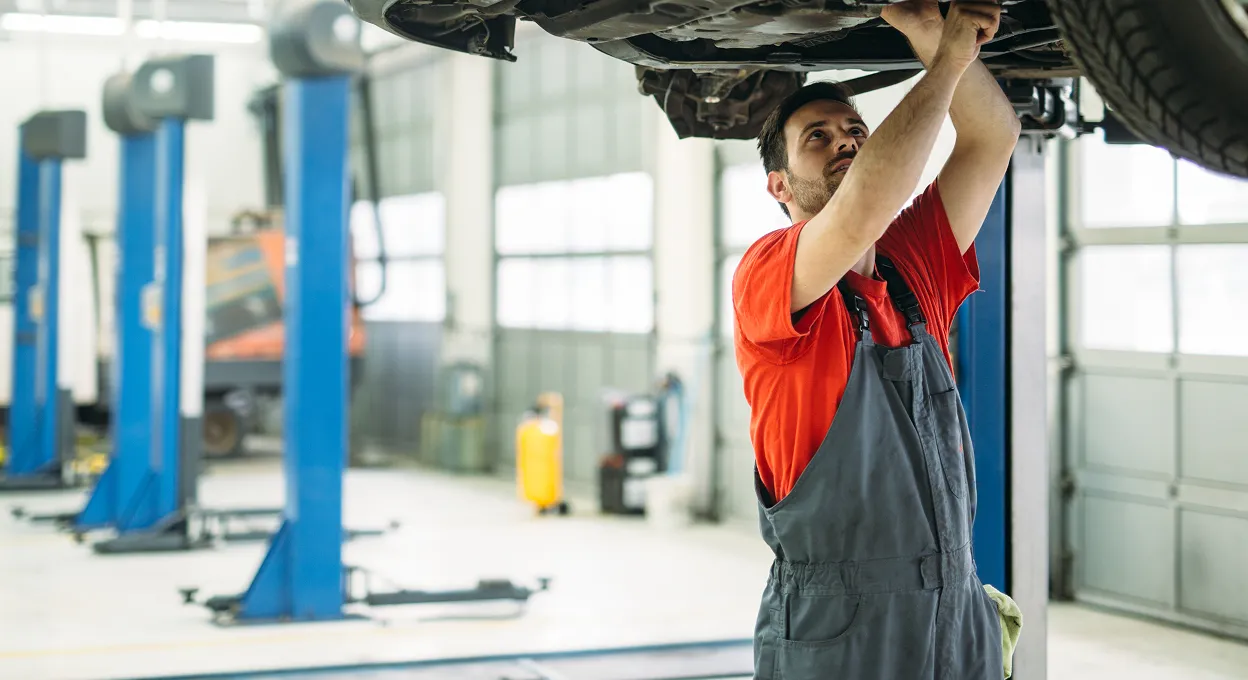
In a repair shop the day starts in the service area. Technicians, helpers, the front desk, and parts move between vehicles, tools, and deliveries. A clock-in system designed for an office fits badly: nobody wants to walk away from a repair to find a computer or depend on someone writing times down by hand.
There's a second reason it matters here. Shop work is quoted in hours, so the gap between hours worked and hours billed is where margin quietly disappears. If a job that was quoted at three hours actually took five, you only find that out if the time was captured properly. A record that reflects what really happened tells you which jobs are worth taking and which quotes need revisiting.
With Kinmu you put a QR code or kiosk at the shop entrance so the team clocks in quickly. Alerts help you catch incomplete records and corrections stay documented. Time tracking becomes part of the shop routine instead of another heavy task.
A shared point for clocking in and out, with no personal computer needed.

Stick a QR code by the entrance to record the day from a phone in seconds.
The experience is direct, even for people who rarely touch HR tools.
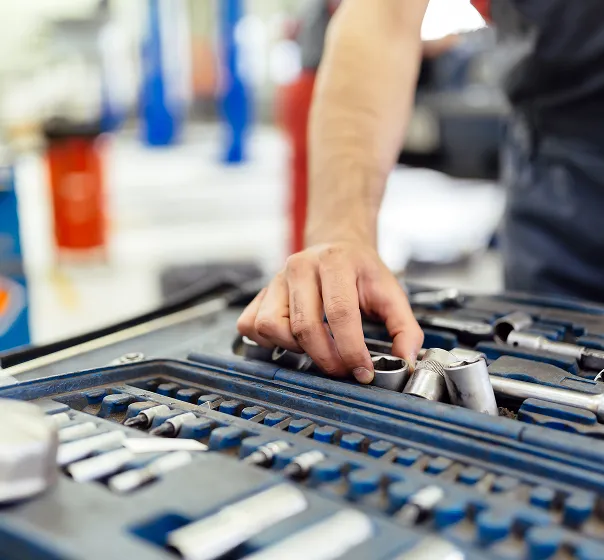
Add helpers or extra hands while they're working and stop paying once they're gone.
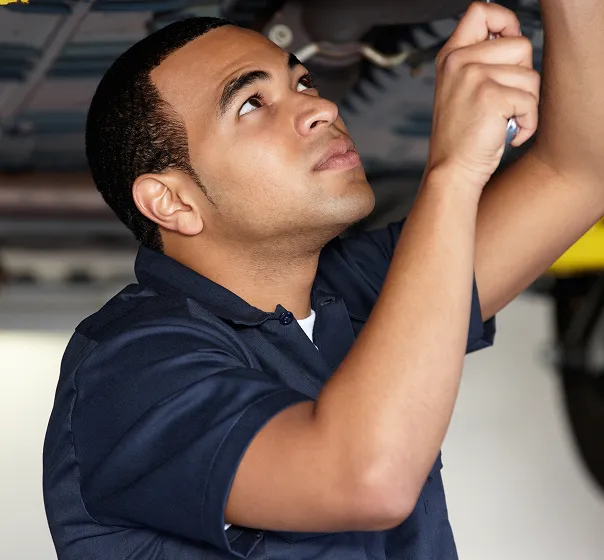
Catch late starts or incomplete clock-ins before you run payroll.
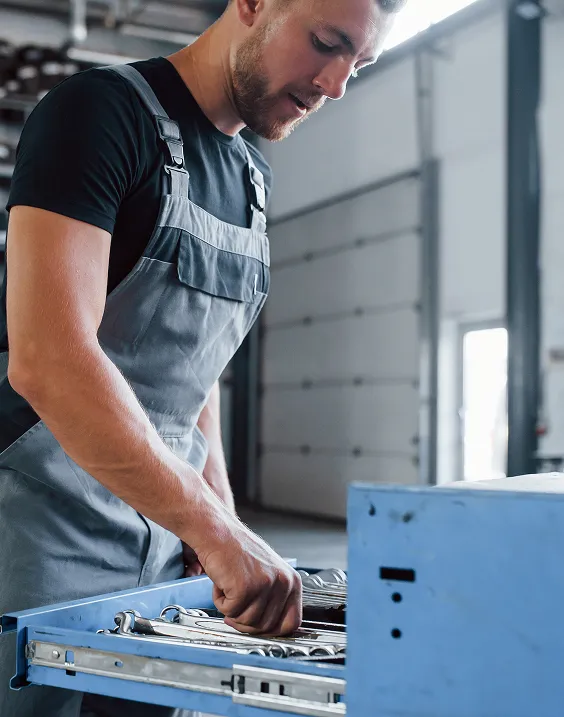
At eight the shop opens. Two technicians head straight into the service area, someone at the front desk opens the counter, and a helper starts half an hour later. Each person clocks in on arrival, at the kiosk by the entrance or by scanning the QR code. There's no sheet to sign and nobody has to note times while answering the phone.
This month an extra hand comes in to clear a backlog. You activate them in Kinmu while they're part of the team and the cost follows actual use. If someone takes a vehicle out on a test drive and forgets to clock out at the end of the day, Kinmu shows the exception and lets you correct it with a trail.
When it's time to review hours, the shop doesn't rely on memory or on grease-stained paper. Records are in the cloud, corrections are traceable, and reports can be prepared without interrupting the work. Clocking in becomes a quick routine rather than another problem at the front desk.

Clock-ins, clock-outs, and breaks saved automatically.
Every correction stays documented in the history.
Records stay in the cloud for five years.
Varied, non-intrusive ways to clock in.
Kinmu gives auto repair shops digital time tracking, alerts, and traceable records, with no minimum and no lock-in.
Only for active employees.
Works for small shops.
Monthly and flexible.
No unnecessary modules.
QR code or kiosk ready quickly.
Clocking in takes seconds.
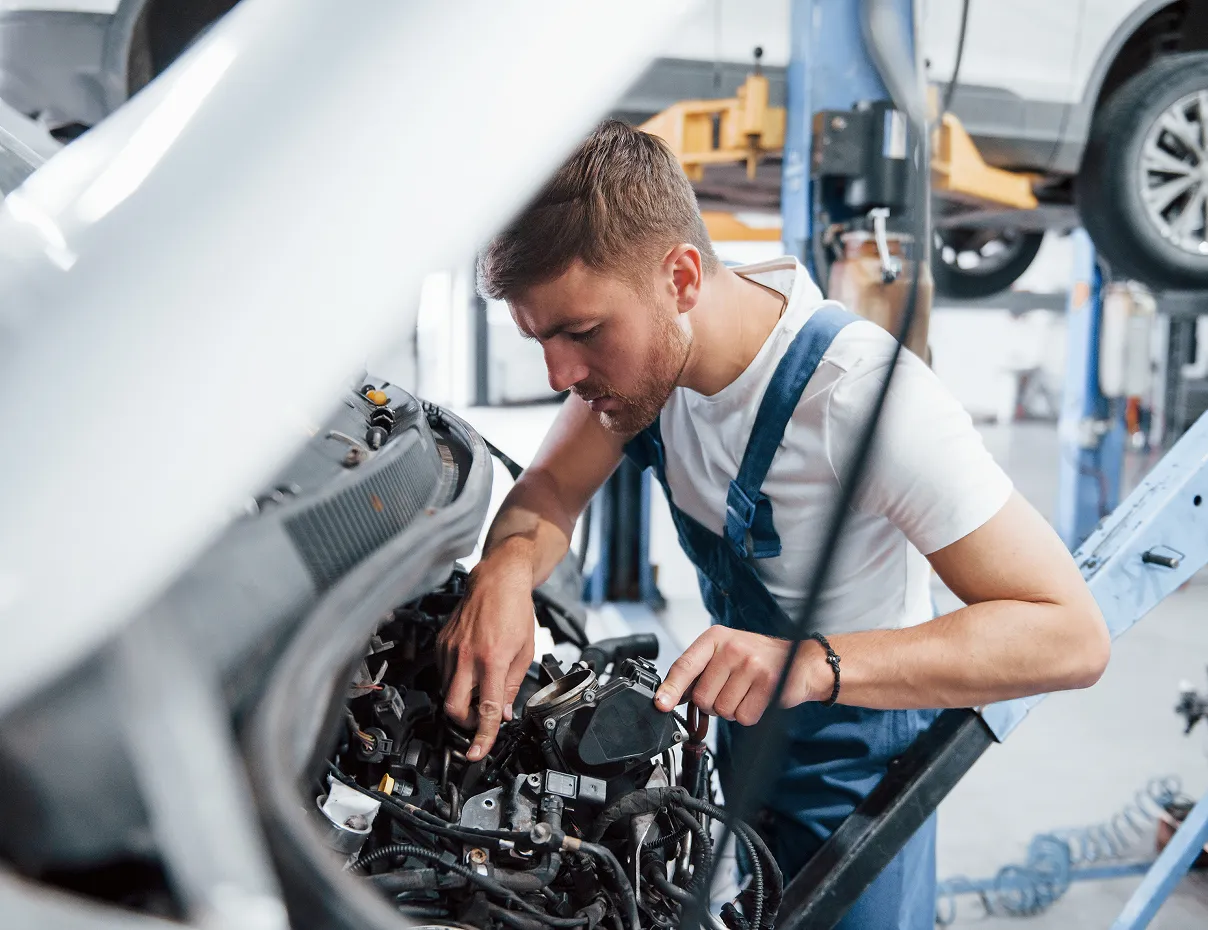
Add technicians, front desk, helpers, and schedules.
Set a quick clock-in point at the front desk or the entrance.
Check records, exceptions, and reports in Kinmu.
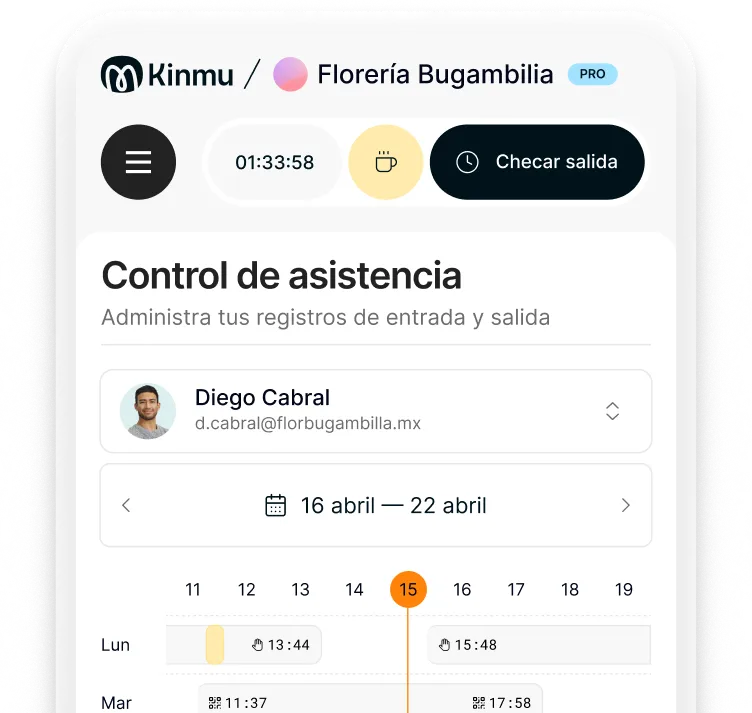
Usually a QR code or kiosk, because neither forces the team to use a computer.
In most places yes, and it also tells you whether the hours you quote match the hours you spend.
Yes. You don't need to buy one; a QR code, the app, or a digital kiosk is enough.
Yes. The setup is similar: hands-on teams, few desks, and a need to clock in fast.
Kinmu flags incomplete records and lets you correct them with a history trail.
Yes. You pay for active users, which suits helpers or busier stretches.
No. It doesn't require biometric data.
No. You can have the account and the clock-in point ready the same day.
Barely. Clocking in is deliberately direct: arrive, record, get back to work.
Yes. Records stay available for internal review or an audit.