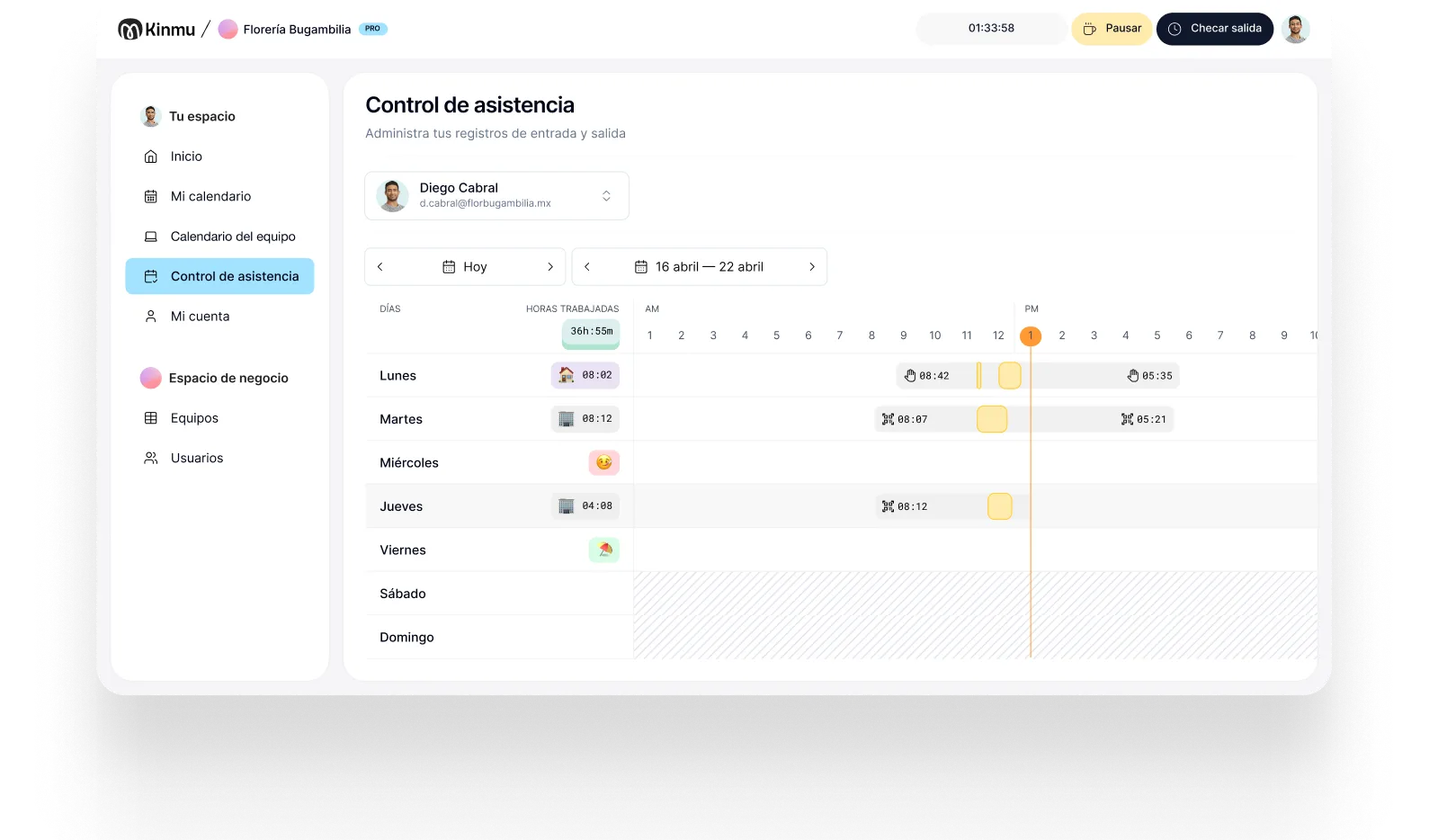

Clock in at the client
Your team records arrival and departure from their phone on reaching each site.

Cleaning services
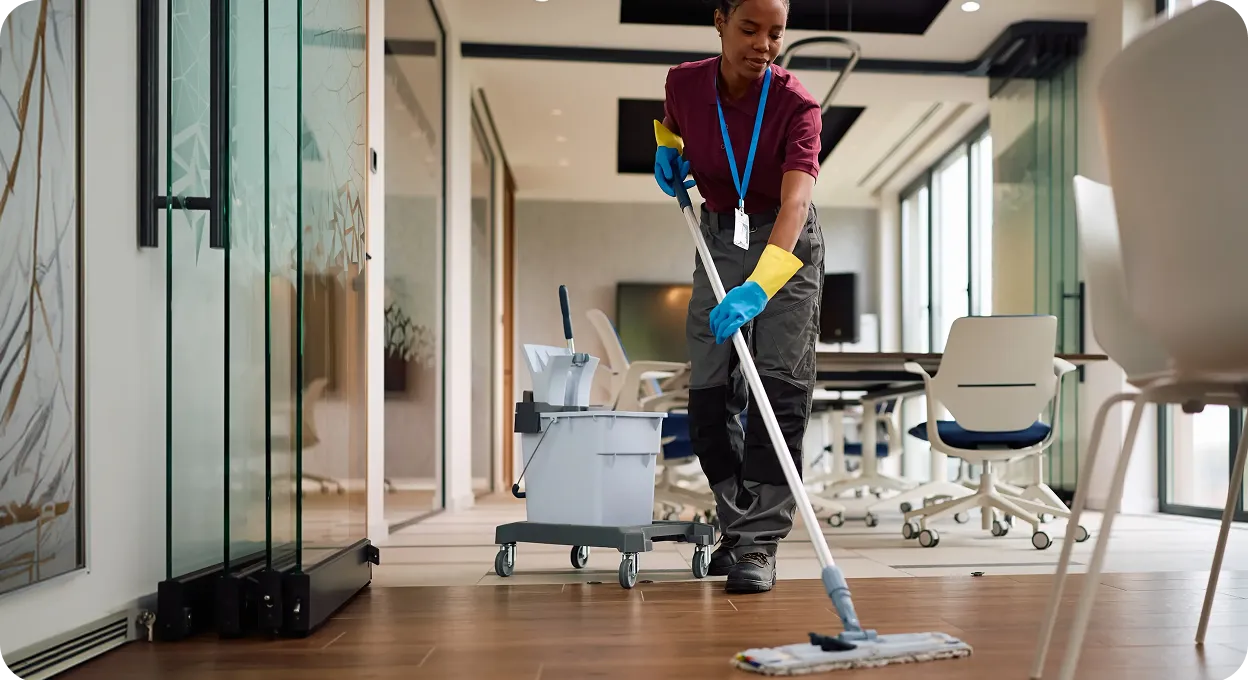
In cleaning, maintenance, or grounds work, your team works in offices, residential buildings, and client premises, not at a site of your own. Kinmu lets people clock in on every job, even with weak signal, so you know who has arrived without making calls.
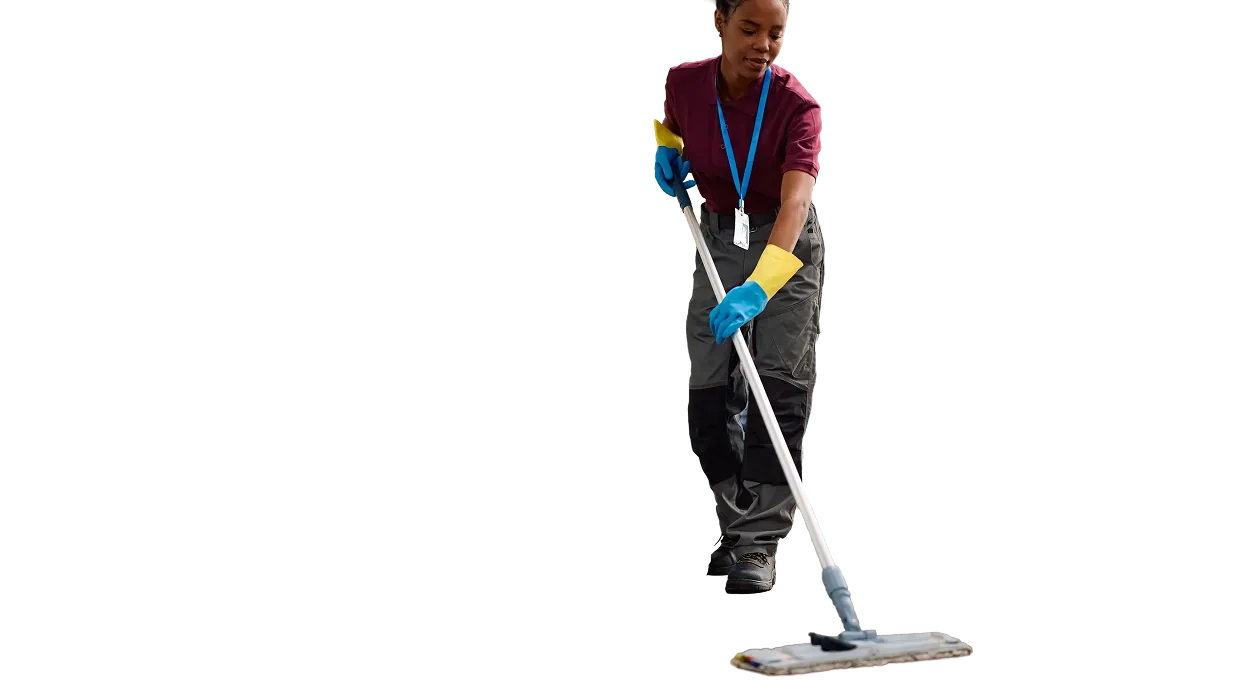
A cleaning company doesn't run the work from one front door. The team spreads across residential buildings, offices, stores, schools, or homes, often with early starts and jobs that last a couple of hours. If records are kept on paper, every client ends up producing its own version of attendance and the office gets the information late or incomplete.
That gap is expensive in a business billed by the hour. If you can't confirm someone arrived at a client at seven, you can't answer a complaint, you can't verify an invoice, and you can't tell whether a contract is priced correctly. The record isn't just an internal formality; it's the evidence behind what you charge and the proof behind what you promise.
Kinmu lets you create clients as work locations and clock in from the app, syncing once the connection returns. The company gains visibility into arrivals, absences, and time off, and can react before a gap in coverage turns into a client complaint.
Your team records arrival and departure from their phone on reaching each site.

Add every building or client with no extra cost per work location.

Clock-ins are stored offline and upload once the phone gets internet again.

Check absences so you can arrange cover without leaving a job unstaffed.
Catch unrecorded arrivals or incomplete clock-ins before they reach the client.
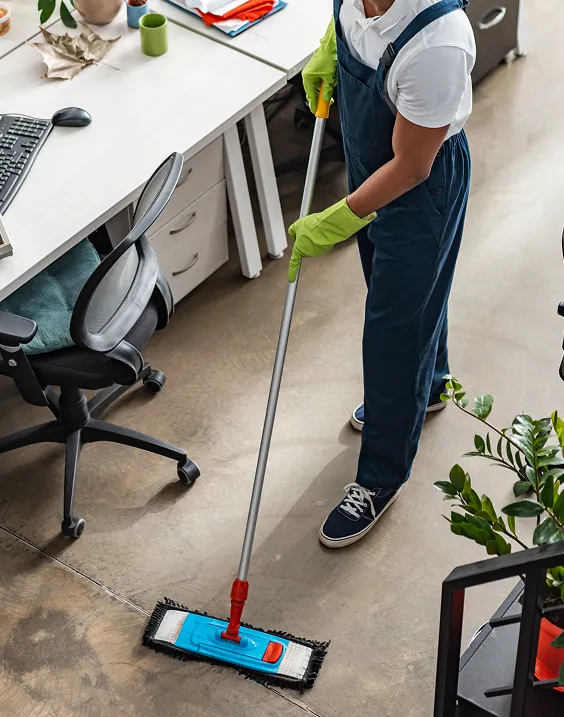
Monday starts with five jobs running at once: two offices, a residential building, a school, and a store. Each person clocks in from the app on arriving at their client. One team member starts in an underground garage with no coverage; the clock-in stays saved and syncs once she's back outside. The office doesn't have to wait for a phone call to know the job has started.
Because each client is set up as a work location, you can see where every day was recorded. If someone is on time off, the calendar shows it before you plan routes. If a start clock-in is missing at a sensitive site, Kinmu flags it so you can check and reorganize before the client asks.
At month end there are no signatures to collect from buildings and no photographed sheets to decipher. Records are organized by person and location, with traceable corrections. Operations get more reliable without installing anything at client sites and without changing how your team moves around each day.

Clock-ins, clock-outs, and breaks saved automatically.
Every correction stays documented in the history.
Records stay in the cloud for five years.
Varied, non-intrusive ways to clock in.
Kinmu helps you track jobs, absences, and clock-ins at the client without devices on site or manual work per building.
Only active users each month.
Fits small and midsize teams.
Flexible subscription.
Add work locations with no cost per site.
You organize the account and jobs from the website.
Your team clocks in from the client site.

Add buildings, offices, or jobs as work locations.
Your team clocks in from a phone on arriving at and leaving each job.
Review absences, exceptions, and reports from a single account.
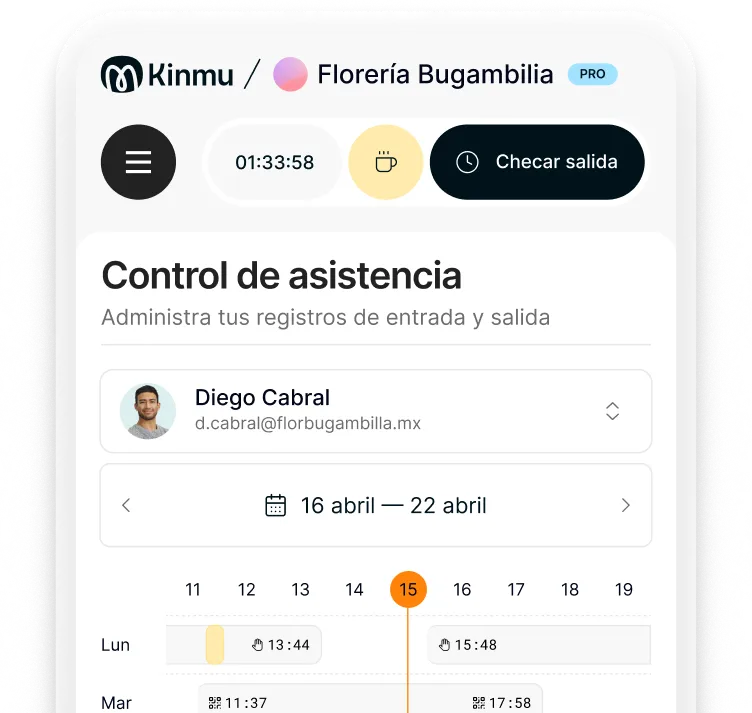
From the app, recording arrival and departure at the start and end of the job.
No. The app lets people clock in without putting equipment in client premises.
Yes. Offline recording saves the clock-in and syncs when internet returns.
Kinmu shows clock-ins and flags exceptions, which helps you spot an absence before you get a complaint.
Yes. You can create clients or buildings as work locations within the same account.
In most places yes, and it applies even when the work happens away from your own premises.
Yes. It suits any mobile team delivering services at client locations.
The team calendar shows absences and helps you plan coverage in advance.
Yes. Kinmu keeps the data and lets you generate time reports, which also helps when backing up an invoice.
No. Kinmu works with non-intrusive methods like the app, QR codes, or a kiosk.