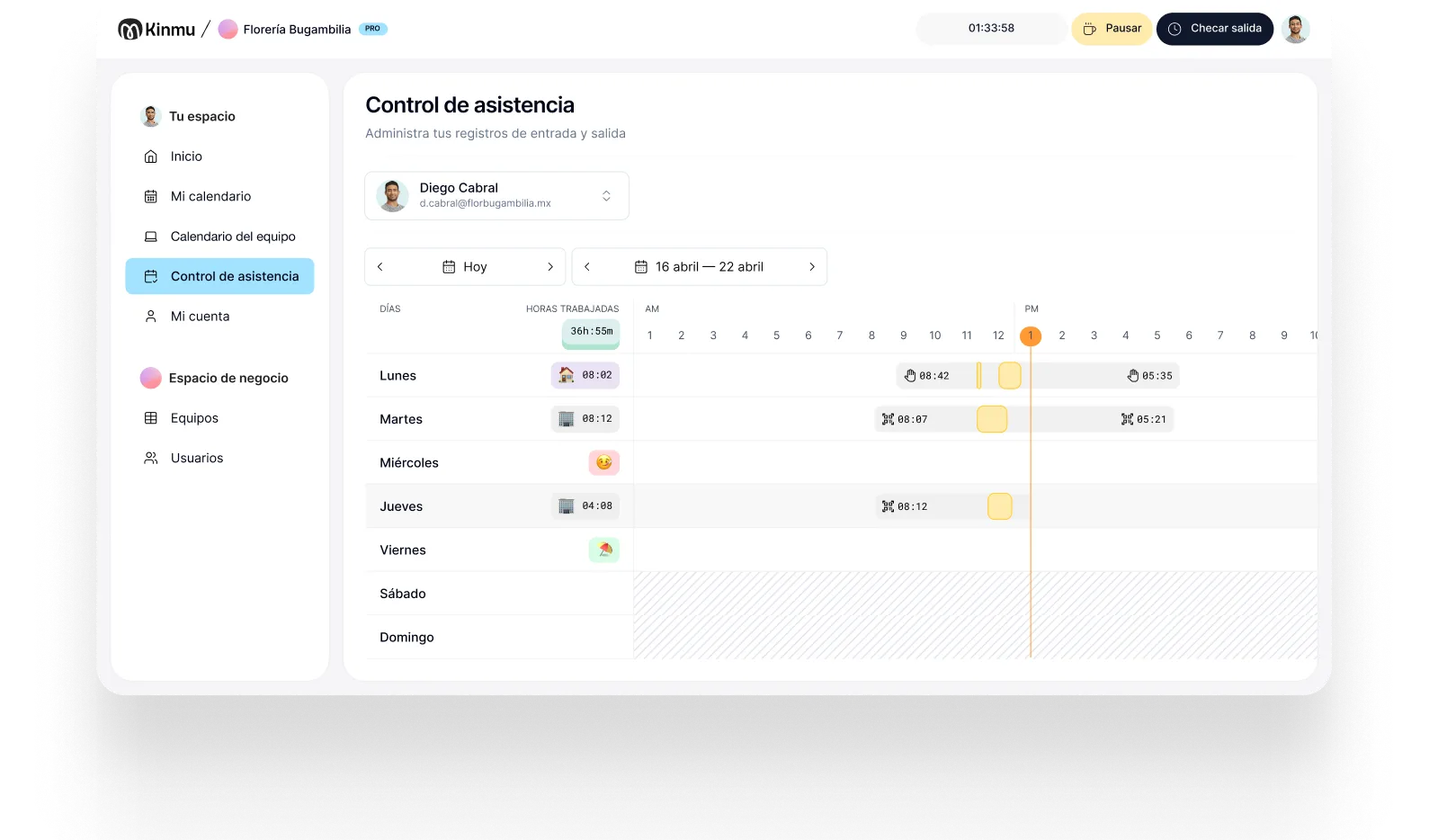

Works without internet
Clock-ins are saved even with no coverage and sync as soon as the connection comes back.

Construction
In construction, your team doesn't start the day at an office: they work on job sites, move between projects, and sometimes have no signal at all. Kinmu lets people clock in where the work is, even offline, and brings records from every site together.

In a construction business, time tracking can't depend on a head office. Crews start on site, supervisors visit several projects in a morning, and admin works with information that arrives late or half-complete. When timesheets get filled in at the end of the day, real hours blur into memory, phone calls, and scattered messages.
That blur costs more in construction than almost anywhere else, because hours are tied to projects. If you can't tell how many hours went into which job site, you can't tell which project is running over, which crew is stretched, or whether the quote you gave still makes sense. Getting the record right at the source isn't paperwork; it's how you find out where the money is going while you can still do something about it.
With Kinmu you set up each job site as a location, let people clock in from their phone, and keep records even when there's no internet at that moment. Admin sees who's on which front, spots exceptions without chasing timesheets, and reaches month end with a more reliable basis for reviewing hours.
Clock-ins are saved even with no coverage and sync as soon as the connection comes back.

Create as many work locations as you need and see all the information without duplicating systems.

Supervisors and crew on the move record their day from the app, whichever site they're on.
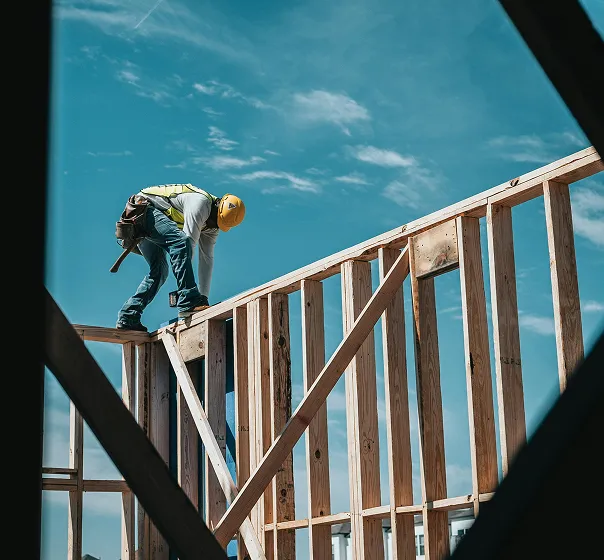
Check who has arrived, where each person is assigned, and which exceptions need attention.

Catch missed clock-ins, late starts, or incomplete records before they reach payroll.

At seven in the morning a crew starts on a site out of town where the signal comes and goes. Each person clocks in from their phone on arrival. If there's no connection, the record stays on the device and syncs later. Nobody has to write hours in a notebook or call the office to confirm they're already working.
Meanwhile the supervisor stops at two more sites. At each one he records his day from the app, leaving a trail of where he actually went. From the office, whoever coordinates the team sees which crew is on which front and notices if someone is missing before the delay hits the day's plan.
At month end, records are already grouped by person and by site. Corrections happen with a history trail, not from memory. If you need to justify hours on a project, you can pull the information out cleanly; and if what you want is to run the job better, the daily view helps you decide sooner.
Clock-ins, clock-outs, and breaks saved automatically.
Every correction stays documented in the history.
Records stay in the cloud for five years.
Varied, non-intrusive ways to clock in.
Kinmu adapts to construction businesses with active job sites, mobile crews, and headcount that changes from project to project.
Only active users each month.
Works with small or large crews.
Monthly, with no long commitments.
Add locations as projects come and go.
Account, job sites, and schedules from the website.
The crew clocks in with no training.

Add locations, schedules, and crews to match your active projects.
Let each person record their day from the site, even with a weak signal.
Review hours, exceptions, and reports from a single account.
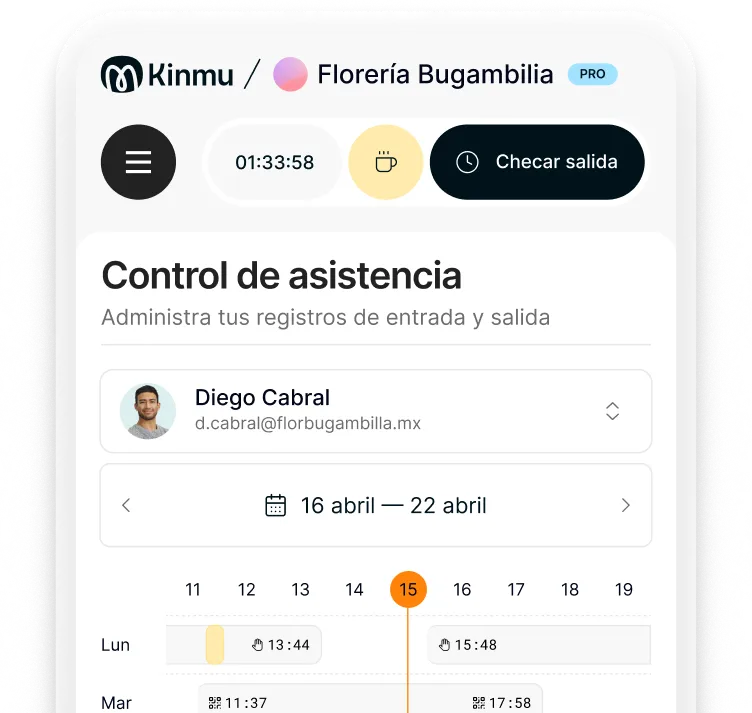
Kinmu records the clock-in offline. The data stays saved and syncs once the phone gets internet again.
Yes. You can create each site as a location and review hours and attendance project by project.
In most places yes, regardless of headcount. It also matters commercially: without hours per site you can't tell which projects are profitable.
They clock in from the app at each location, with no physical time clock and no detour through the office.
Yes. You pay for active users, which suits taking people on for one job and deactivating them afterward.
No. You can use the app or a QR code. A kiosk is optional if you want a shared point at an entrance.
Alerts and the calendar surface absences or missing clock-ins before the problem shows up too late.
Yes, traceably. Every change stays documented so the record keeps its credibility.
Yes. Kinmu keeps the records and lets you generate clean time reports whenever they're requested.
No. Kinmu works with non-intrusive methods like the app, QR codes, or a digital kiosk.