Change history
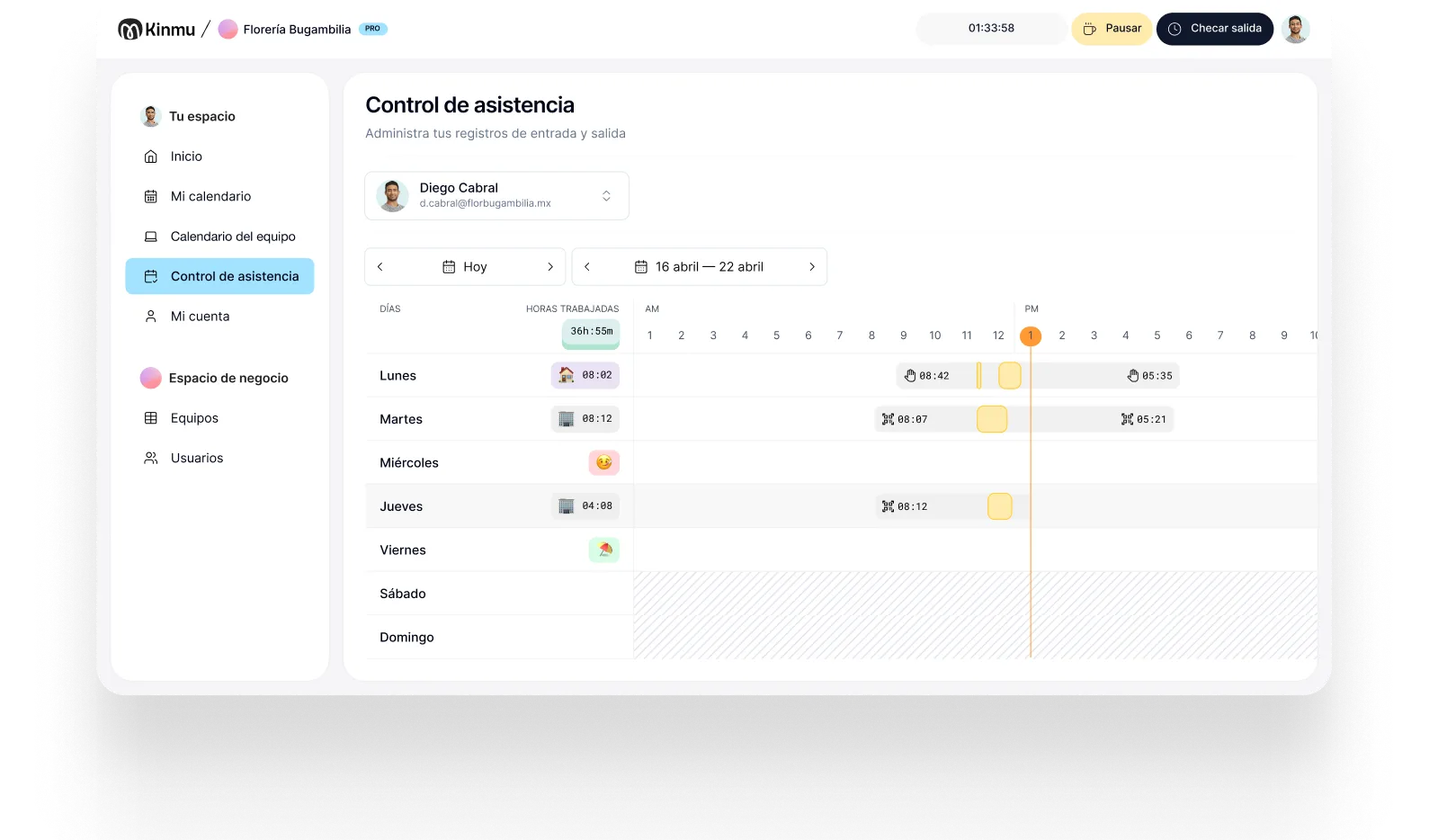
Every correction keeps who made it, when, and what changed. The record doesn't disappear: it gets explained.

Dental practices
A dental practice already runs on method: appointments, charts, protocols, and rotas. Kinmu brings the same logic to time tracking, with traceable clock-ins, requests in one place, and reports ready to review without interrupting patient care.

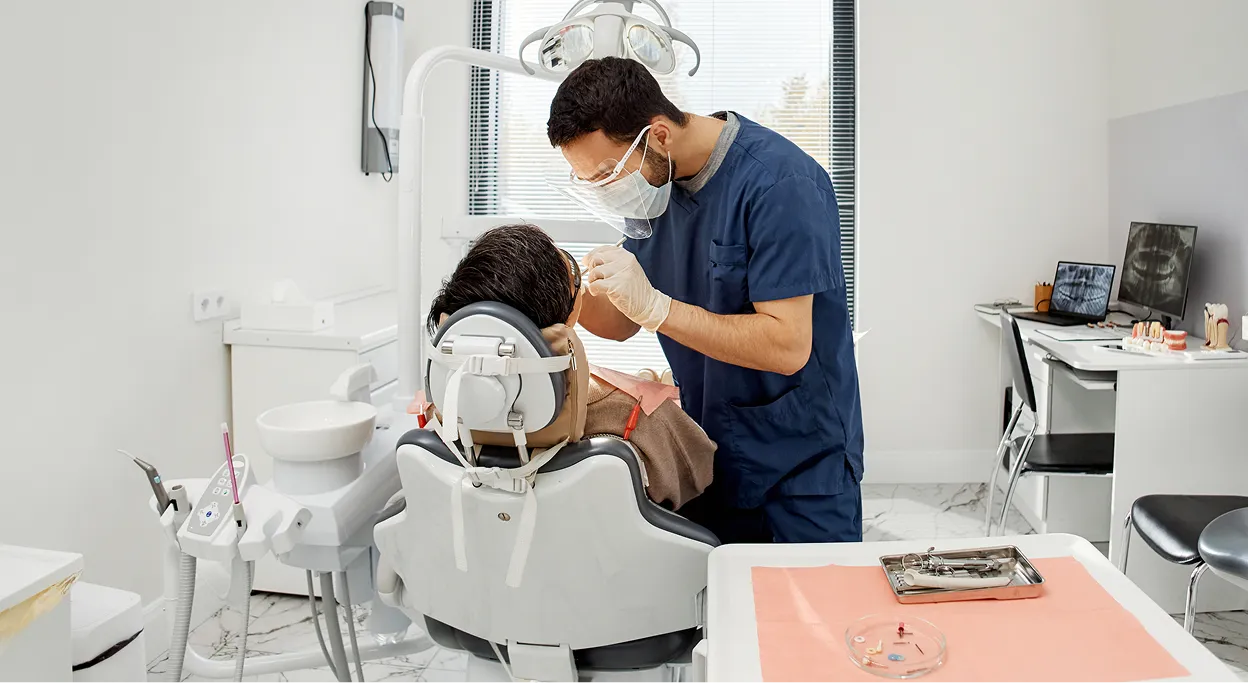
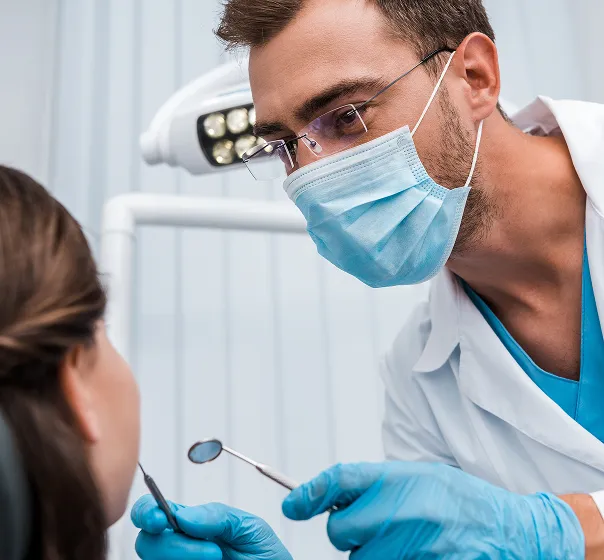
A dental practice puts very different roles in a small space: dentists, hygienists, assistants, front desk, and admin. The schedule sets the pace, appointments run back to back, and anything that depends on paper ends up competing with patient care. If time tracking sits off to the side, on a sheet or with improvised corrections, the discipline that exists everywhere else in the practice never reaches the working day.
Practices tend to notice this in two places. The first is payroll, where someone has to reconcile hours nobody wrote down properly. The second is planning: without a clear record you can't tell whether the front desk is genuinely stretched or whether a role is quietly carrying more hours than the schedule assumes. In a setting where documentation is already second nature, leaving working time as the one undocumented thing is an odd exception.
Kinmu makes sure every clock-in, clock-out, and correction stays documented without loading more work onto the front desk. The team clocks in seconds, absences are requested in the same place, and reports come out when they're needed. The practice keeps its rhythm and time tracking stops being a separate folder.
Every correction keeps who made it, when, and what changed. The record doesn't disappear: it gets explained.
Generate time reports without preparing sheets by hand or pulling data from different places.
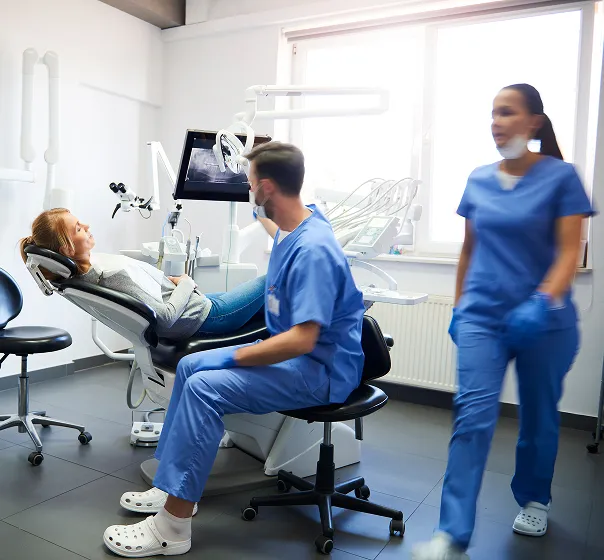
Use a QR code or kiosk at a shared point so clinical and admin staff clock in and out.

Set different working patterns for the front desk, assistants, hygienists, or clinicians who only see patients some days.
Leave, time off, and absences are handled in Kinmu, with fewer scattered messages and more clarity.
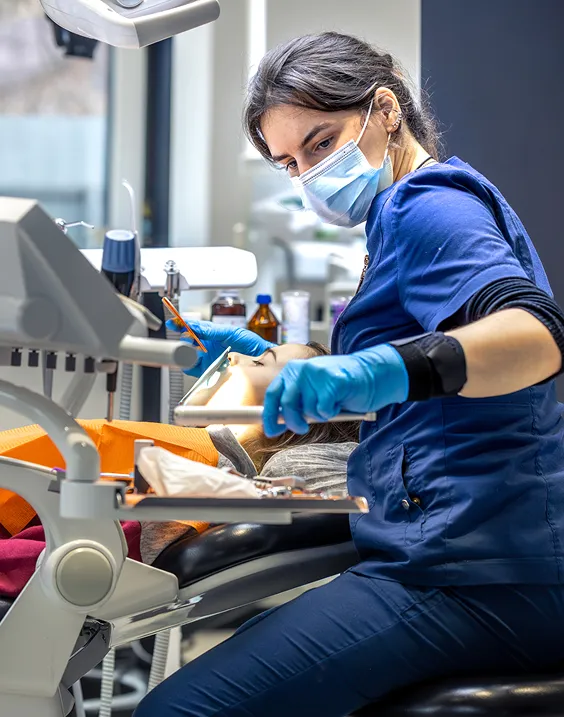
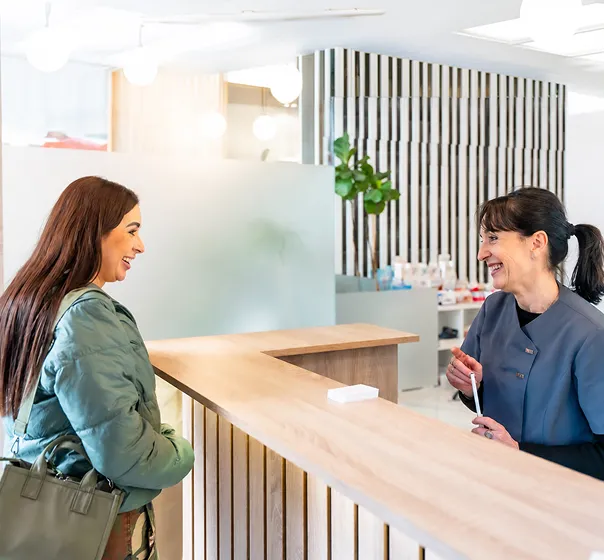
The first patient arrives at nine and the front desk already has a full schedule. Before starting, the hygienist clocks in via the QR code at reception and the assistant uses the kiosk. Nobody has to open a computer or ask admin to note the time. The record is saved while the practice carries on setting up rooms and materials for the morning.
Midweek, someone forgot to clock out because a procedure ran long. Instead of adjusting a sheet with no context, the clock-in is corrected in Kinmu and the change appears in the history. If someone else requests time off, it comes through the same channel and doesn't get mixed in with messages about appointments, patients, or suppliers.
When management reviews the month, they find a clean picture of days worked, absences, and corrections. There's nothing to ask the front desk and no hours to rebuild from the appointment book. If a question comes up about someone's pay, the answer is a lookup rather than a conversation. And if it doesn't, the benefit is the same: less admin and more visibility into how the practice runs.
Clock-ins, clock-outs, and breaks saved automatically.
Every correction stays documented in the history.
Records stay in the cloud for five years.
Varied, non-intrusive ways to clock in.
Kinmu fits small and midsize practices that want digital, traceable, straightforward time tracking without committing to heavy software.
Only for the people actively working at the practice.
Works with small teams from day one.
Monthly subscription, cancel easily.
Hours, absences, and schedules without clinical modules.
You prepare everything in the account, no complex install.
The team clocks in without stopping the appointment.
Set up roles, working patterns, time off, and rotas the way your team actually works.
Use the front desk as a shared point with a QR code or kiosk for arrivals and departures.
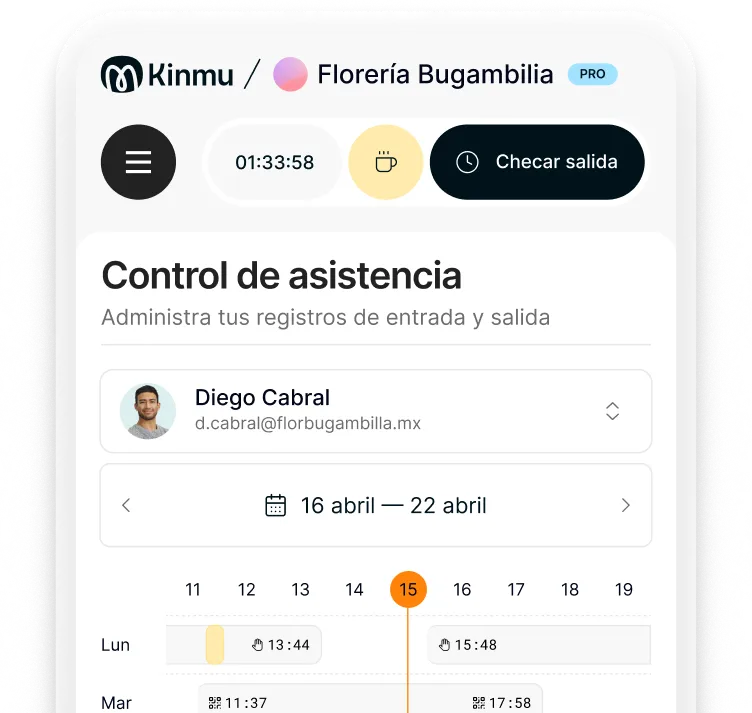
Check hours and corrections with full traceability and generate reports when you need them.
In most places, yes, and the size of the practice rarely changes that. Beyond any rules, it's what makes payroll and scheduling questions answerable.
Traceability and order: every day is recorded, corrections stay documented, and reports come together without hunting for loose sheets.
Usually a QR code or kiosk at the front desk or in a shared internal area, so people clock in on arrival and on the way out.
Yes. You can configure schedules and working patterns by role, for clinical staff as well as front desk or admin.
The correction is made in Kinmu and stays in the history. The data gets adjusted without losing the trail of what changed.
In practice, yes. A sign-in sheet can still do its job, but Kinmu cuts errors, improves access to the information, and frees you from paper.
Yes. Requests stay in one place so management or HR can review them without mixing staffing matters into appointment messages.
No. It uses non-intrusive methods like QR codes, the app, or a digital kiosk, with no biometric data.
Yes. You can generate time reports from the stored records, which are kept for five years.
A practice can have the account ready the same day: team, schedules, and clock-in point, with no complicated install.