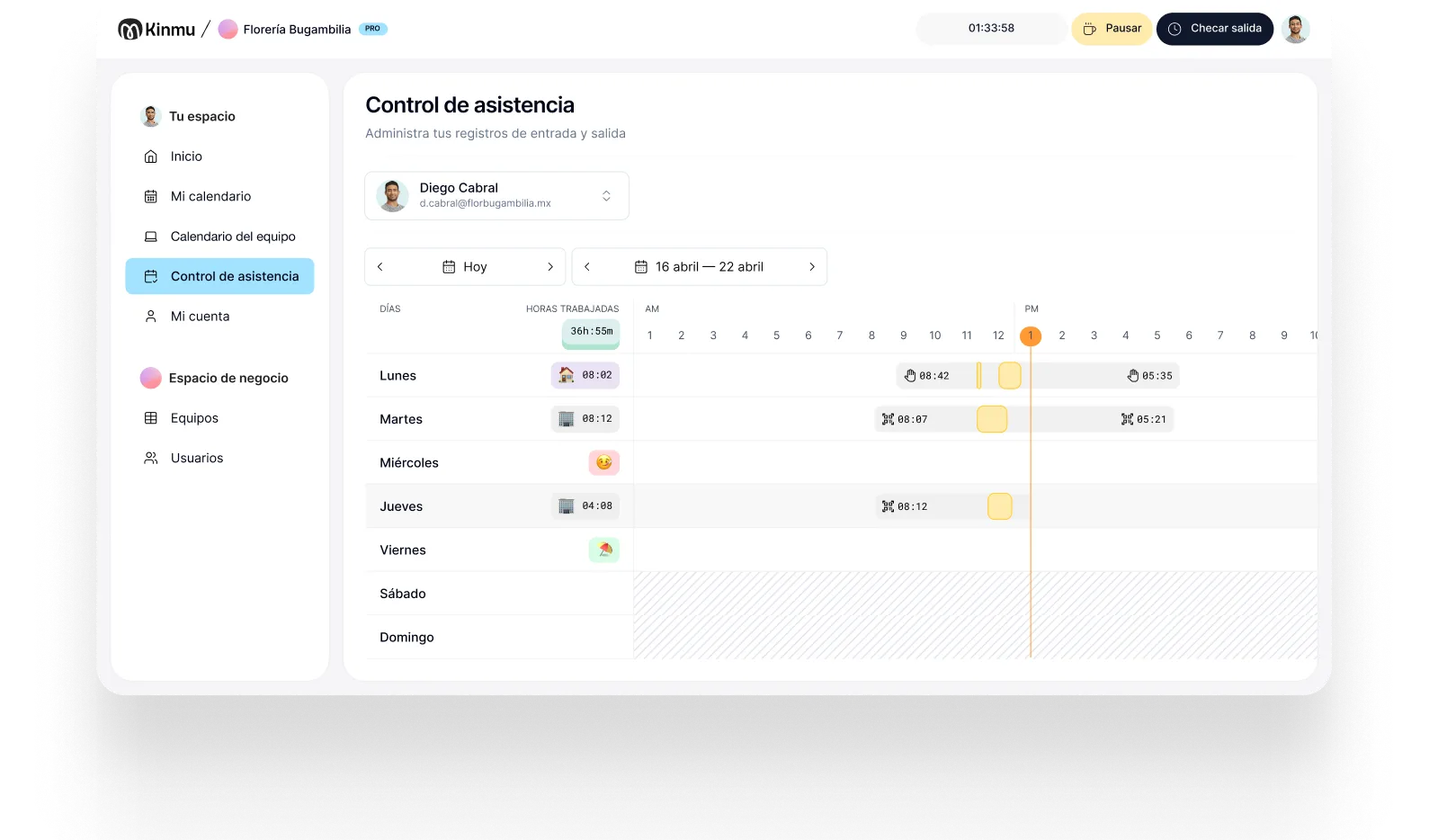

Clock in from the web
Admin and coordination record their day in the browser, with nothing to install.

Education
At a training provider or language school, not everyone works nine to five: there are classes by the hour, weekends, online sessions, and admin staff. Kinmu lets people clock in from the web or a phone, adapts to your schedules, and shows you who's working, where, and when.

In education, a standard timetable almost never tells the whole story. One instructor teaches two afternoon classes, someone else runs online sessions from home, management works from the office, and admin covers a steadier pattern. If everyone depends on one physical point or a shared spreadsheet, time tracking ends up ignoring how the place actually operates.
The consequence isn't only administrative. Coordination is the hard part in education: knowing who is available for cover, who is close to their contracted hours, and how much time is really going into preparation versus teaching. A record that reflects where and when people work turns those questions into something you can look up instead of something you ask around about.
With Kinmu, each person clocks in where they work: the web for anyone at a computer, the app for instructors who move around, and remote clock-in for online classes. The team calendar also helps management see who they can count on each day, avoiding scattered messages and making it easier to plan cover, leave, and time off.
Admin and coordination record their day in the browser, with nothing to install.

Instructors who change room, site, or format clock in from the app in seconds.

Leave, time off, and schedule changes arrive in a single space.

Set different schedules for hourly instructors, management, or admin staff.

Spot absences, late starts, or pending clock-ins without asking each instructor.

On Friday afternoon the school has three groups on site, one online course, and a coordination meeting. Admin clocks in from the web at the start of the day. An instructor who goes straight to the classroom records her start from her phone, and whoever is teaching from home does the same on their computer. Each role clocks in where they work, without stopping at the front desk.
Management opens the calendar and sees who's teaching, who's remote, and who has approved time off. If an instructor asks to move a session or flags an absence, it doesn't get buried in email; it comes into Kinmu and is handled with a clear trail. Staffing information stops depending on conversations that sit apart from the teaching itself.
By the end of the week, the school reviews hours and exceptions without preparing lists by hand. Corrections stay documented and the records are there if they're needed. For a training provider, that means less load on coordination and more clarity when planning schedules, cover, and teaching teams.

Clock-ins, clock-outs, and breaks saved automatically.
Every correction stays documented in the history.
Records stay in the cloud for five years.
Varied, non-intrusive ways to clock in.
Kinmu helps training providers and private schools clock in, manage absences, and see availability without complex software.
Only active users each month.
Suits small teaching teams.
Flexible monthly subscription.
Clear hours, absences, and schedules.
You set up roles with no install.
Quick clock-in from the classroom or remotely.

Define schedules, remote work, and patterns for instructors, coordination, and admin.
Use web or app depending on where each person is working that day.
Review the calendar, absences, and time records in one place.
If they're employed, their hours should be recorded like everyone else's, even for a small number of hours. For genuine freelance contractors it usually works differently.
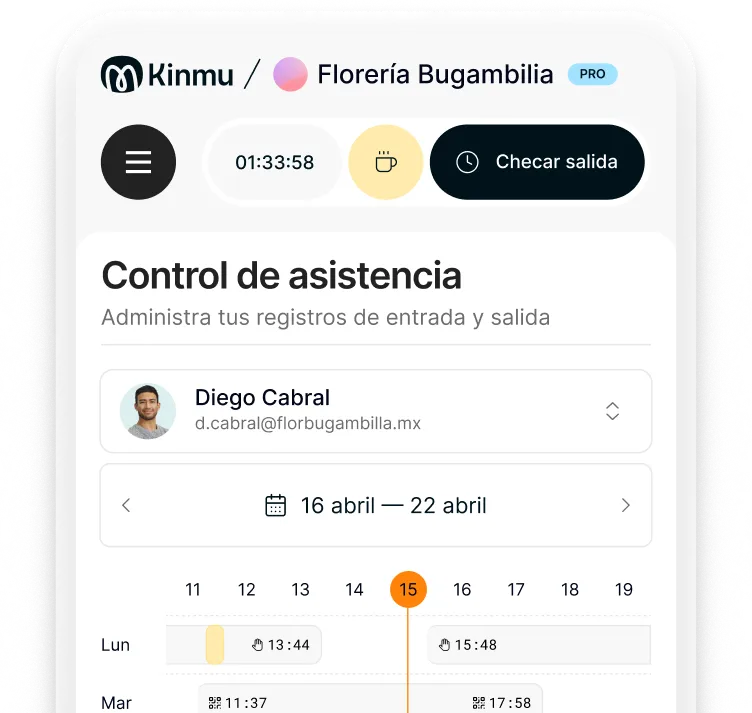
From the web or the app, recording the start and end of their day from wherever they're teaching.
Yes. Kinmu lets you configure flexible schedules, classes in blocks, and different roles.
The team calendar shows absences, time off, and attendance so you can arrange cover faster.
Yes. Wherever you operate, digital is the most common approach because it makes records easier to keep and to look up.
Kinmu shows the incomplete clock-in and lets you correct it while keeping a history of the change.
Not necessarily. In education, combining web and app is usually more useful, especially with online classes or several rooms.
Yes. Requests stay in one place so management can review them without relying on email or messages.
Yes. There's no user minimum and cost depends on the people who are active.
Yes. The information is retained and you can generate time reports whenever you need them.