
A method per department
Web, app, QR code, or kiosk depending on front desk, housekeeping, kitchen, or maintenance.

Hotels
In a hotel, the front desk, housekeeping, the kitchen, and maintenance don't work the same way or come in through the same door. Kinmu lets each department clock in with web, app, QR code, or kiosk, and pulls the information together so you can coordinate shifts, absences, and cover without sheets per department.

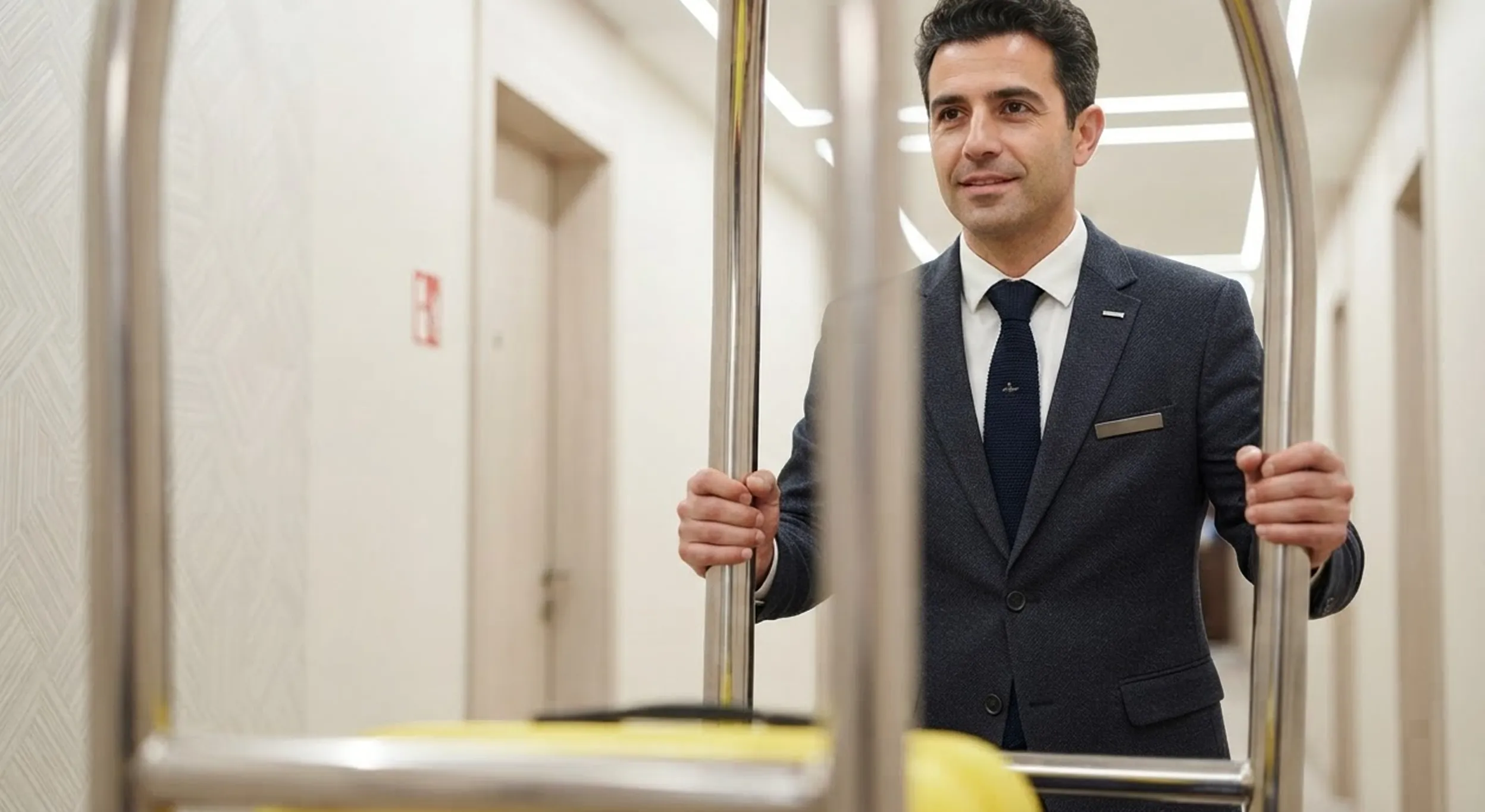
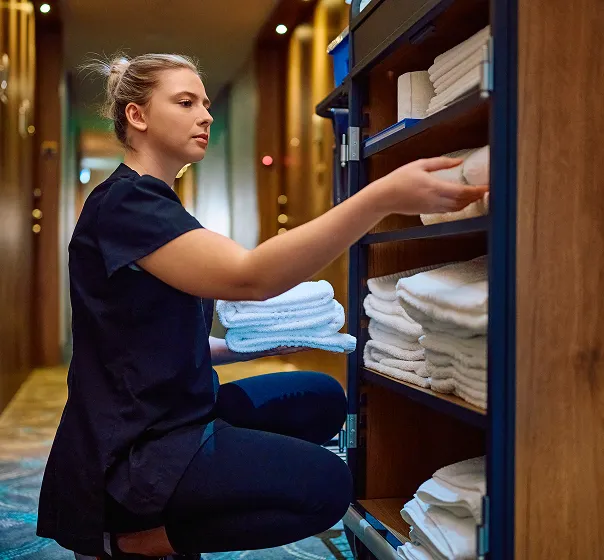
Hotels bring very different kinds of work into one operation. The front desk may sit at a computer, housekeeping moves between rooms, the kitchen has its own rhythm, and maintenance turns up wherever something breaks. If everyone has to clock in the same way, the system ends up comfortable for one department and awkward for another.
The cost of getting this wrong is operational before it's administrative. Occupancy swings, night shifts, and last-minute changes mean cover decisions get made daily, and they get made badly when nobody can see the real picture across departments. Knowing that housekeeping is two people short at nine in the morning is useful; finding out at the end of the month is not.
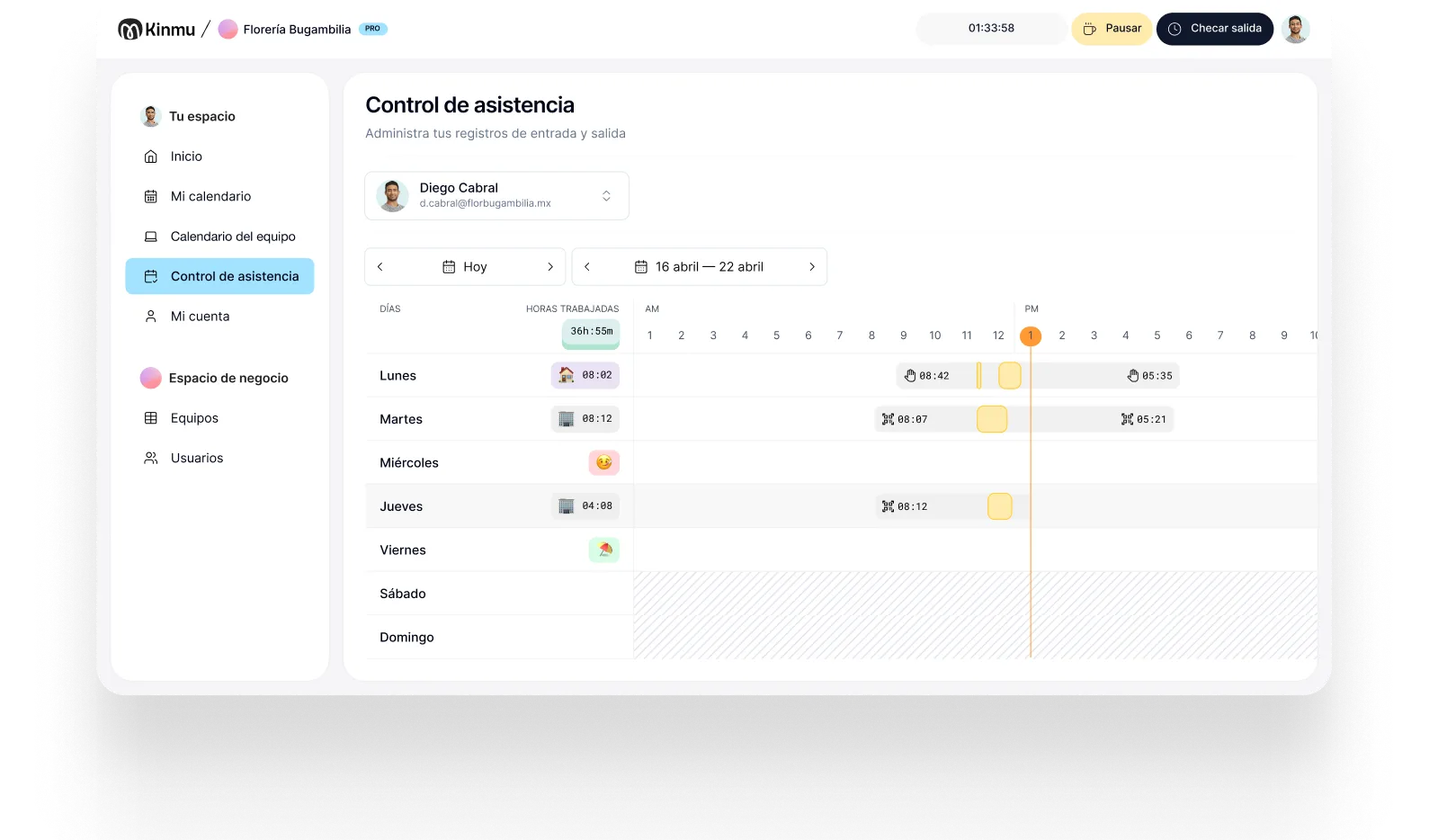
Kinmu lets you adapt the clock-in method to each department without losing the central view. The front desk can clock in from the web, housekeeping from the app, the kitchen with a kiosk or QR code, and management can review absences, attendance, and exceptions from the same screen. Time tracking stops competing with looking after guests.
Web, app, QR code, or kiosk depending on front desk, housekeeping, kitchen, or maintenance.
Run hotels, buildings, or units from the same account.
Offline clock-ins in basements, storage areas, or spots with poor coverage.

See who's working in each department and arrange cover in good time.
Spot absences or incomplete clock-ins before they affect the guest.
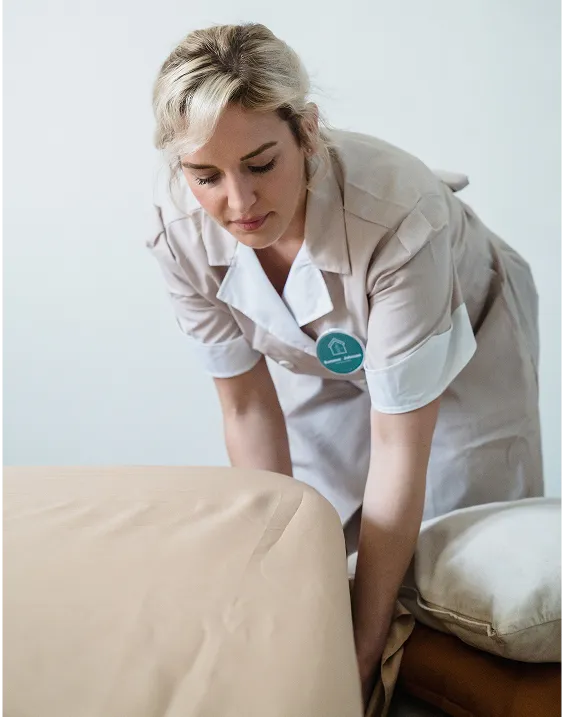
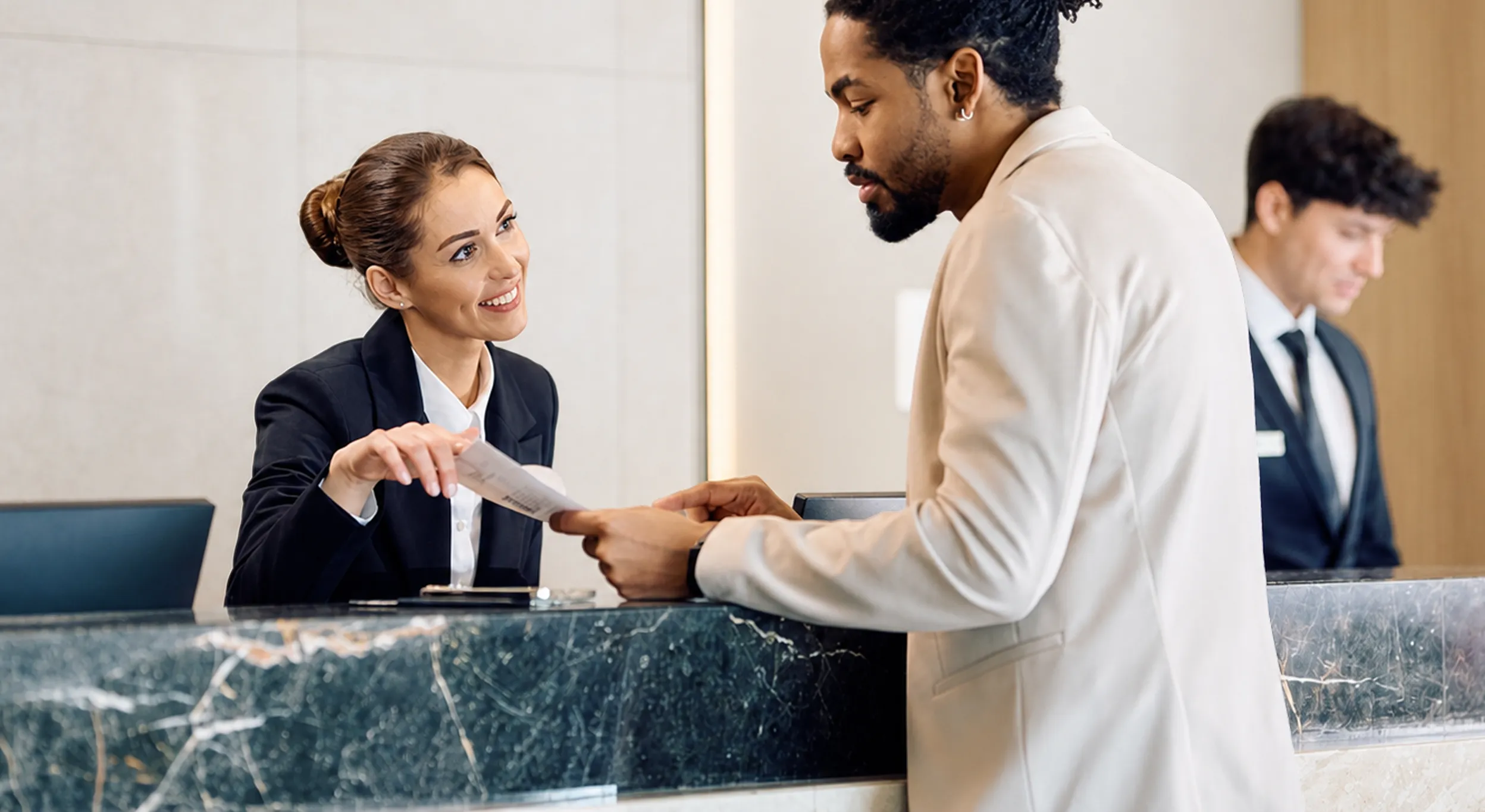
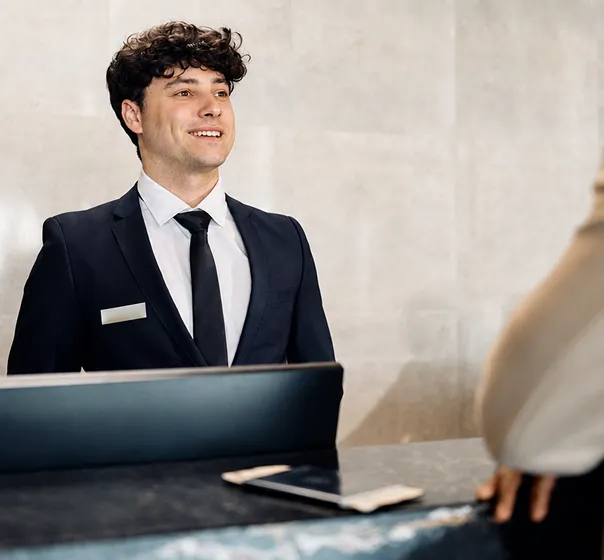
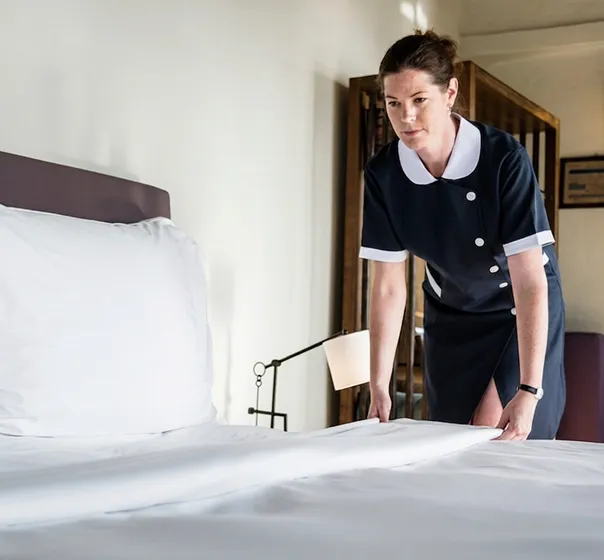
The hotel is full. The front desk clocks in from the web without leaving the counter, housekeeping records the day from the app while heading up to the floors, and the kitchen uses a kiosk in its own area. Each department keeps its routine and yet every clock-in lands in the same system. No sheets per department and nothing to gather at the end of the day.
Someone from maintenance goes down to the plant room, where the signal drops. They clock in anyway and the record syncs afterward. In management, the calendar shows whether housekeeping is fully staffed, which shifts cover the front desk, and who is on time off. If a start is missing in a critical department, the alert lets you react before the guest notices.
When the month is reviewed, hours aren't rebuilt through conversations between supervisors. They're centralized, with traceable corrections and ready to turn into reports. For a small or midsize hotel, Kinmu makes time tracking manageable without imposing a tool designed for large chains.
Clock-ins, clock-outs, and breaks saved automatically.
Every correction stays documented in the history.
Records stay in the cloud for five years.
Varied, non-intrusive ways to clock in.
Kinmu centralizes clock-ins and absences by department with flexible methods and cost that suits small and midsize properties.
Only for people who are active.
Fits small hotels.
Monthly and flexible.
Clear time tracking.
You organize departments and shifts.
Each department clocks in its own way.

Set up front desk, housekeeping, kitchen, maintenance, and their schedules.
Assign web, app, QR code, or kiosk to each team.
Monitor absences, clock-ins, and reports from a single account.
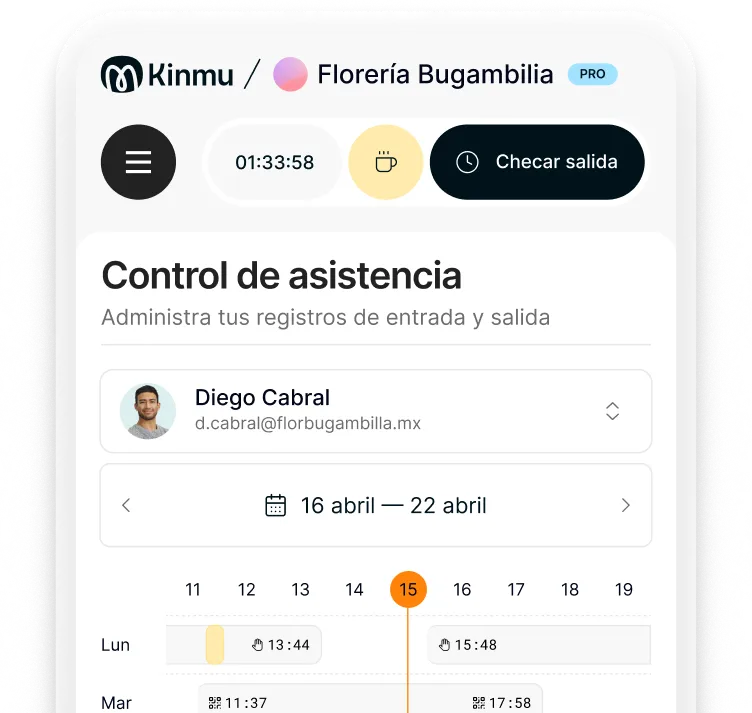
Yes. Kinmu lets you combine web, app, QR code, and kiosk depending on what suits each area.
Yes. There's no user minimum and no lock-in, so it fits small and midsize properties.
From the app, while moving between floors, without coming back down to the front desk.
Offline clock-in saves the record and syncs once internet is back.
Yes. You can manage multiple sites from the same account.
In most places yes, and with night shifts and rotating cover a clear record is what keeps rest periods and overtime manageable.
The calendar shows attendance and absences by department, which makes it easier to adjust cover quickly.
No. You can use more flexible and cheaper digital methods.
Yes. Corrections stay documented in the history.
No. It works with non-biometric methods.