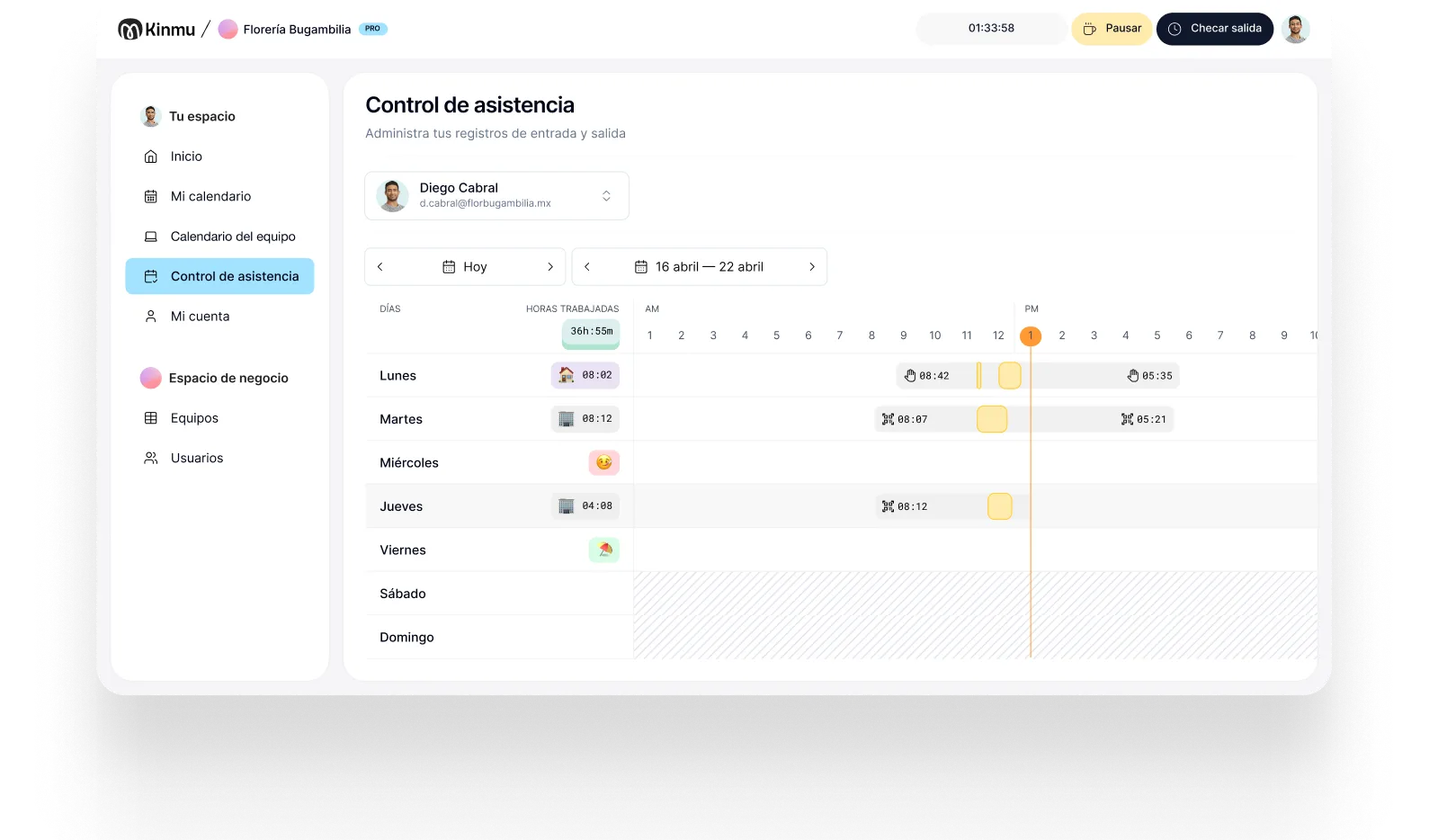

Clock in with a QR code
Put QR codes at entrances or internal areas and record arrivals and departures in seconds.

Manufacturing
On a production site, plenty of people don't work at a computer, and a shift change brings the whole team through in a few minutes. Kinmu lets people clock in on a kiosk or with a QR code, even on a patchy connection, without slowing the operation down.

In manufacturing, time tracking has to work where the work happens: plant entrances, locker rooms, production lines, warehouses, and shift changes. If clocking in requires a computer or manual cleanup afterward, it stops being realistic for production staff who come and go in groups, work in PPE, or have no desk at all.
Shift work also makes the record worth more than the compliance value people usually assign to it. Rotating patterns, overtime, and cover arrangements are hard to manage well when the underlying hours are approximate. Knowing which shift consistently runs long, who is picking up the overtime, and how often a line starts late is the kind of visibility that changes decisions, not just payroll.
Kinmu offers simple clock-in points, alerts on exceptions, and schedules that match the operation. Management gets a clearer view of attendance and absence, while the team clocks in without turning the plant entrance into an administrative queue.
Put QR codes at entrances or internal areas and record arrivals and departures in seconds.

If the connection drops, clock-ins are saved and sync once the network is back.
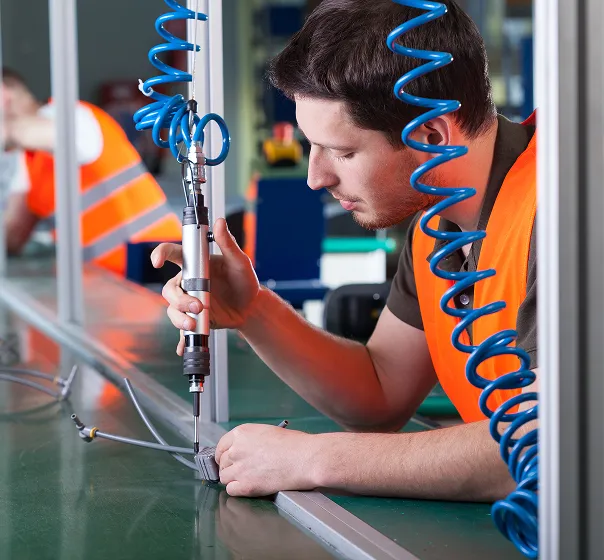
Adjust workdays, breaks, time off, and rotating patterns to fit your site.
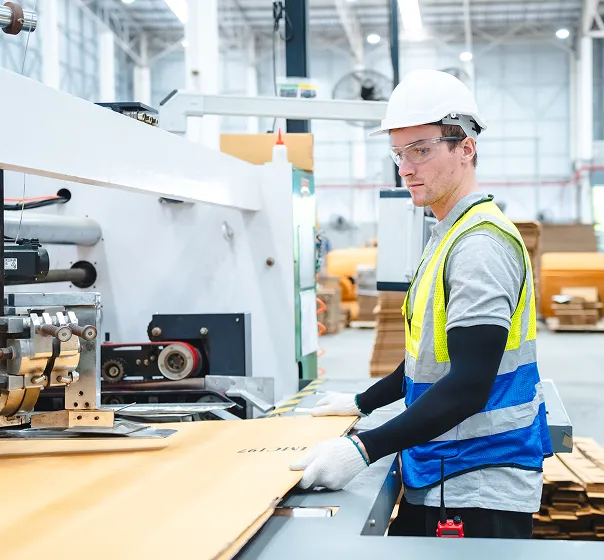
Get flagged on late starts, absences, or incomplete clock-ins without checking one by one.
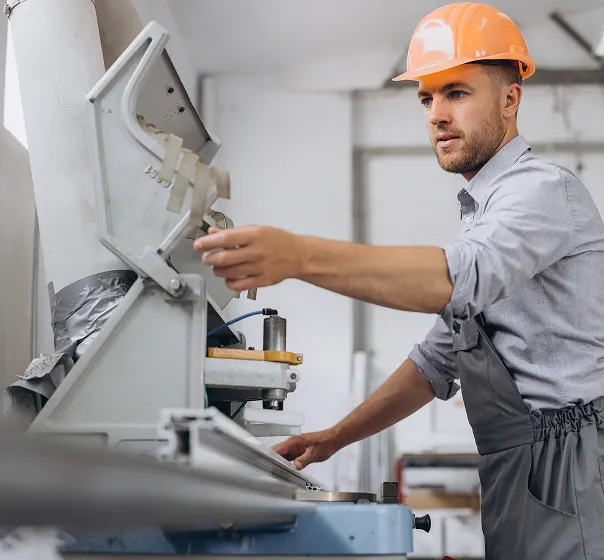
Run plant, warehouse, or production site from a single account.
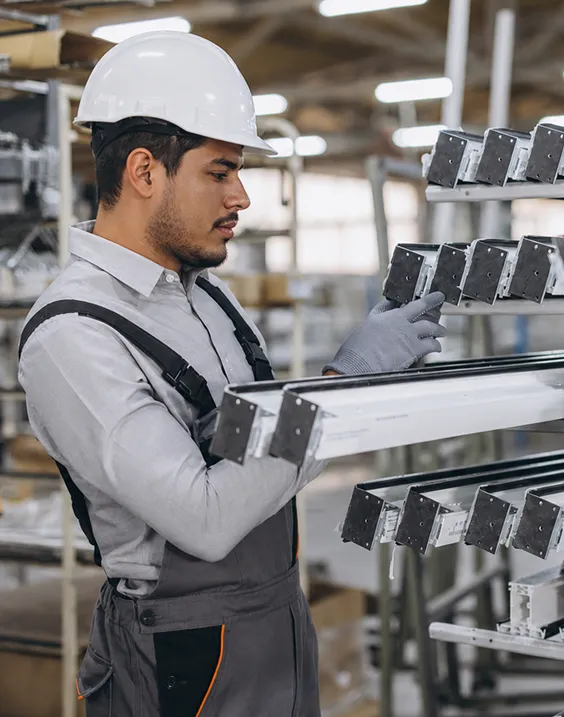
It's six in the morning and one shift is leaving as the next arrives. Any slow system used to create a line at the entrance or force people to write hours down afterward. With Kinmu part of the team clocks in at the kiosk and the rest scan the QR code. The record is done in seconds and the entrance keeps its normal flow.
This week the warehouse connection dropped several times. The clock-ins aren't lost: they stay saved and sync when the network comes back. If a break goes unrecorded or a clock-out is left incomplete, the exception surfaces so the supervisor can deal with it in context, rather than at month end when it's harder to untangle.
The business can review attendance by shift, check absences, and prepare time reports without turning line leaders into administrators. For a small manufacturer, going digital isn't about adding oversight; it's about the hours being reliable in an environment where production can't wait.

Clock-ins, clock-outs, and breaks saved automatically.
Every correction stays documented in the history.
Records stay in the cloud for five years.
Varied, non-intrusive ways to clock in.
Kinmu covers clock-ins, schedules, and absences on the floor with a clear tool that suits smaller manufacturers.
Only for whoever uses Kinmu each month.
Start with the headcount you have.
No long contracts.
Time tracking, straight through.
Add plants or warehouses.
Fast clock-in for production staff.
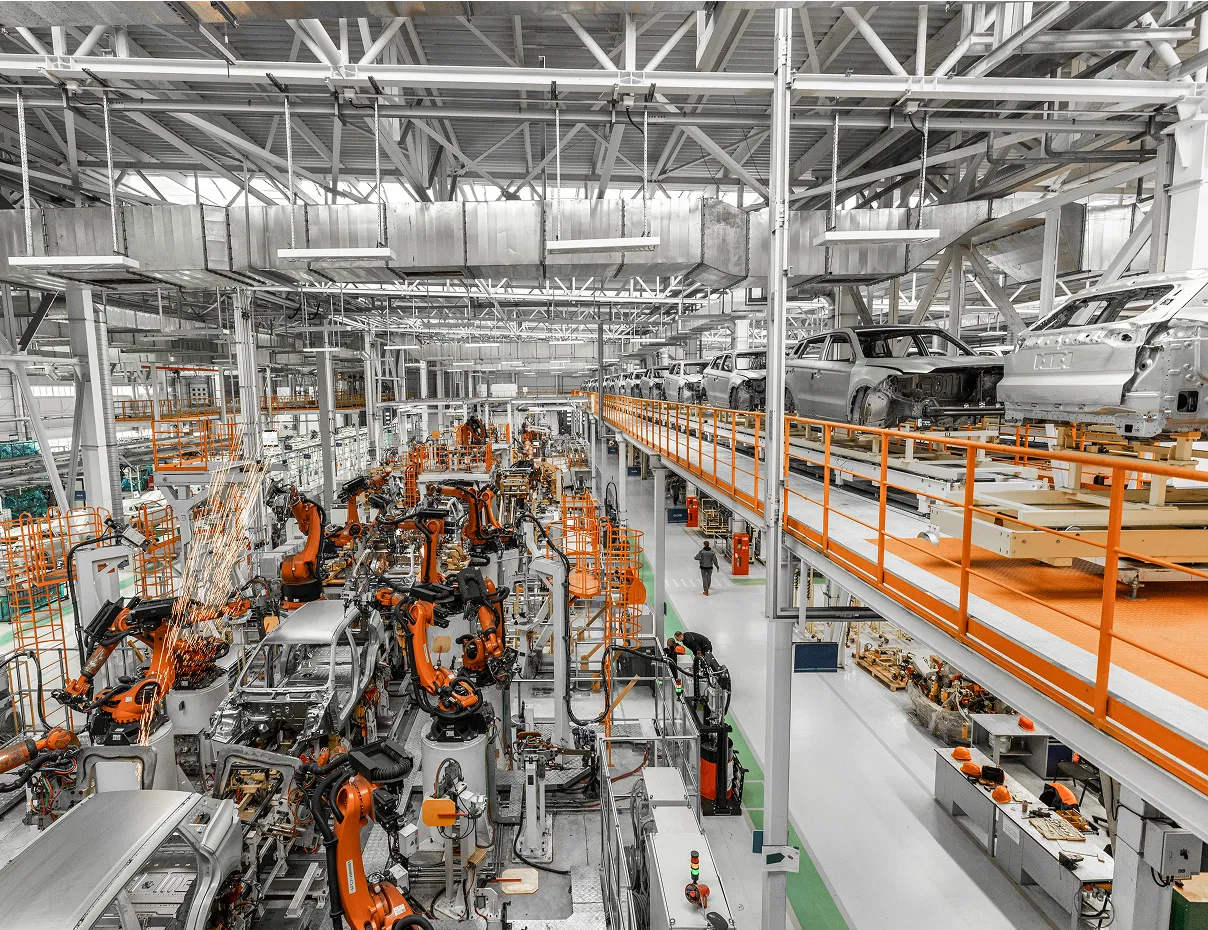
Define schedules, breaks, and sites the way the operation actually runs.
Put the clock-in method where your team comes and goes each day.
Track absences, late starts, and incomplete records from a shared view.
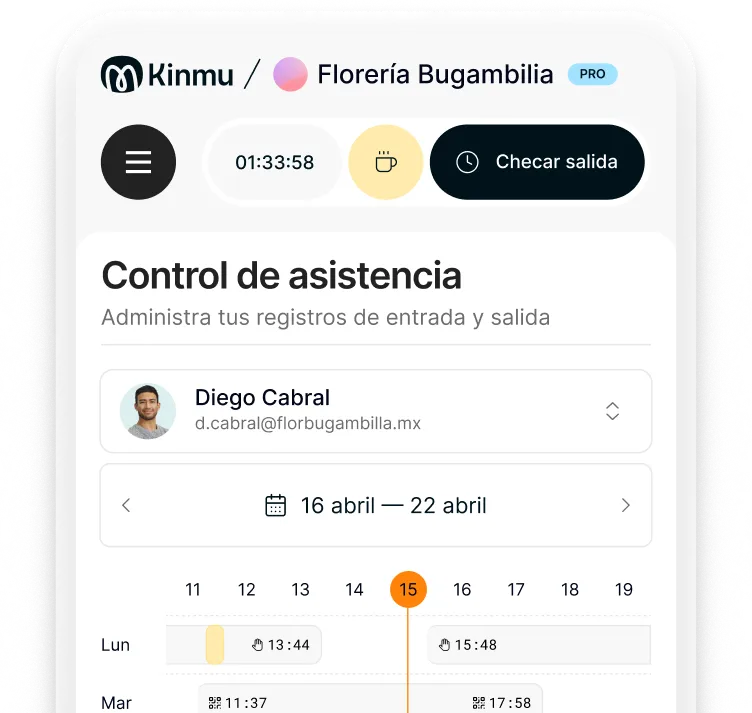
With a digital kiosk or a QR code at the entrance, in the locker room, or at a shared point on site.
Yes. You can configure workdays, breaks, and patterns to match how the site is really organized.
Offline clock-ins are saved and sync as soon as the connection returns.
In most places yes, and beyond that it's how you keep shift patterns and overtime under control.
Yes. You can manage different locations from the same account.
It makes clock-ins, clock-outs, and breaks more reliable, which makes it easier to review variances and actual hours worked.
No. Kinmu uses non-intrusive methods like QR codes, the app, or a kiosk.
Yes. Kinmu flags exceptions so you can correct them before they pile up.
Yes. The situation is similar to the plant floor: production staff, shifts, and clocking in without a computer.
Yes. Records are retained and can be exported or reviewed for internal checks or an audit.