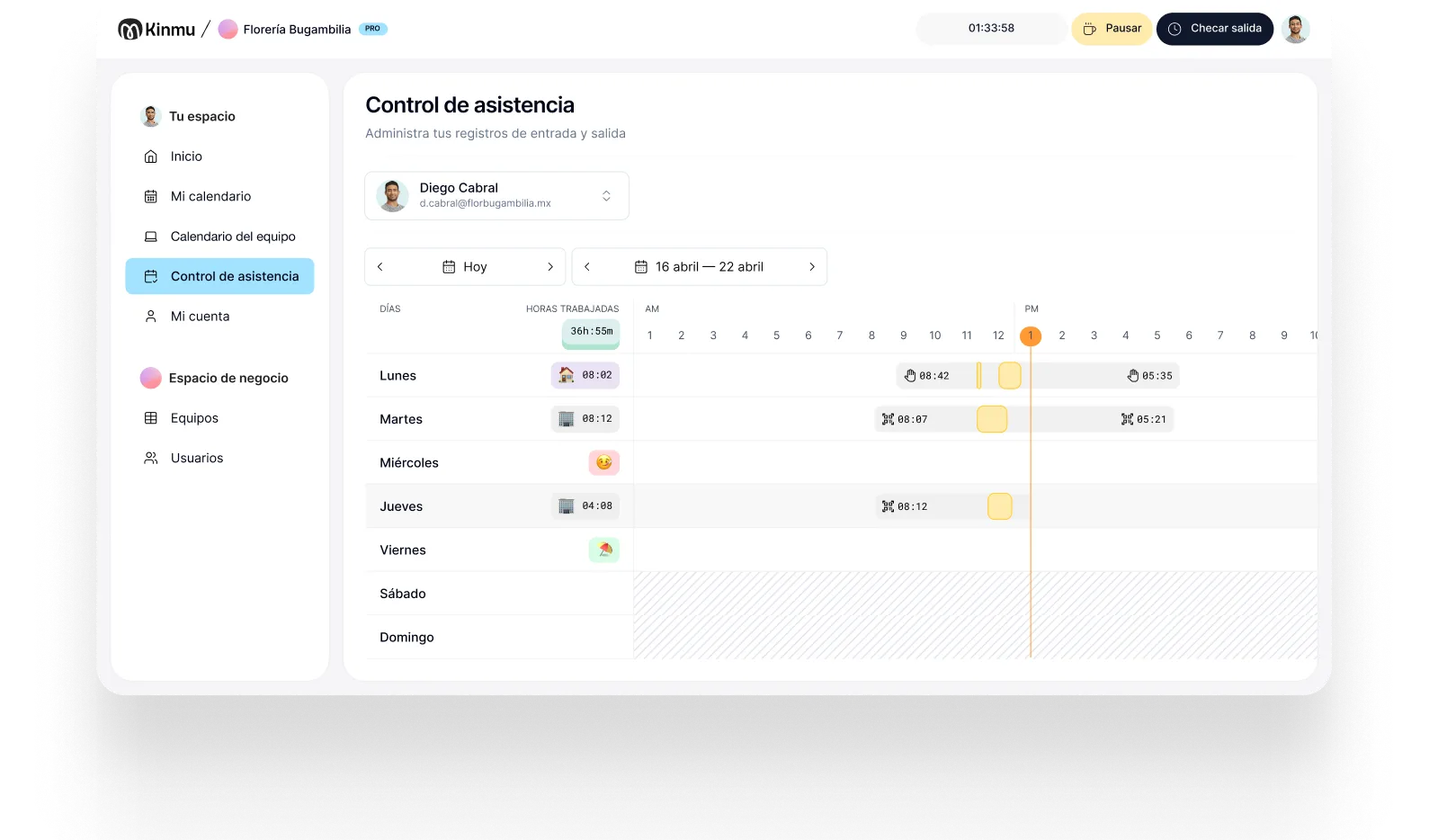

Rules per person
Set schedules, remote work, and time off for each profile on the team.

Offices
In a modern office, part of the team works on site, part from home, and part spends hours with clients or in external meetings. Kinmu lets people clock in from the web or a phone, set rules per person, and see who's available without digging through messages.

In offices, firms, and agencies, time tracking no longer resolves itself at a single front door. There are remote days, client visits, flexible hours, and teams that alternate between on site and away. If the record depends on a clock in the lobby, it leaves out a large part of how the work actually gets done.
What most office teams are missing isn't compliance, it's visibility. Who's actually available on Thursday. Whether the person who has been quietly working late for a month is on the edge of burning out. How much time a client is really consuming compared with what was scoped. None of that shows up in a calendar invite, and none of it shows up in a badge reader at the door.
Kinmu lets people clock in from the browser or a phone, set schedules and remote work per role, and check a team calendar with attendance, absences, and time off. The company gains visibility without turning time tracking into surveillance or making anyone come into the office just to record a working day.
Set schedules, remote work, and time off for each profile on the team.

Anyone working at a computer records their day in the browser.

Client visits or remote days get recorded from the app in seconds.

See who's in the office, remote, absent, or on time off.

Spot incomplete clock-ins or absences without reading through chats and spreadsheets.

Tuesday starts with the team spread out. Two people work from home, one is in a client meeting, and the rest come into the office. Whoever is on site clocks in from the web, whoever is remote records the day from their computer, and whoever is traveling uses the app. Nobody changes their routine just to keep the record straight.
Management opens the calendar and sees real availability: who's remote, who has approved time off, and who's out on a visit. If someone forgets to clock out after finishing at home, Kinmu flags it and the record can be corrected traceably. Absence requests don't get lost between messages either.
At month end, admin doesn't have to reconstruct working days from emails, assumptions, or personal calendars. Records are organized by person, the rules reflect how the team actually works, and reports are there if they're needed. For a hybrid office, digital tracking cuts noise and improves coordination.

Clock-ins, clock-outs, and breaks saved automatically.
Every correction stays documented in the history.
Records stay in the cloud for five years.
Varied, non-intrusive ways to clock in.
Kinmu helps firms, studios, and agencies clock in from anywhere, manage absences, and see availability.
Only active users.
For small or midsize teams.
Monthly, with no strings.
Clear hours and absences.
Office, remote, and client.
Web and app from day one.

Define schedules, remote work, and patterns per person or role.
Allow clock-in from a computer, a phone, the office, home, or a client site.
Use the calendar to coordinate meetings, absences, and attendance.
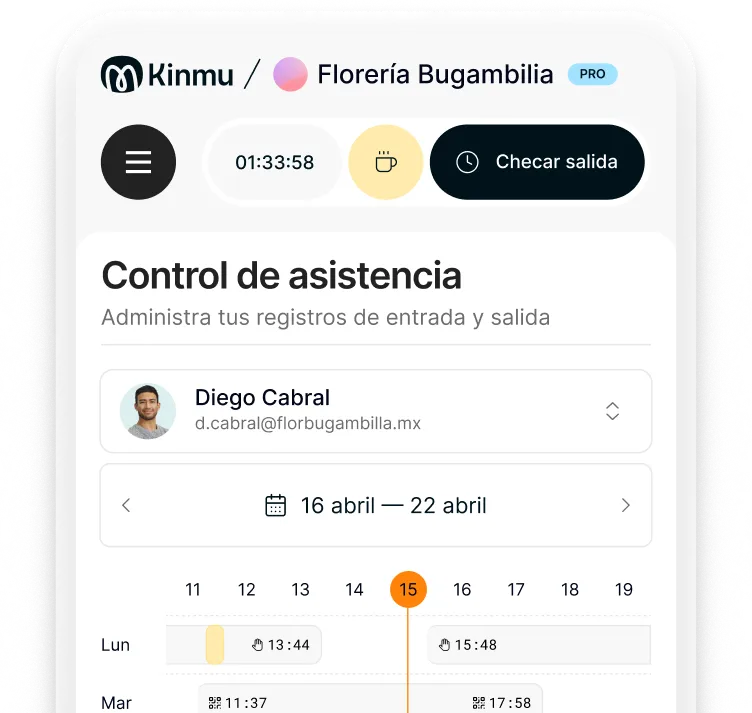
From the web or the app, recording the start and end of the working day from home.
Yes. Wherever people work, recording their hours is what makes workload and availability visible, and in most places it's expected.
Yes. Kinmu lets you configure schedules, remote work, and time off by role.
From their phone, without stopping by the office.
Yes. It fits agencies, studios, consultancies, and professional practices.
No. For hybrid work, the web and the app are usually more useful.
Yes. The calendar shows attendance, remote work, time off, and absences.
Kinmu flags incomplete records and lets you correct them with a history trail.
Yes. Records are retained and you can build reports from them.
It isn't a surveillance tool. It records working time and gives operational visibility using non-intrusive methods.