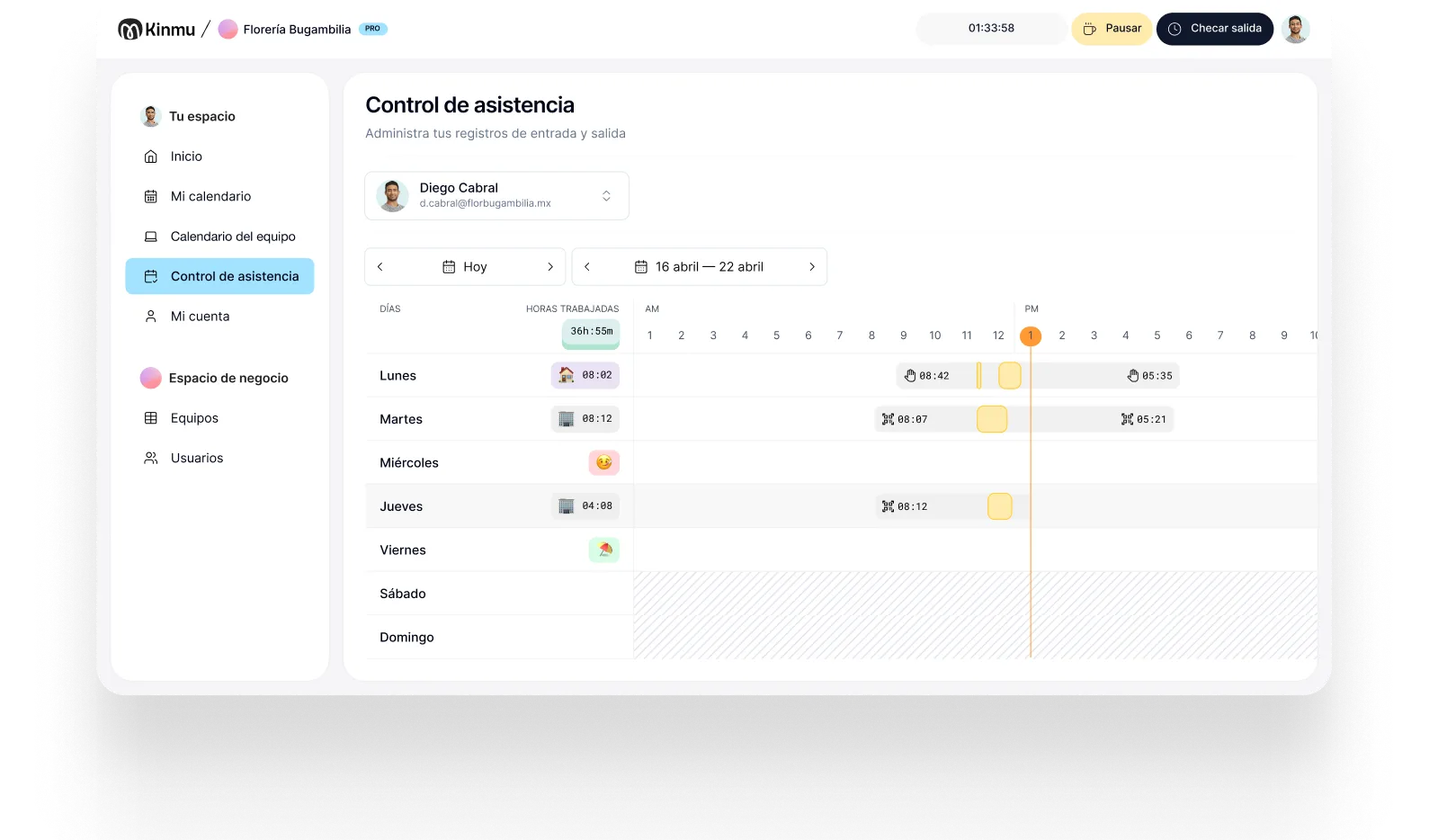

Clock in with a QR code
Put a QR code at the staff entrance and everyone clocks in and out with their phone. It's fast, it doesn't create a line, and it replaces the notepad in the middle of a shift change.

Restaurants
In a bar, a cafe, or a restaurant, clocking in isn't the problem. Doing it without breaking the rhythm of the floor or the kitchen is. Kinmu records clock-ins, clock-outs, and breaks in seconds, with a QR code or a kiosk, and leaves the hours organized so you don't have to chase anyone.

In a restaurant, the day rarely starts calmly. The team walks in right before service, shifts overlap, weekends bring extra help, some people only work a few days a month, and closing runs long when the room is full. If your time tracking lives on a notepad by the bar or a sheet someone fills in at close, it turns into a chore: it gets forgotten, reconstructed from memory, and argued over when the hours have to add up.
Most restaurants don't lose money because someone worked too little. They lose it in the gaps. The shift that ran forty minutes long and nobody logged. The extra hand who came in on a Saturday and got paid from memory. The early departure nobody remembers. Without a reliable record, those gaps only surface at payroll, when it is too late to ask what actually happened. And whatever the rules are where you operate, most of them come down to the same question: can you show when people started, when they finished, and what breaks they took?
Going digital isn't about adding admin to the floor. Done right it's the opposite: staff clock in seconds, management sees problems before payroll, and the records are there when someone asks for them. Fewer phone calls, fewer scattered messages, and a clearer picture of who actually worked each service.
Put a QR code at the staff entrance and everyone clocks in and out with their phone. It's fast, it doesn't create a line, and it replaces the notepad in the middle of a shift change.
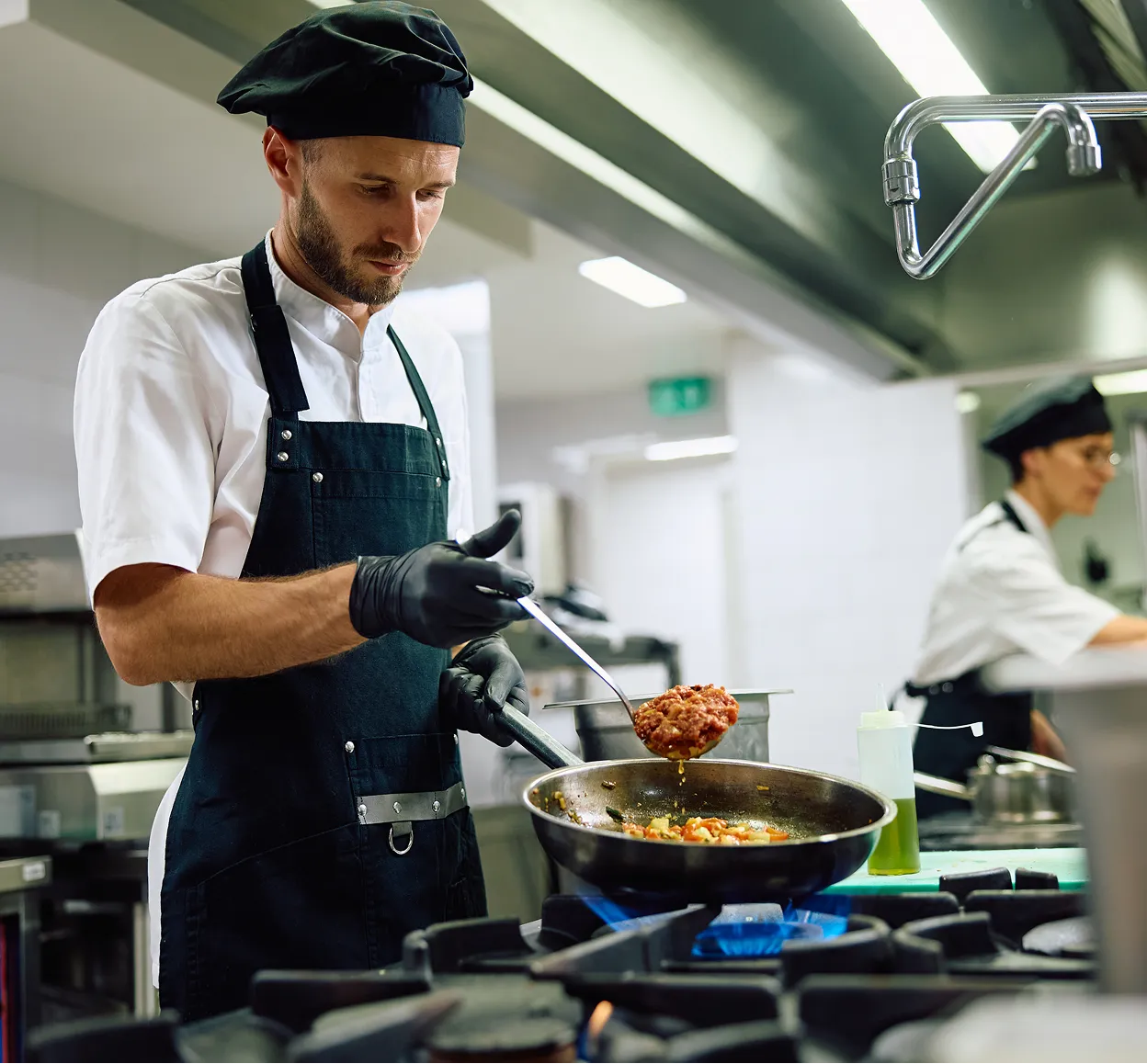
Set up a fixed point in the kitchen, behind the bar, or in the staff area so your team can clock in without using their own phone. Useful when several people arrive at once before service.

Extra help, weekend cover, and seasonal staff come and go without you paying for inactive users. Your cost follows the real size of the team.
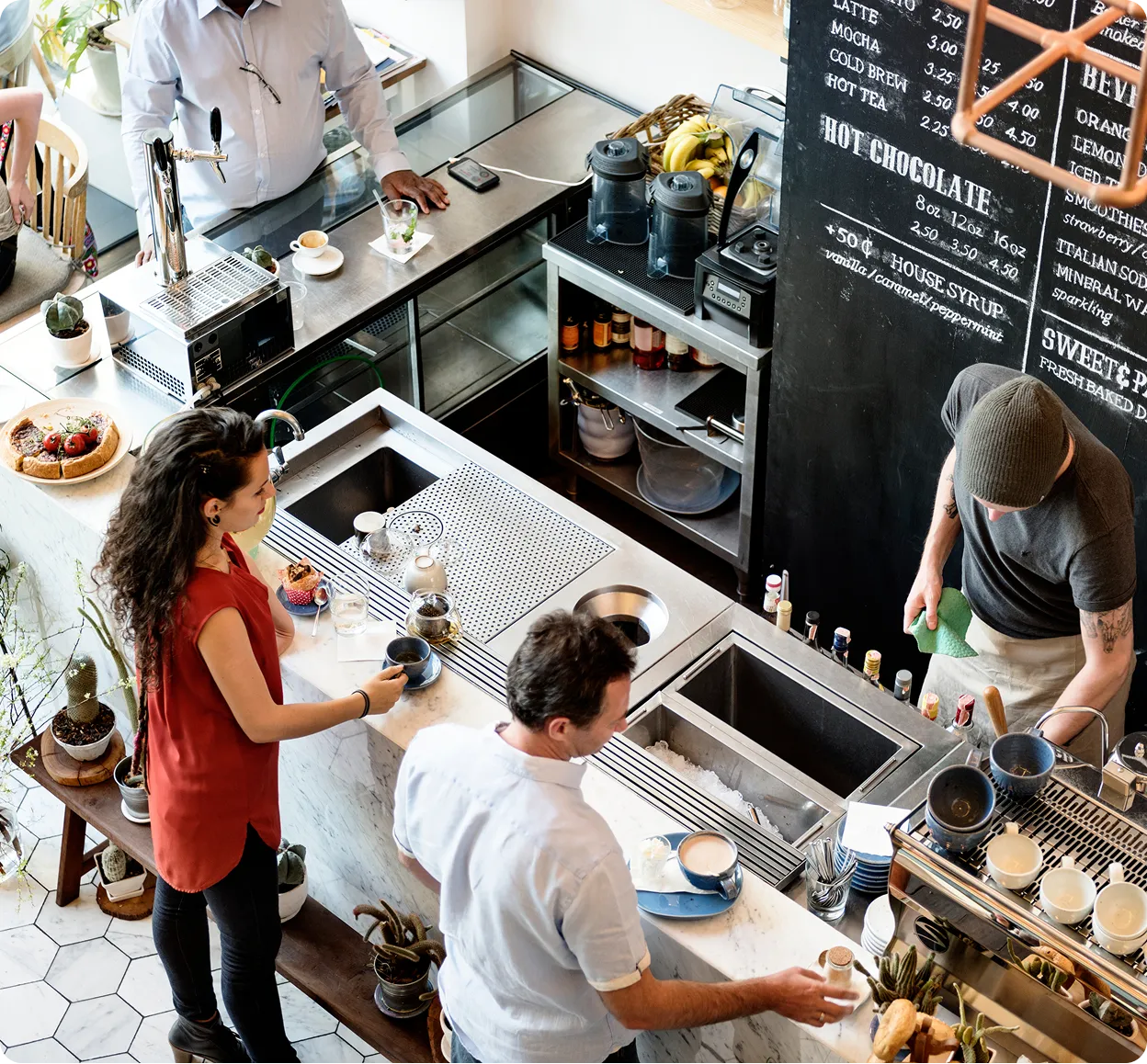
Set up workdays, breaks, time off, and split shifts the way they actually run in your restaurant, without forcing the system into an office schedule.
Late arrivals, absences, and incomplete clock-ins show up in time, so you fix them the same day instead of rebuilding the week at payroll.

Twenty minutes to the lunch service. The kitchen is deep in prep, the floor is setting tables, and two servers walk in almost at the same time. It used to be that someone had to write times on a sheet or remember later who got there first. Now each person scans the QR code at the entrance or uses the staff kiosk. Clocking in takes seconds and nobody blocks the doorway just as the room starts moving.
That Saturday you also have someone coming in who only works weekends. You activate them in Kinmu, they stay active as long as you need them, and they stop costing you anything when the season ends. If someone forgets to clock out after a long close, you get the alert and fix it with a history trail, without waiting until month end or asking half the team what happened that night.
When you review the hours, there are no crossed-out lines to decipher and no split shifts to add up in your head. Clock-ins, clock-outs, breaks, and exceptions sit in one place. If someone asks for your time records, an accountant, an auditor, or an employee questioning their paycheck, you have them. And if you just want to see how the team is organizing itself, the calendar gives you a clear picture without interrupting service.

Clock-ins, clock-outs, and breaks saved automatically.
Every correction stays documented in the history.
Records stay in the cloud for five years.
Varied, non-intrusive ways to clock in.
Kinmu handles the time tracking a small restaurant actually needs: fast clock-ins, predictable cost, and none of the HR modules you'll never open.
Only active users each month, extra help included.
Start with the team you have, however small.
Monthly subscription, no long contracts.
Clear time tracking and nothing else.
Account, schedules, and team from the website.
Clocking in needs no training and slows nothing down.

You create the account, add your team, and lay out your shifts, breaks, and split shifts exactly as you use them each week.
Your team clocks in and out with a QR code or kiosk, no line and no time taken from the kitchen, the bar, or the floor.
You check the hours, fix exceptions with a history trail, and export time reports whenever you need them.
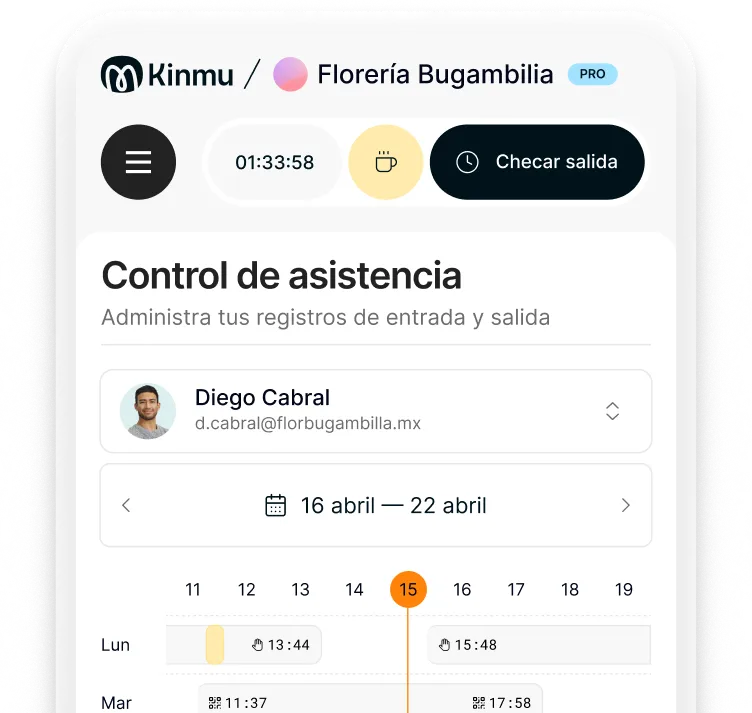
A combination of QR code and kiosk usually works well. The QR code avoids a line when several people arrive together, and the kiosk suits anyone who prefers a fixed point on site.
You can, and in many places it's still perfectly acceptable. The catch is practical rather than legal: paper gets forgotten, misplaced, or corrected days later in ways nobody can verify. Digital records give you the same information without the gaps.
You configure workdays and breaks around how the place actually runs. Clock-ins, clock-outs, and breaks stay organized even when the team works lunch, dinner, or with a gap in between.
Yes. You activate extra staff when they start and pay only for active users. When they stop working with you, you stop paying for them.
Kinmu flags incomplete clock-ins and lets you fix them while leaving a trail. The adjustment stays documented, which holds up far better than editing a sheet by hand days later.
No. You can use a QR code, a digital kiosk, or the app. For most bars and restaurants that's more practical than installing a dedicated device at the door.
Yes. The team calendar shows attendance, absences, and time off, which helps you sort out cover before service starts.
Yes. There's no minimum number of users and no lock-in, so it fits small teams that want their hours in order without paying for an oversized system.
You can pull up the exact clock-ins and clock-outs for that period, along with any corrections and who made them. Most disagreements end there.
No. Kinmu relies on non-intrusive methods like QR codes, kiosks, and the app, which is enough to go digital without collecting biometric data.