
You pay for who works
Sale-season cover, stand-ins, and temporary staff only count while they're active. You don't pay for users who are no longer part of the push.

Retail
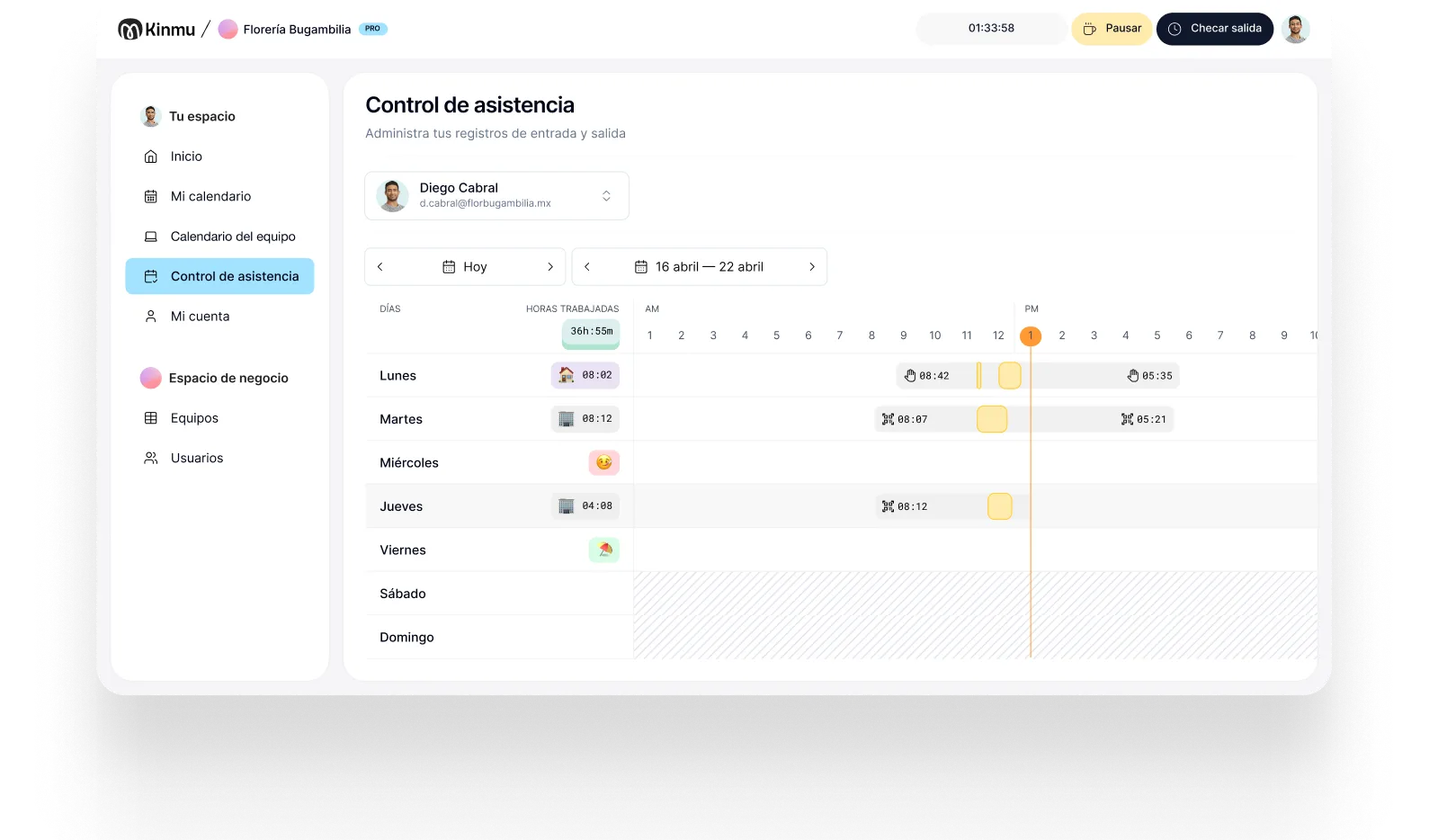
In retail, staffing shifts with sales, promotions, and weekends, and sometimes it spreads across several stores. Kinmu brings clock-ins, absences, and schedules into one account so you know who's where without calling each location.

A small store looks easy to keep track of, until you add cover for absences, time off, evening shifts, promotional weeks, or a second location. That's when paper or a shared spreadsheet starts to strain: every store records differently, changes get agreed in a group chat, and whoever handles admin ends up piecing the data together once nobody remembers the details.
The real cost isn't the paperwork, it's the blind spot. You can't see which store is overstaffed on a quiet Tuesday and short-handed on Saturday morning. You can't tell whether the manager who covered two locations actually got paid for both. And when someone questions a paycheck, the answer lives in a spreadsheet that three different people edited. A single source of truth turns all of that from an argument into a lookup.
With Kinmu each store can have its own clock-in point and you see everything in one place. Adding a location, moving someone between stores, or bringing on promotional staff doesn't mean duplicating systems. The result is less admin and a clearer view of how each store is really covered.
Sale-season cover, stand-ins, and temporary staff only count while they're active. You don't pay for users who are no longer part of the push.

Set a fixed point in each location so the team clocks in from the stockroom or the staff entrance, without needing a computer of their own.

Managers or staff who cover several stores clock in from the app wherever they're working that day.

Check who's working, who's off, and which store each person is in before you arrange cover or a swap.

Time off, leave, and schedule changes stay in one place instead of scattering across chats from several stores.

It's a sale Saturday and your three stores open with extra cover. In each location the team clocks in at the stockroom kiosk on arrival. One manager starts at the downtown store and moves to another in the afternoon to cover; she clocks in from her phone, without driving to an office or sending messages to record where she is.
During that push, two people only work a handful of days. You activate them in Kinmu while the peak lasts and deactivate them afterward, without switching tools or carrying unnecessary fixed costs. If someone asks to move a day off because something came up, the request stays on record and whoever is responsible answers from the same screen.
At the end of the week, admin doesn't have to collect sheets from each store or decipher photos sent in a group chat. Clock-ins are centralized, corrections keep their history, and the calendar shows how each store was covered. Record-keeping stops depending on how carefully each manager handles paper and becomes part of how the business runs.

Clock-ins, clock-outs, and breaks saved automatically.
Every correction stays documented in the history.
Records stay in the cloud for five years.
Varied, non-intrusive ways to clock in.
Kinmu fits independent retail: multiple locations, active users, simple setup, and time tracking without enterprise software.
Cost rises and falls with your active team.
Works for one small store or several locations.
Cancel whenever you want.
What matters, without modules you never open.
Add locations with no extra charge per site.
Your team clocks in from day one.

Add each location, its schedules, and the people who work there.
Kiosk in store, app for people who move around, or both depending on the role.
Check clock-ins, requests, and absences across every store from a single account.
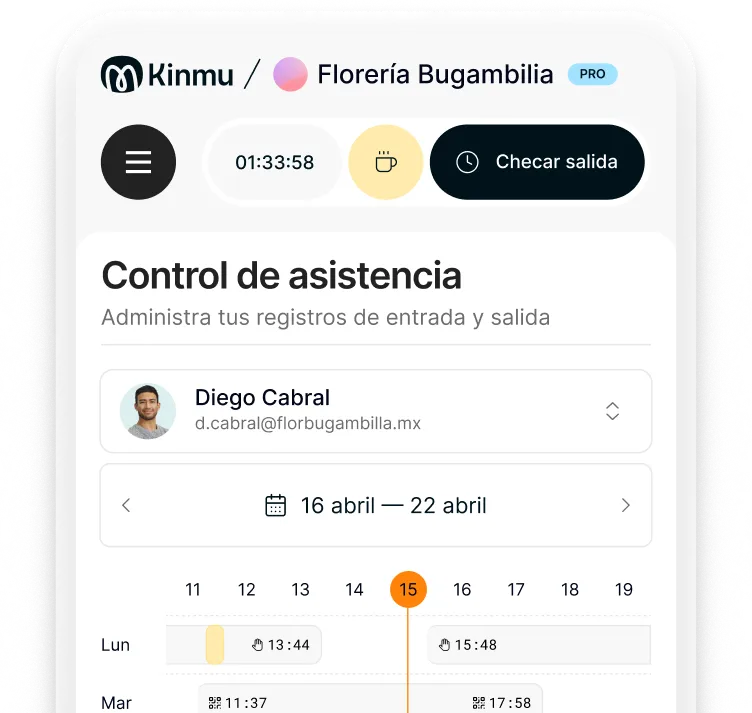
Yes. You can create separate locations and review their clock-ins from a single view, without opening an account per store.
They clock in from their phone at whichever store they're in that day. The record reflects real coverage instead of depending on a fixed point.
In most places, yes, and even where the rules are loose it's worth doing. A clear record is what settles payroll questions and shows you how each store is really staffed.
Yes. You pay for active users, so you can bring on temporary staff during a busy period and take them off afterward.
Not necessarily. A kiosk can serve as a fixed point and the app covers anyone who moves around. You don't need physical time clocks.
Your team submits requests in Kinmu and whoever is responsible approves or declines, with everything recorded and no loose messages.
Yes. You can set schedules per person or per store, including mornings, evenings, weekends, and one-off promotions.
The team calendar shows attendance, absences, and assignments so you can arrange cover without last-minute calls.
A spreadsheet depends on someone keeping it current. Kinmu captures the data as it happens, flags exceptions, and keeps changes traceable.
Yes. Clock-ins stay in the cloud and you can export time reports whenever you need them.