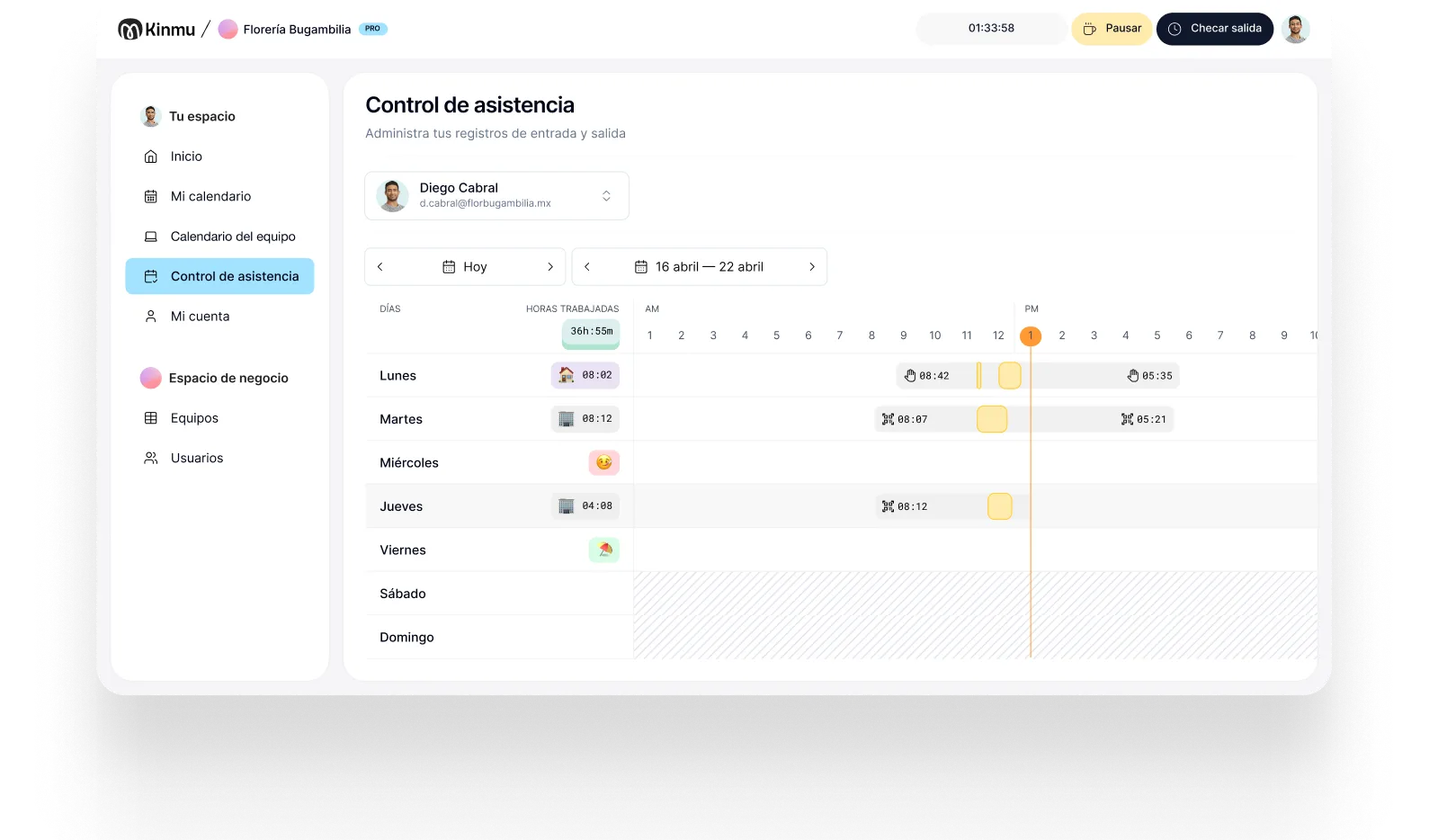

Very simple to use
The team clocks in from day one, with no training and no complicated screens.

Salons
In a salon or barbershop you don't need big software to track hours. You need something fast, cheap to maintain, and easy for a small team. Kinmu records hours with a QR code or the app, adapts to your schedules, and charges only for who's working.

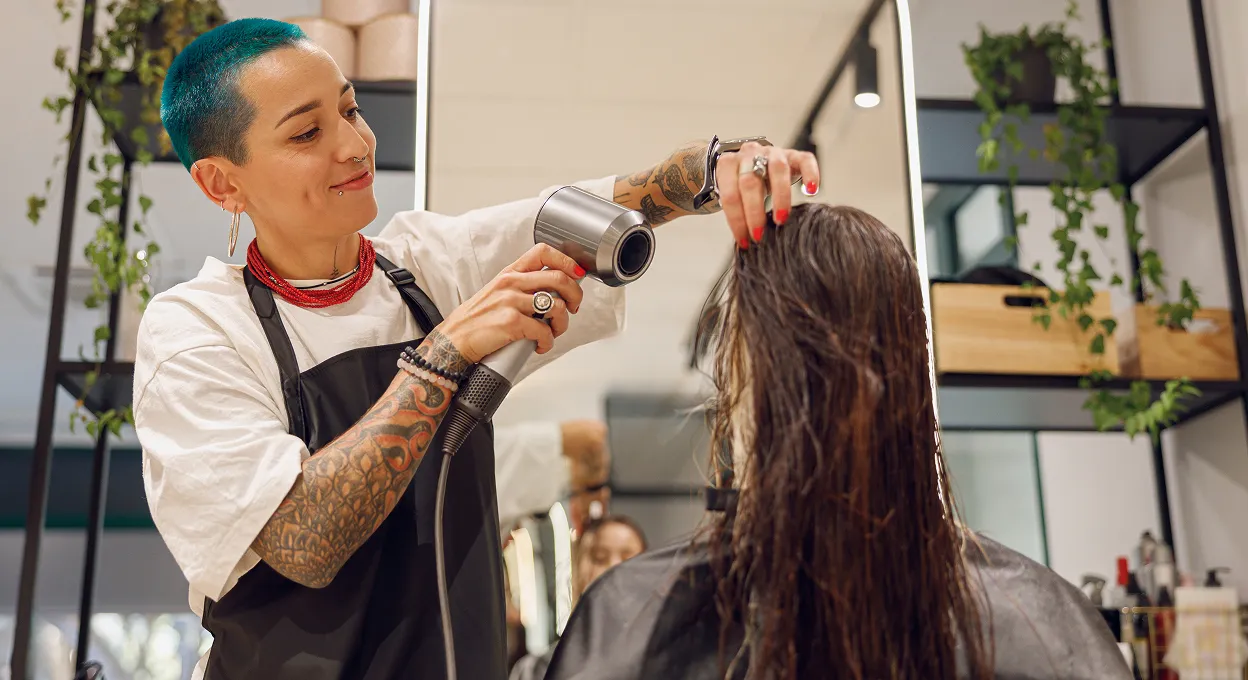
Plenty of salons, barbershops, and beauty studios run with small teams and very changeable schedules. Some people are full time, some come in a few days a week, some cover busy dates, and hours often depend on the appointment book. For that reality, a tool built for large HR departments is usually too expensive, too broad, and too slow to roll out.
What these businesses actually need is simpler: knowing who worked when, without turning it into a task. That matters at payroll, obviously, but it matters just as much when you're deciding whether to open on a quieter day, whether someone is genuinely covering more than their share, or whether that extra hand you bring in on Saturdays is worth what you pay. Those decisions are guesswork without a record.
Kinmu fits because it changes nothing about how you look after clients. The team clocks in seconds, time off and absences are recorded, and the cost follows whoever is active. The point isn't to add management, it's to take manual work out of a business where every minute counts.
The team clocks in from day one, with no training and no complicated screens.
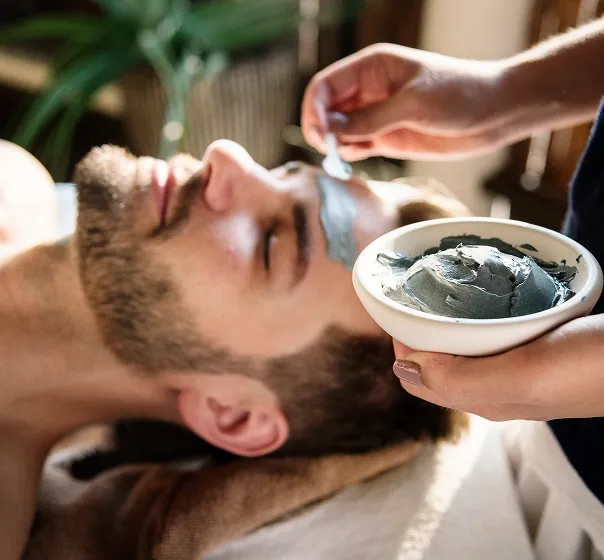
People on different schedules record their start and finish from the app in seconds.
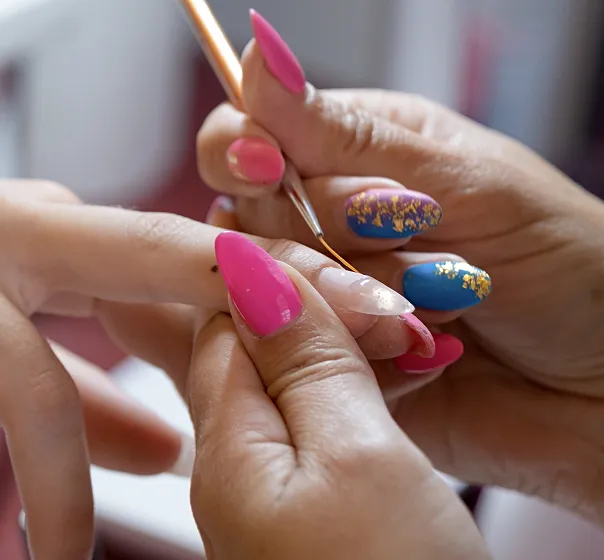
Put a QR code up in the salon and clock in without buying devices or creating a line.

Set part-time patterns, breaks, and time off to match how you organize the appointment book.

Leave and time off are requested in Kinmu, without getting lost between chats and client bookings.

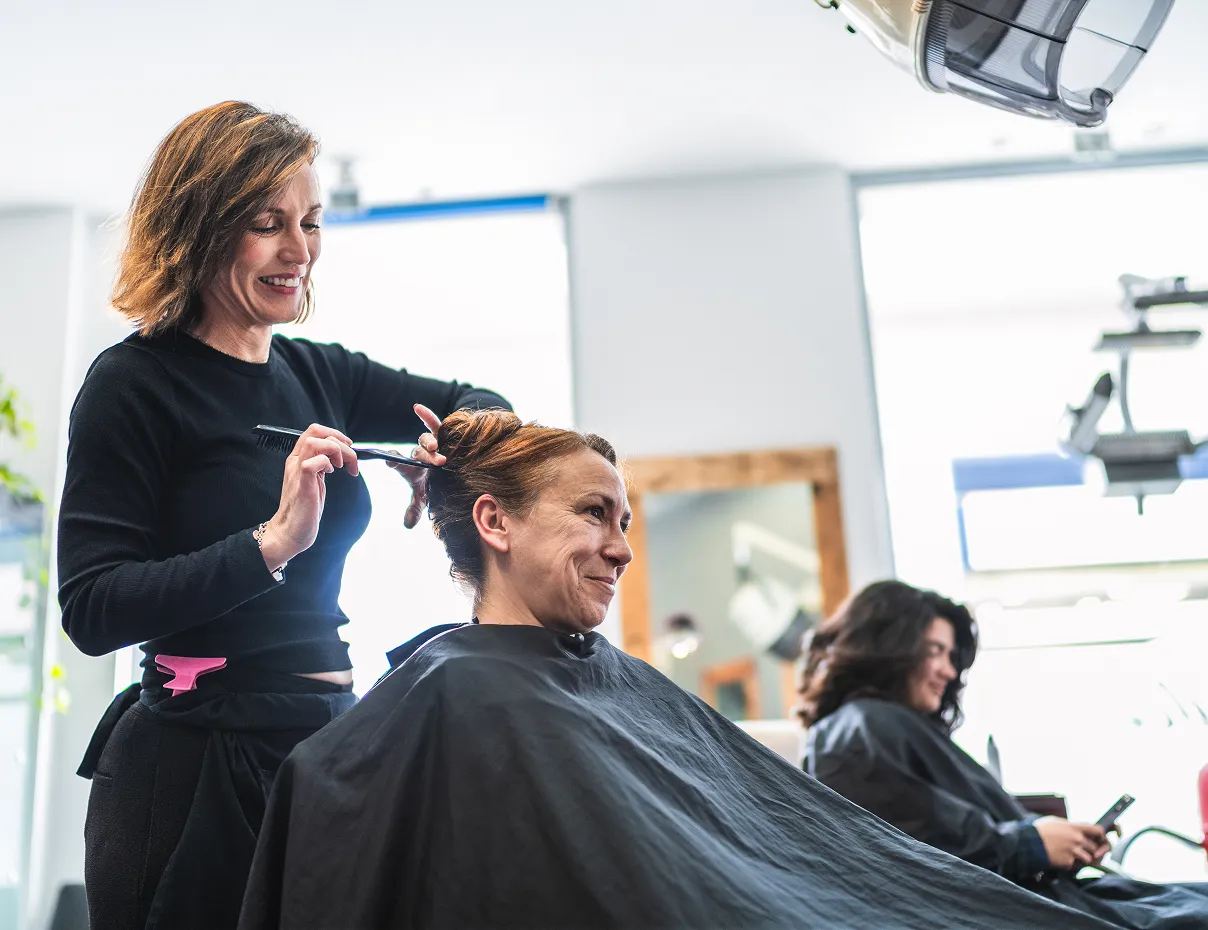
Saturday starts with a full book. One stylist comes in first thing, another arrives later because her first appointment is midmorning, and a barber covers only the afternoon. Each person clocks in at the start of their own day, with the salon's QR code or the app. Nobody needs to walk over to a computer or wait for someone to note the time between clients.
That week a nail tech also comes in to help. You activate her in Kinmu while she's working and stop paying for her once she stops coming in. If someone asks to swap a day off, the request stays on record and doesn't get mixed in with booking messages or photos of work. Staff admin stops competing with looking after clients.
When you review the month, the hours are already in order and you don't have to rebuild them from memory. If a clock-in is missing, Kinmu shows it and lets you correct it with a trail. For a small salon the difference is clear: keeping your records current without buying an oversized tool or turning a simple task into an administrative load.

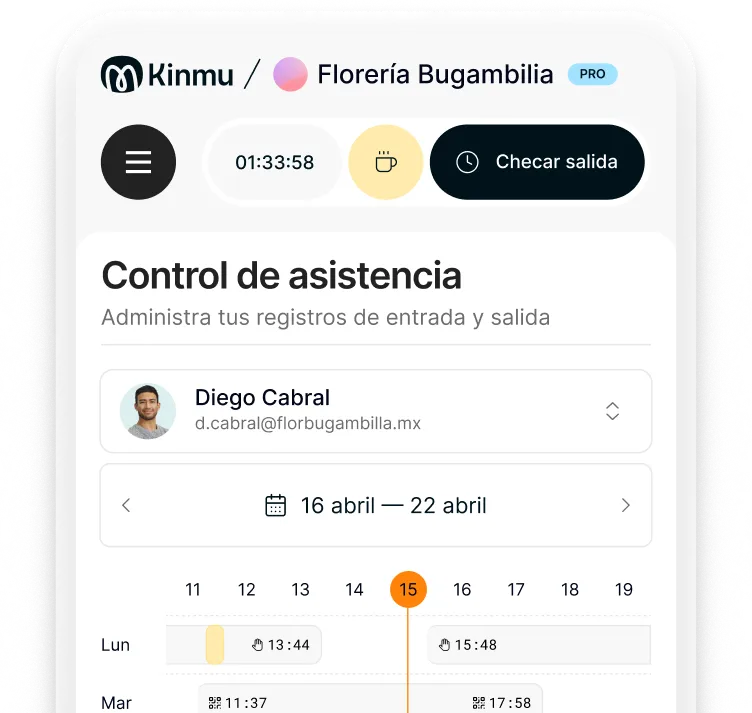
Clock-ins, clock-outs, and breaks saved automatically.
Every correction stays documented in the history.
Records stay in the cloud for five years.
Varied, non-intrusive ways to clock in.
Kinmu gives salons and barbershops clear time tracking, with no user minimum, no lock-in, and no unnecessary modules.
Only for whoever is active that month.
Start with two, five, or fifteen people.
Cancel whenever you want.
Hours and absences, nothing more.
Account ready from the website.
A quick clock-in between appointments.
Set working patterns, breaks, and profiles to match how each person works.
Create a simple clock-in point in the salon or let people use the app.
Review hours, missed clock-ins, and absences without digging through old messages.
If you employ people, keeping a record of when they start and finish is worth doing wherever you are, and in most places it's expected.
No. You can start with a small team and pay only for the people active each month.
Yes. You can activate profiles when they work and set part-time patterns or specific days.
From a phone, or by scanning a QR code put up in the salon.
For most salons yes, because it avoids missed entries, keeps changes, and lets you check hours without hunting for paper.
Yes. Requests stay in one place and are handled inside Kinmu.
Usually you can set up the account, the team, and the QR code the same day.
Yes. The use case is the same: small teams, variable hours, and clocking in without interrupting a service.
No. You don't need a fingerprint or facial recognition to use Kinmu.
Yes. Kinmu keeps the records and lets you generate time reports.