Compare the same everyday workflow before choosing time tracking software. This guide uses official Spanish-language documentation reviewed on 7 November 2026 and describes information published for Spain. Confirm the plan and availability in the market where you will use it.
1. Decide what you need to manage
- Kinmu: time records, access to clocking history and team requests.
- Factorial: its HR catalogue includes time tracking, absences and documents.
- Sesame: presents time tracking, absences, employee data and other HR areas.
A catalogue does not mean every module is included in every plan. Identify the ones your team needs.
2. Compare clocking methods
- Kinmu: help describes web clocking, QR and a shared kiosk, depending on configuration and access.
- Factorial: documents desktop, mobile app and QR clocking, with methods configured through policies.
- Sesame: describes web, mobile app and tablet/kiosk, and also presents QR and PIN. Check the required setup and device.
3. Check who reviews records
- Kinmu: a manager reviews pending records and can approve one or several days within their permissions.
- Factorial: describes manager supervision and approval of records.
- Sesame: its Validations feature configures periods and management roles; employees review a report and can request corrections. That acknowledgement is a different workflow from manager approval.
4. Inspect the information you can download
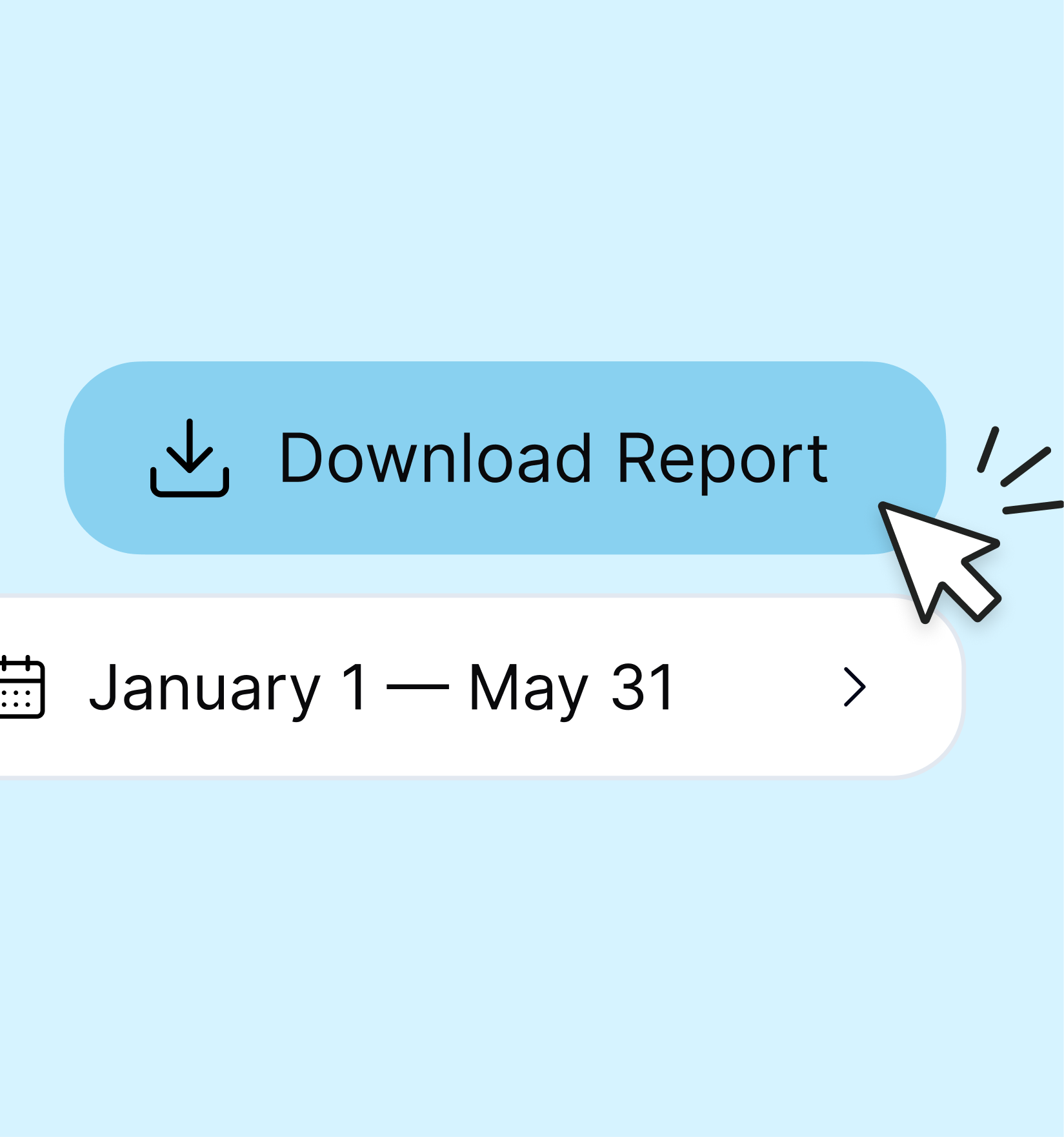
- Kinmu: employees can view their records; export help documents Excel by period and people for authorised managers.
- Factorial: its catalogue describes downloading a monthly hours summary. That source does not specify every format or plan.
- Sesame: its reporting page describes viewing reports and CSV/PDF exports. Check which report and permission your plan provides.
Test one shared example
Ask each provider to demonstrate clock-in, a break, clock-out, a correction, its review and a period download. Check who can see the data and what happens without permission. Record the plan conditions, support and modules you actually need.
A detail missing from these sources does not mean a feature is unavailable. This guide does not score products or establish that their reports and approval states are equivalent.
Official sources reviewed on 7 November 2026
Factorial · Factorial: control horario · Sesame · Sesame: validaciones · Sesame: informes