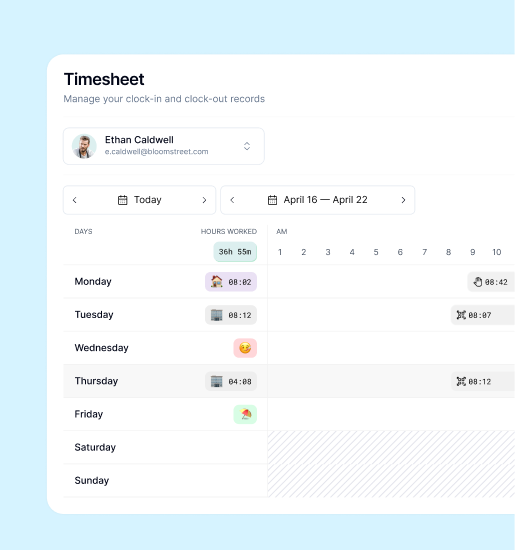
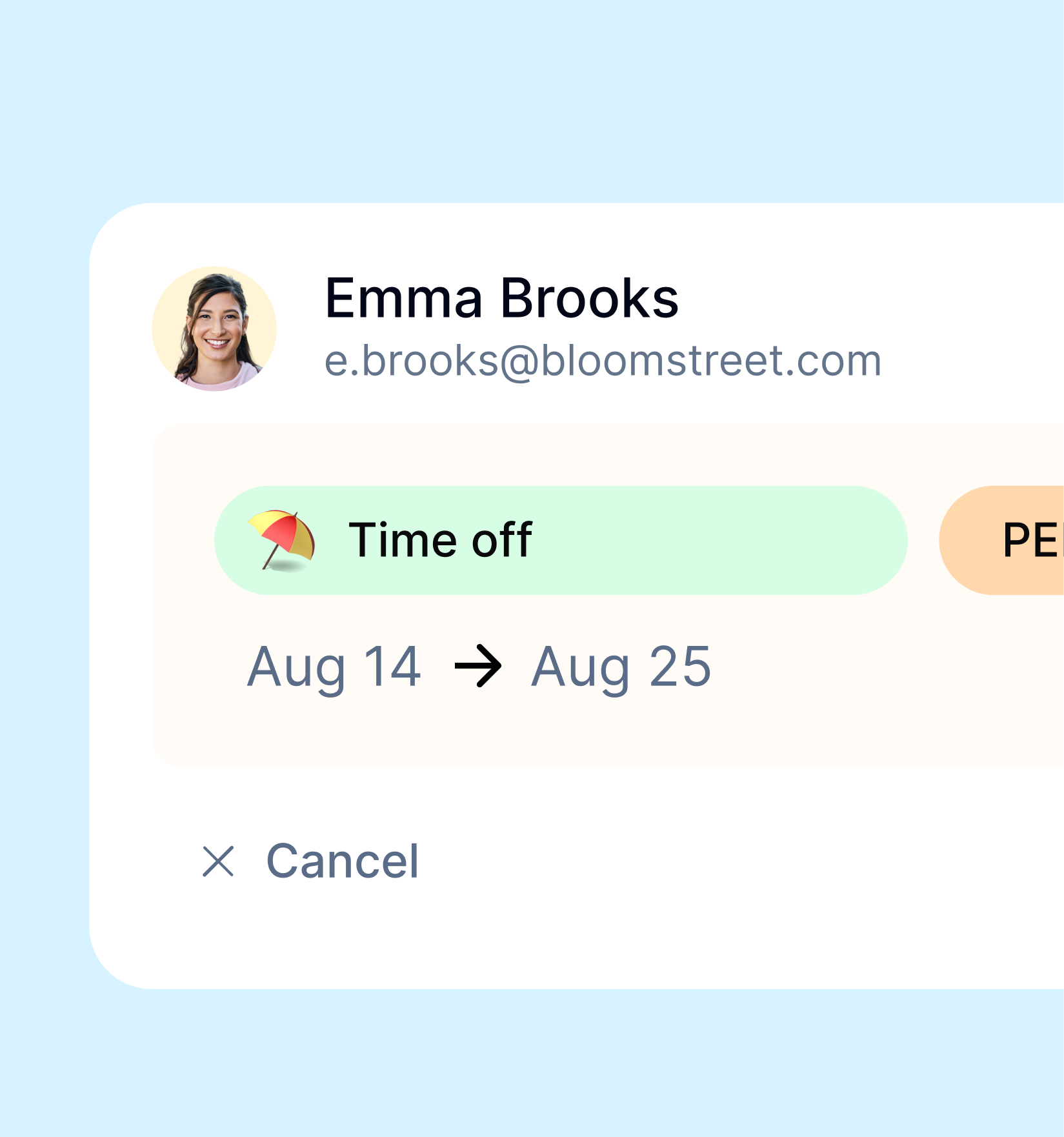
A clear absence process answers three questions: what is being requested, who needs to review it and where to check the outcome. In Kinmu, follow that path from a request to its status instead of relying on several versions of a spreadsheet.
1. Submit a complete request
In My calendar, choose an absence type available in your company and the relevant dates. Check the details before submitting. Use one request channel so the information stays together.
2. Review requests that need approval
When an absence type requires approval, an authorised manager can open the request in My tasks, check its details and approve or reject it. Make it clear who handles each request.
3. Check the outcome
Open a day of your request in My calendar to see whether it is pending, approved, rejected or cancelled. Submitting a request and receiving a decision are separate steps.
When moving from Excel, agree a changeover date and one request channel with your team. Try the process with a new request and check that both the person submitting it and the reviewer know where to find the outcome.