Moving from a spreadsheet to shared time tracking starts with an agreement about how your team will work. Use these steps to begin recording new working days in Kinmu and review your first reporting period.
1. Agree on a start date
Identify the current spreadsheet, who maintains it and who will take part. Agree when new working days will be recorded in Kinmu and where the team can consult earlier records. Watch for duplicate entries during the transition.
2. Check your company setup
Review the company details, locations and each person’s planned working hours. Start with what you need for everyday recording. If you are creating the company account, follow the setup guide.
3. Invite your team and explain the method
An authorised person can send invitations. Explain which methods are available in your setup: web, app or QR. Check that everyone can sign in and knows how to report an issue.
4. Walk through a working day
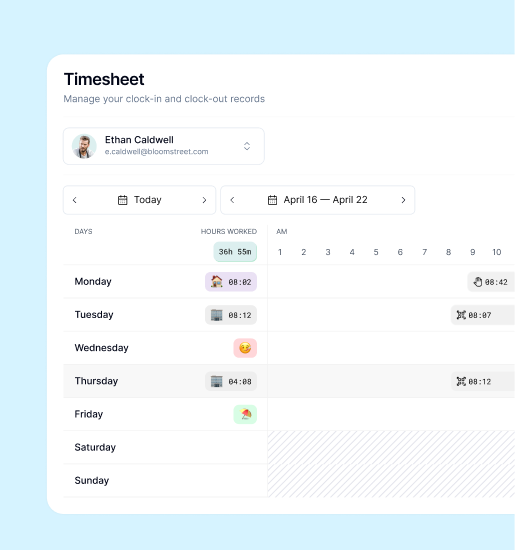
Check clock-in, a break where appropriate, resuming work and clock-out using the time-tracking guide. Review the day’s entries. Planned hours and recorded time describe different things; check both when investigating a difference.
5. Review the first period
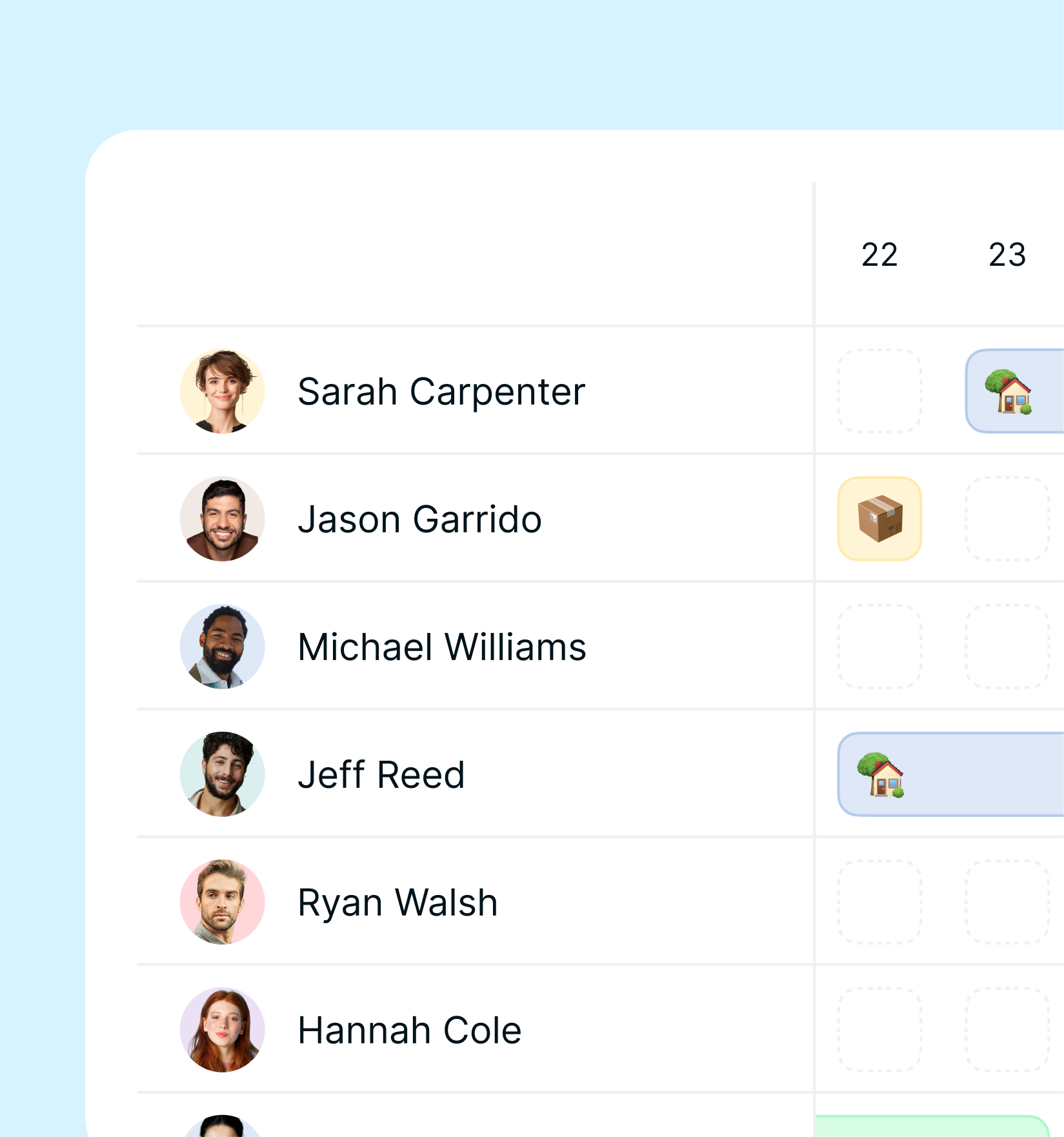
Each person can review their own time entries; someone with the relevant permission can review the team’s records. Address outstanding items through the available workflow. Agree which channel the team will use so that the same entry is not recorded in several places.
6. Export the records you need
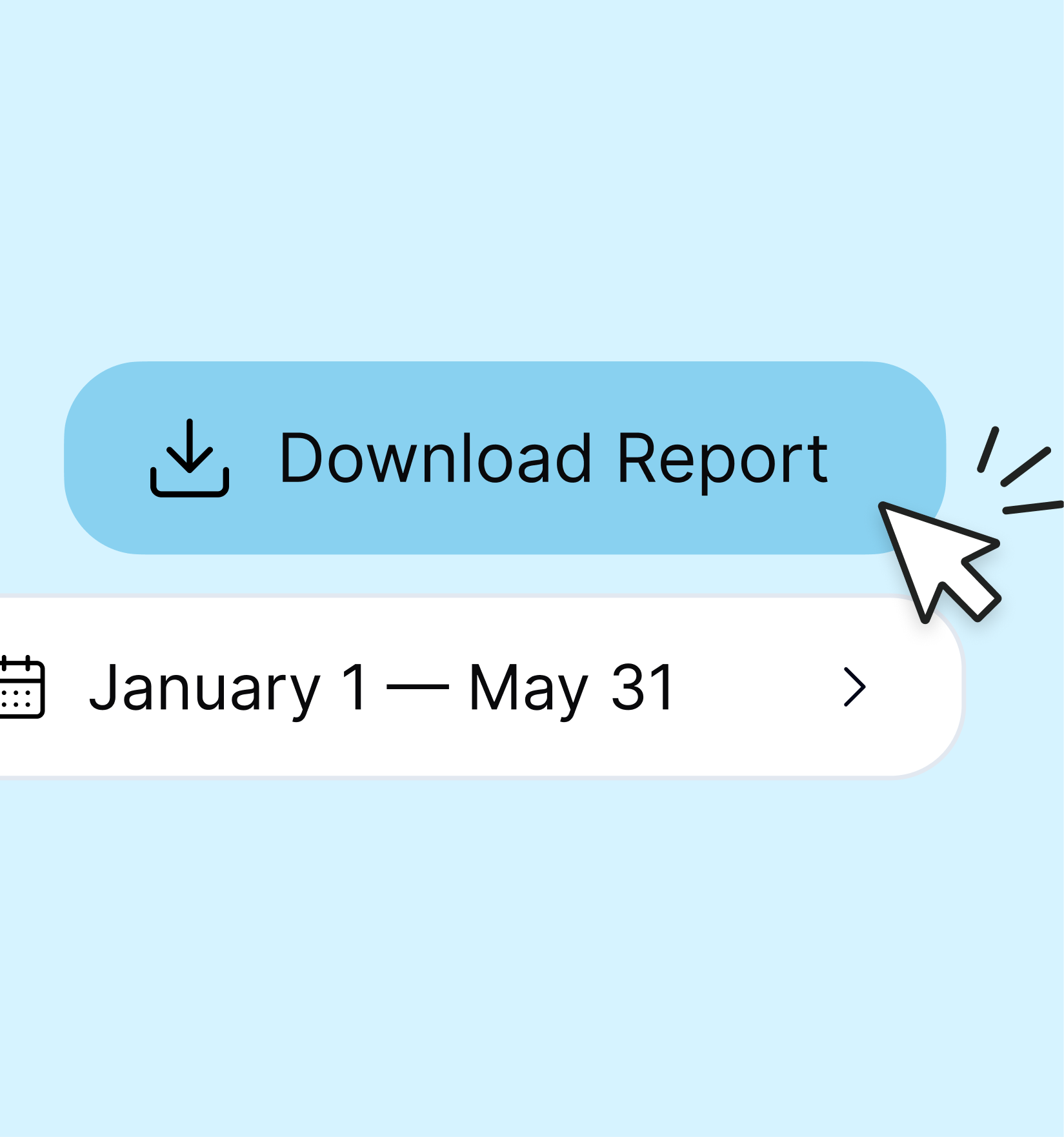
An authorised person can export a period using the available people and filters. Check the dates and downloaded file. Keep the earlier spreadsheet identifiable and accessible according to your organisation’s arrangements: this walkthrough starts new records rather than automatically importing past entries.