
Free calculator
Timesheet calculator with lunch breaks and overtime
Add up the hours on a time card for the whole workweek: clock in, clock out and lunch for each day, totals in hours and minutes and in decimal, and an estimate of your pay with federal or California overtime.
Enter your workweek
Type the time you clocked in and out each day and the length of your lunch break. Leave days off empty.
Total hours this workweek
Estimated gross pay
An estimate to check your timesheet, not legal or payroll advice. Pay is before taxes and deductions. Everything stays in your browser: nothing you type is sent or saved.
How the calculator counts your hours
- Each day. Clock-out minus clock-in, minus the lunch break if it’s unpaid. A clock-out earlier than the clock-in is read as a shift that ends the next day.
- The workweek. The days add up in the order of your workweek, which can start on any day of the week.
- Overtime. With the federal rule, every hour over 40 is paid at 1.5 times your rate. With California, the daily and seventh-day rules come first, and an hour is counted only once, at the highest rate that applies to it.
The pay figure is your hourly rate times those hours, before taxes. If you also earn bonuses, commissions or shift differentials, your regular rate for overtime can be higher than your hourly rate (29 CFR 778.109). The overtime calculator works it out for you, with the daily rules of more states.
Lunch breaks and short breaks
Only a real meal break can come off the time card: you’re fully off duty, and it ordinarily lasts 30 minutes or more. Coffee breaks and other rest periods of about 5 to 20 minutes count as hours worked. If you type a short unpaid break, the calculator warns you.
Many states have their own meal and rest break rules on top of the federal ones, so check yours.
Keeping time cards
For nonexempt employees, the FLSA asks employers to keep a record of the hours worked each workday and each workweek (29 CFR 516.2). A spreadsheet works for a handful of people, but adding up time cards by hand every week is where mistakes creep in.
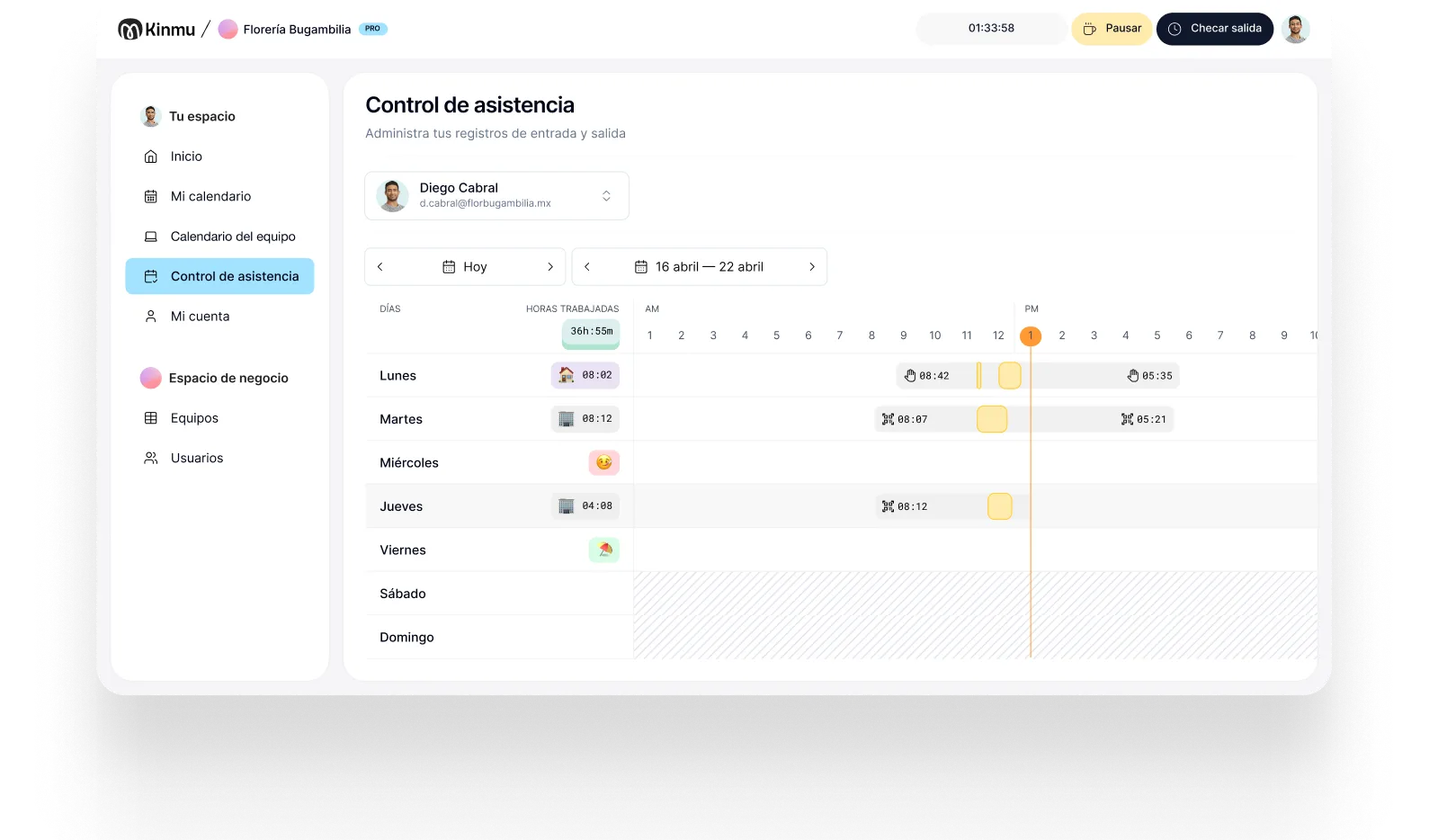
With Kinmu time tracking your team clocks in and out from their phone and the hours, breaks and overtime are already added up. Plan around the 2027 federal holidays, or, if your team is in Britain, use the UK hours worked calculator.
Let your team’s time cards add up on their own
Try Kinmu for free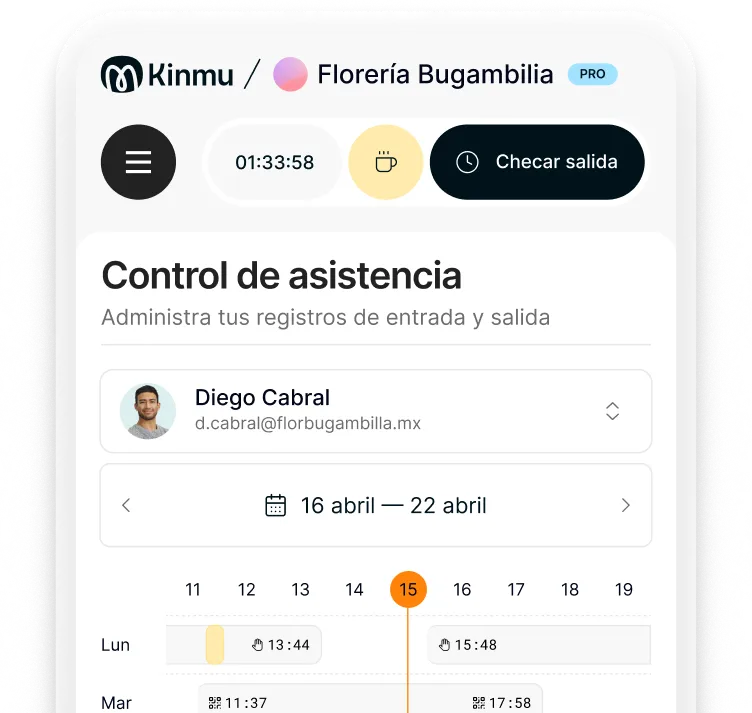
Frequently asked questions
How do I calculate hours worked with a lunch break?
Subtract the clock-in time from the clock-out time, then take off the unpaid lunch. From 8:00 a.m. to 5:00 p.m. with a 60-minute lunch is 9 hours minus 1, so 8 hours. Add up each day to get the hours for the workweek. The calculator does this for every day at once and shows the result in hours and minutes and in decimal.
How do I convert hours and minutes to decimal for payroll?
Divide the minutes by 60 and add them to the hours. 7 hours 45 minutes is 7 + 45/60 = 7.75 hours, and 7 hours 20 minutes is 7.33. Multiply the decimal hours by the hourly rate to get the pay.
Is a lunch break paid?
Under federal rules, a bona fide meal period isn’t work time: you have to be completely relieved from duty, and ordinarily 30 minutes or more is long enough (29 CFR 785.19). Short rest breaks of about 5 to 20 minutes are different: they count as hours worked and must be paid (29 CFR 785.18). If you eat at your desk while you keep working, that time counts too.
When does overtime start under federal law?
After 40 hours worked in a workweek. Nonexempt employees get at least 1.5 times their regular rate for every hour over 40 (29 U.S.C. 207(a)(1)). Federal law has no daily overtime, and each workweek stands alone: you can’t average two weeks to avoid it (29 CFR 778.104).
How does overtime work in California?
California adds daily overtime. Over 8 hours in a workday, and up to 12, is paid at 1.5 times the regular rate, and over 12 hours at double. On the seventh consecutive day of work in a workweek, the first 8 hours are paid at 1.5 times and the rest at double. Over 40 hours in the workweek is also time and a half. Choose “California” in the calculator to apply these rules.
What is a workweek?
A fixed, regularly recurring period of 168 hours, seven consecutive 24-hour periods. It doesn’t have to match the calendar week and can start on any day, but once it’s set it stays the same (29 CFR 778.105). The calculator lets you start it on any day of the week, and in California the seventh consecutive day is the last day of the workweek you choose.
Can my employer round my time punches?
Federal rules accept rounding start and stop times to the nearest 5 minutes, tenth or quarter of an hour, as long as over time it doesn’t leave employees underpaid for the time they actually worked (29 CFR 785.48). This calculator uses your exact minutes.
What if my shift ends after midnight?
Type the clock-out time as it is, for example 10:00 p.m. to 6:00 a.m. The calculator sees that the shift ends the next day and counts its hours on the day it started.
Do salaried or exempt employees get overtime?
Not if they are exempt. Section 13 of the FLSA exempts some employees from overtime, and whether someone is exempt depends on their duties and pay, not just their job title. Choose “No overtime” to add up hours without it.
Official sources
- 29 U.S.C. 207(a)(1), Fair Labor Standards Act: overtime over 40 hours
- 29 CFR 778.103 to 778.105: the workweek, and why each one stands alone
- 29 CFR 778.107 and 778.109: time and a half of the regular rate
- 29 CFR 785.18 and 785.19: rest breaks and meal periods
- 29 CFR 785.48: time clocks and rounding
- 29 CFR 516.2(a)(7): hours worked each workday and workweek
- California Department of Industrial Relations (DLSE): overtime FAQ, Labor Code 510
Data reviewed on October 12, 2026.