$27
/month- 10 × $3 per person
- $30
- First person free
- −$3
- Time tracking and schedules
- Included
- Time off and documents
- Included
Free 15-day trial, no credit card required
No minimum team size or long-term commitment.
Comparison
Both apps track time and build schedules for hourly teams. The difference is how you pay for it and which hub each feature lives in.
$27
/monthFree 15-day trial, no credit card required
No minimum team size or long-term commitment.
Connecteam
$0
/monthConnecteam does not publish prices
14-day free trial of the Expert plan, no card; free plan up to 10 users 1
Minimum of 10 people: you pay for 10 even if your team has 10.
Free Small Business Plan with all hubs for up to 10 users.
Above 10 users, Operations Expert and HR & Skills Basic cover the first 30 users.
Each extra user is billed in both hubs. Some features have no equivalent.
Kinmu prices include taxes. Other prices as each company publishes them. View sources
You save at least with Kinmu $0 per year
At this team size, Kinmu costs more.
You save at least per year $0
Try Kinmu for freeWho it’s for
It depends on what your team needs beyond clocking in.
Connecteam is free for up to 10 users. Kinmu charges per active user, with the first user free, and includes time tracking, shifts and time off in one plan.
Features
What each company publishes about time tracking and team management.
| What to compare | Kinmu | Connecteam |
|---|---|---|
| Clocking in | ||
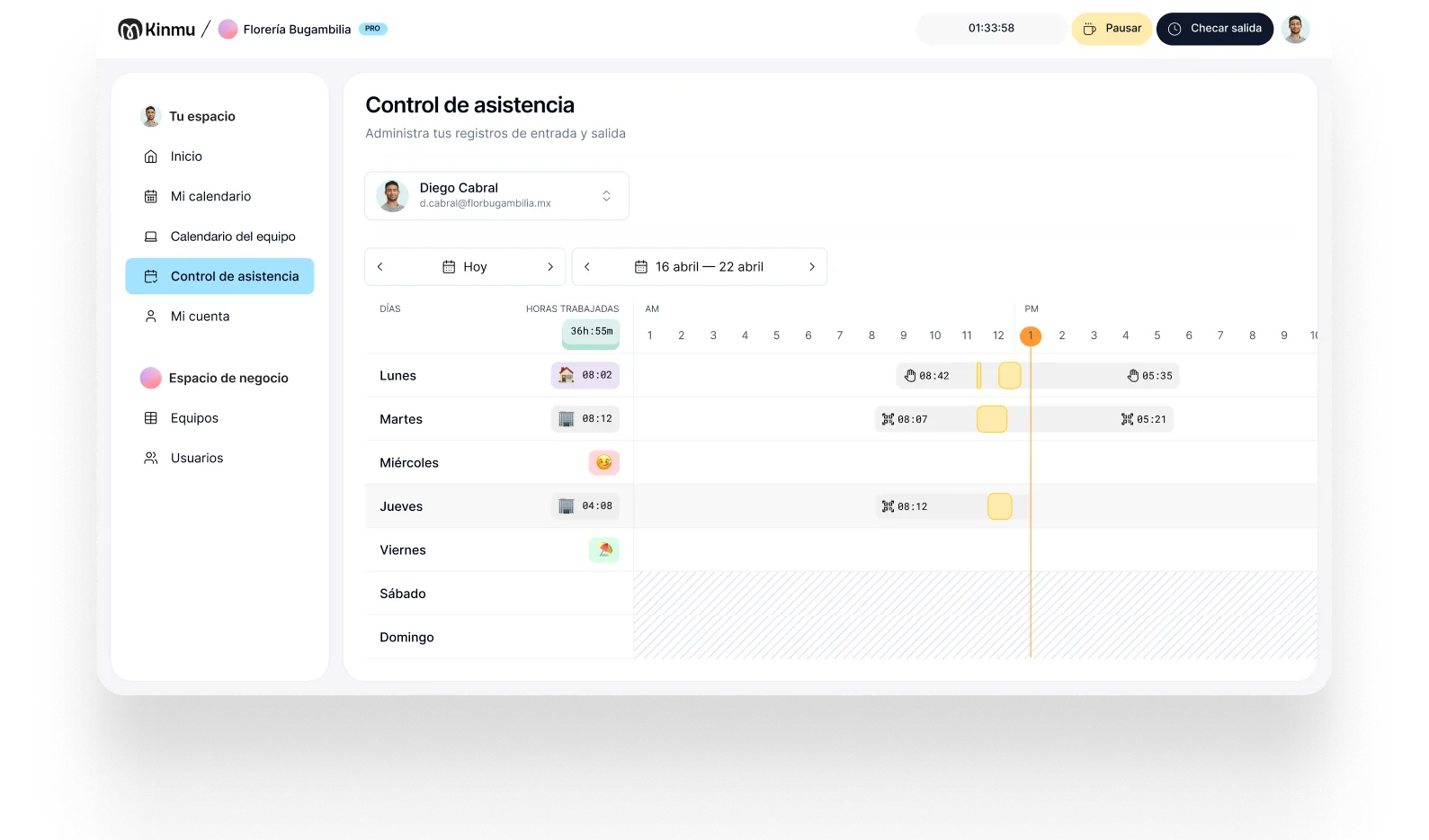
| Clock in from your phone or computer |
Included
|
Included
2
mobile app, kiosk app and desktop time clock
|
| Clock in offline |
Included
|
Not offered
2
needs internet on every punch; only custom API clocks
|
| Clock in with a QR code |
Included
|
Not listed on their website
|
| Tablet clock-in kiosk |
Included
|
Included
8
shared device with PIN and optional selfie
|
| Location when clocking in |
Included
Within an area or at an exact point, optional or required
|
Included
1
GPS stamp; geofences from Advanced (10 sites)
|
| Remote work |
Included
|
Not listed on their website
|
| Clock in through Microsoft Teams |
Included
|
Not listed on their website
3
|
| Team | ||
| Absences and vacations |
Included
|
Included
1
HR & Skills hub; 6 policies with balance on Basic
|
| Team calendar |
Included
|
Included
9
approved time off shown on the job schedule
|
| Shifts |
Included
|
Included
1
open shifts; templates from Advanced
|
| Banked hours |
Included
|
Not listed on their website
|
| Company documents |
Included
|
Included
1
Basic: 2 packs of up to 5 documents
|
| Reports | ||
| Work-hour reports |
Included
|
Included
1
exportable timesheets and payroll integrations
|
| AI and integrations | ||
| AI assistant for managers |
Included
|
Not listed on their website
|
| Connect to ChatGPT and Claude |
Included
|
On the Operations Expert plan
5
developer MCP server over the API, Expert plan
|
| Public API |
Included
|
On the Operations Expert plan
4
API and webhooks from Expert, per hub
|
Switching
Three steps and your team can clock in the same day.
Export your user list from the Users tab as CSV or Excel, and download your timesheets, which every paid Operations plan can export. Do it before you cancel so you keep your history.
Sign up in a few minutes, no credit card needed, and add your team. Each person gets an invite to start clocking in.
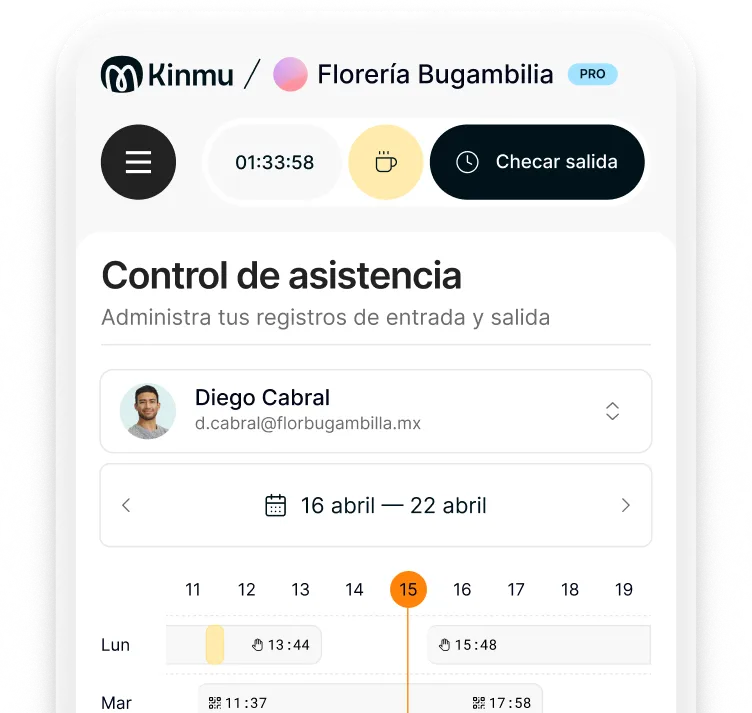
Set schedules, time off and the QR code at the entrance. Your team can clock in on day one.
Questions
What people switching from Connecteam often ask.
Connecteam is free for up to 10 users with all hubs, so Kinmu is not cheaper at that team size. Above 10 users, this calculator uses Operations Expert plus HR & Skills Basic, starting at $128 a month billed annually or $154 billed monthly for the first 30 users. Kinmu costs $3 per active user a month with taxes included, and the first user is free.
Time tracking, QR and kiosk clock-in, shifts, time off and an AI assistant for managers. There is no minimum team size and no long-term contract.
No. Your team clocks in from their phone, a computer, a QR code or a shared tablet in kiosk mode. Connecteam does not require hardware either.
Connecteam's AI Agent answers employees using your company knowledge base. Kinmu's assistant answers managers about their own team, such as who is in today or who has time off next week.
Information reviewed on November 17, 2026. Connecteam is a trademark of its owner. We compare information published by each company on its website as of the date shown.