
How do I clock in from the mobile app?
In the Kinmu app, tap Start the day at the top of the screen to clock in, Start break to pause and Clock out when you finish.
On this page
On the app
Clock in
Tap Start the day at the top of the screen.
After you tap it: 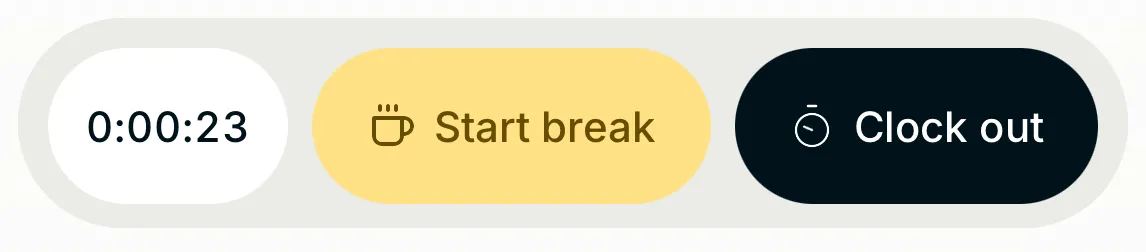
The timer starts running.
Start a break
Tap Start break when you take a break.
After you tap it: 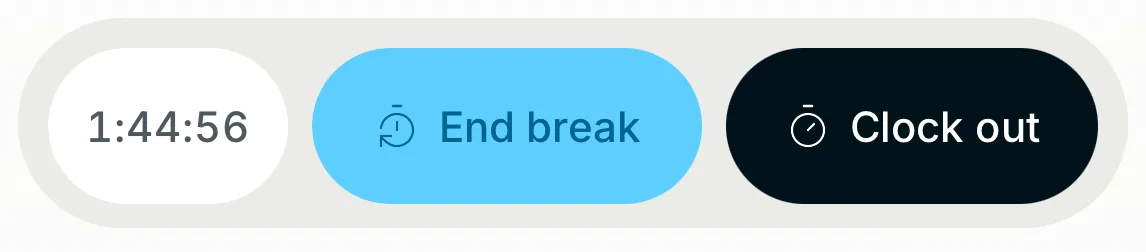
The timer pauses and the button changes to End break, which you can tap when you return.
Clock out
When you finish work, tap Clock out.
After you tap it: 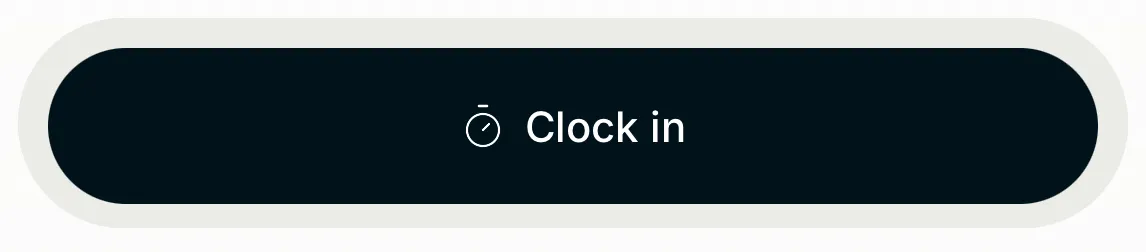
After you tap Clock out, the timer stops and Clock in appears in case you need to clock in again.
If you don’t see it
- If you see “Location when you clock in”, your company records where you clock in, only at that moment. Tap Understood to continue.
- If you see “Turn on location to clock in.”, your company requires your location to clock in. Allow Kinmu to use your location in your phone’s settings. If you can’t, your manager can record your working time.
- If you see “You are outside your work zone.”, your company requires you to be at your workplace to clock in. If you can’t, your manager can record your working time.
- If you see “Couldn’t record your check-in. Please try again.”, check your connection and tap the button again.
- If the scanner opens when you tap the button, your company requires you to clock in with the QR code at your location.
Common questions
Does Kinmu track my location all day?
No. Kinmu only uses your location at the moment you tap a clock-in button, and only if your company has enabled it. The app never tracks you in the background.
Can I see how long I have worked today?
Yes. Tap the running timer to see your clock-ins and breaks for the day.
What if I have no connection when I clock in?
The app saves your clock-in on your phone with the time you tapped and sends it as soon as you are back online.
Result
Your clock-in and clock-out appear in Check-ins with the hours for the day.
Can't find it? Write to us