
How do I clock in without a connection?
Clock in as usual in the Kinmu app. Without a connection, the app saves your clock-in on your phone with the time you tapped and sends it when you are back online.
On this page
On the app
Clock in as usual
Tap Start the day, Start break or Clock out as you always do.
After you tap it: 
You see “Check-in saved offline” and “It’ll be sent when you’re back online”.
Open the app when you are back online
When you have a connection again, open the Kinmu app.
After you tap it: 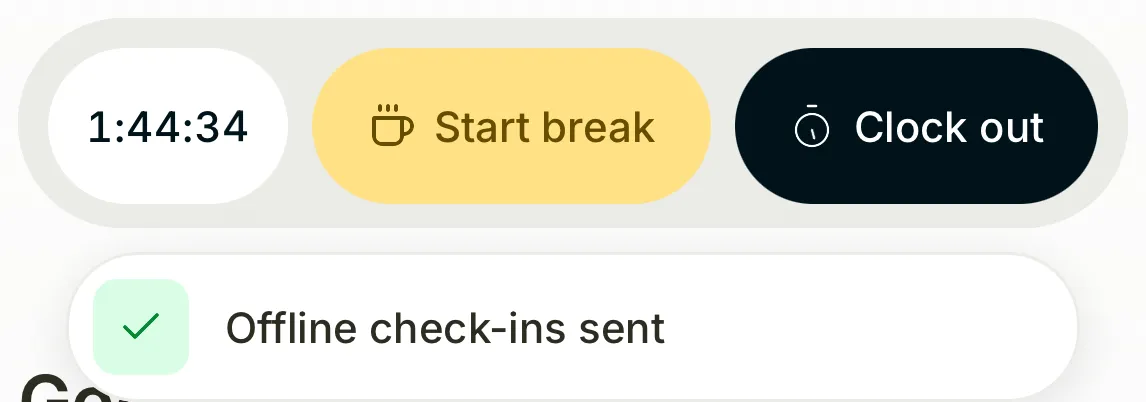
You see “Offline check-ins sent”.
If you don’t see it
- If you see “Couldn’t save the offline check-in. Try again”, tap the button again.
- If a pill such as “1 check-in pending” stays under the timer, tap it and select Send now.
- If you see “1 check-in not recorded”, tap it to see why and check it with your manager.
Common questions
Does the app send my clock-ins by itself?
Yes. The app tries again when you open it, when the connection comes back and every 30 seconds while it is open.
Can I clock in offline on the web?
No. Offline clock-ins work only in the Kinmu mobile app. On the web, records sent from the app show Recorded offline with the Device time.
What happens if I log out with unsent clock-ins?
Unsent clock-ins are sent when you sign back in with the same account on this phone.
Result
Your clock-ins appear in your records with the time you tapped, not the time they were sent.
Can't find it? Write to us