
How do I add a remote-work address?
In My account in Kinmu, go to Remote work locations, select Add new location, enter the address and save it so your manager can approve it.
On this page
On the web
Open My account Open in Kinmu If your company uses Remote work.
Open My account in the menu and scroll down to Remote work locations.
Add a location
In Remote work locations, select Add new location.
After you select it: 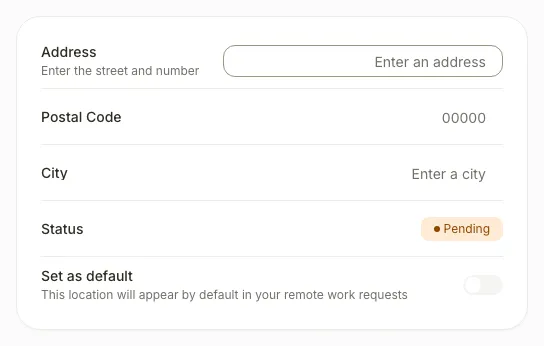
Enter the address
Enter the street and number in Address. You can also fill in Postal Code and City.
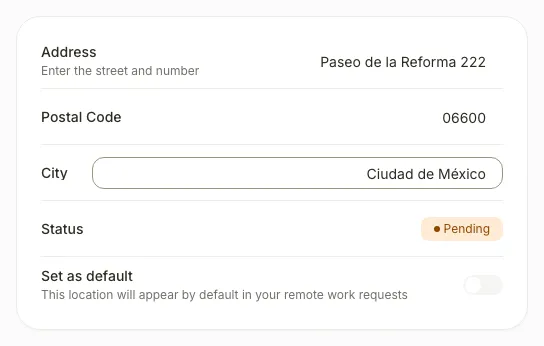
Save the location
Select Save location.
After you select the button, you see “Location added” and the address appears in your list, pending approval.
If you don’t see it
- On your phone, use the menu button to open the menu first.
- If Remote work locations doesn’t appear in My account, your company hasn’t enabled the Remote work extension or remote work for your location, team or profile. Ask your manager.
- Save location stays disabled until you enter an Address.
Common questions
When can I use the new address?
Only after a manager approves it. Until then you can’t use it in your remote work requests or set it as default.
Can I change an address I already added?
Yes. Select Edit location, change the address and save it. The change needs your manager’s approval again.
How do I make it my default address?
Turn on Set as default in the address. This option is available once the address is approved.
Result
Your new address appears in Remote work locations. Once your manager approves it, you can use it in your remote work requests.
Can't find it? Write to us