
How do I see my banked hours?
Open Clock-in records in Kinmu to see your Banked hours card, then select See detail for your balance, overtime limits and every movement.
On this page
On the web
Open Clock-in records Open in Kinmu If your company uses Banked hours.
On your phone, use the menu button to open the menu first.
After you select it: 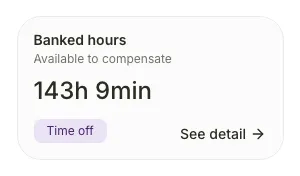
The Banked hours card shows your balance and how your company uses it, Payroll, Time off or Flexible.
Open the detail
Select See detail in the Banked hours card.
After you select it: 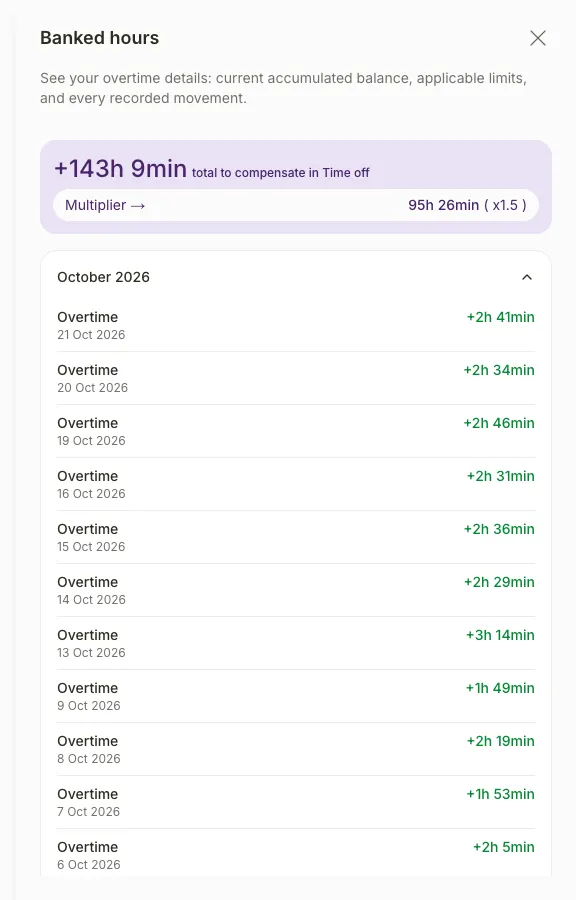
The Banked hours panel opens with your current balance, the Multiplier and your movements grouped by month.
If you don’t see it
- If the card is missing, your company does not use the Banked hours extension.
- “Configuration pending” means your company has not set it up yet.
- If you see “No work schedule currently assigned”, ask your manager to assign a work schedule.
- If you see “Couldn’t load banked hours”, reload the page.
- If the panel shows “No movements yet”, you haven’t accumulated or used any extra hours.
Common questions
What do Payroll, Time off and Flexible mean?
They show what your company does with your extra hours. Payroll means they are paid in your payroll, Time off means you can use them as time off, and Flexible shows the hours approved this week.
Can I use my banked hours as time off?
If your company uses Time off, request time off in My Calendar and choose Banked hours compensation in Absence type. If the balance is insufficient, choose a shorter absence.
Result
You know how many extra hours you have and how each one was added or used.
Can't find it? Write to us